300-002547-00 rev7 45
Fluidics System
1. Unpack the Bronchoscope Fluidics Tubing from its sterile packaging. Connect
the end of the tubing with a Luer fitting valve to the Monarch Bronchoscope
System handle Luer fitting.
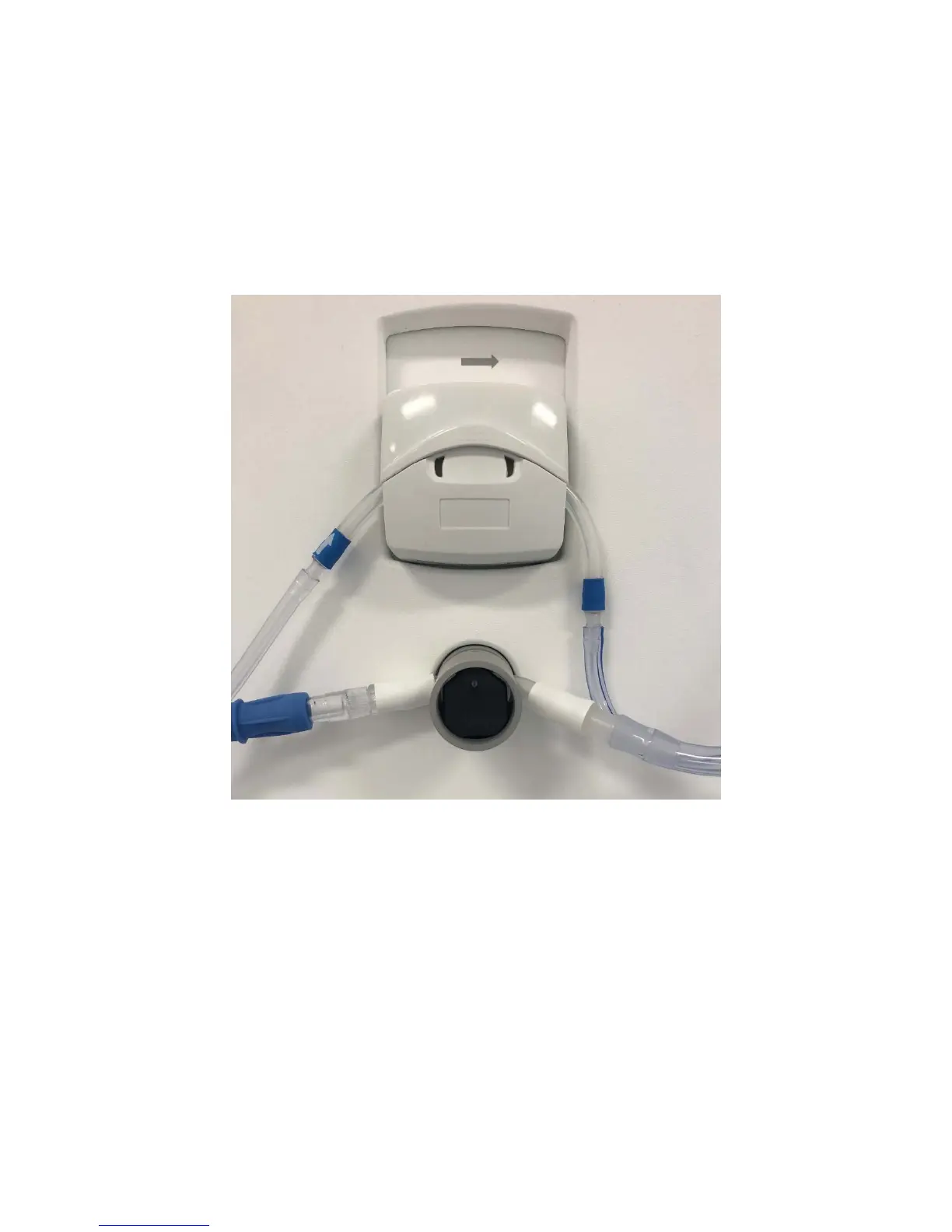
2. Attach the tubing (blue stripe) to the irrigation pump. Note the direction of the
arrow, which defines pumping direction.
3. Close the pump cover, and connect the tube to the saline bag with the
attached spike.
4. Open the clamp on the saline line. Hang saline bag on Tower hook.
5. Attach the other (clear) tubing to the aspiration pinch valve by sliding it in. To
slide the aspiration tubing into the aspiration pinch valve, you can open the
pinch valve by pushing in the front black surface of the aspiration pinch valve
or by engaging the vacuum button on the Controller.
6. Attach the connector to the operating room suction or vacuum (canister).
7. Use the Controller’s upper-left buttons to prime the irrigation line with fluid
and to close the pinch valve for the aspiration line.
8. Press Camera to continue.



 To Next Page