300-002547-00 rev7 63
This view was designed to support physicians who use the Axial, Sagittal, and
Coronal CT views during the procedure. Selecting a CT window automatically
dismisses the view.
Full Screen Mode
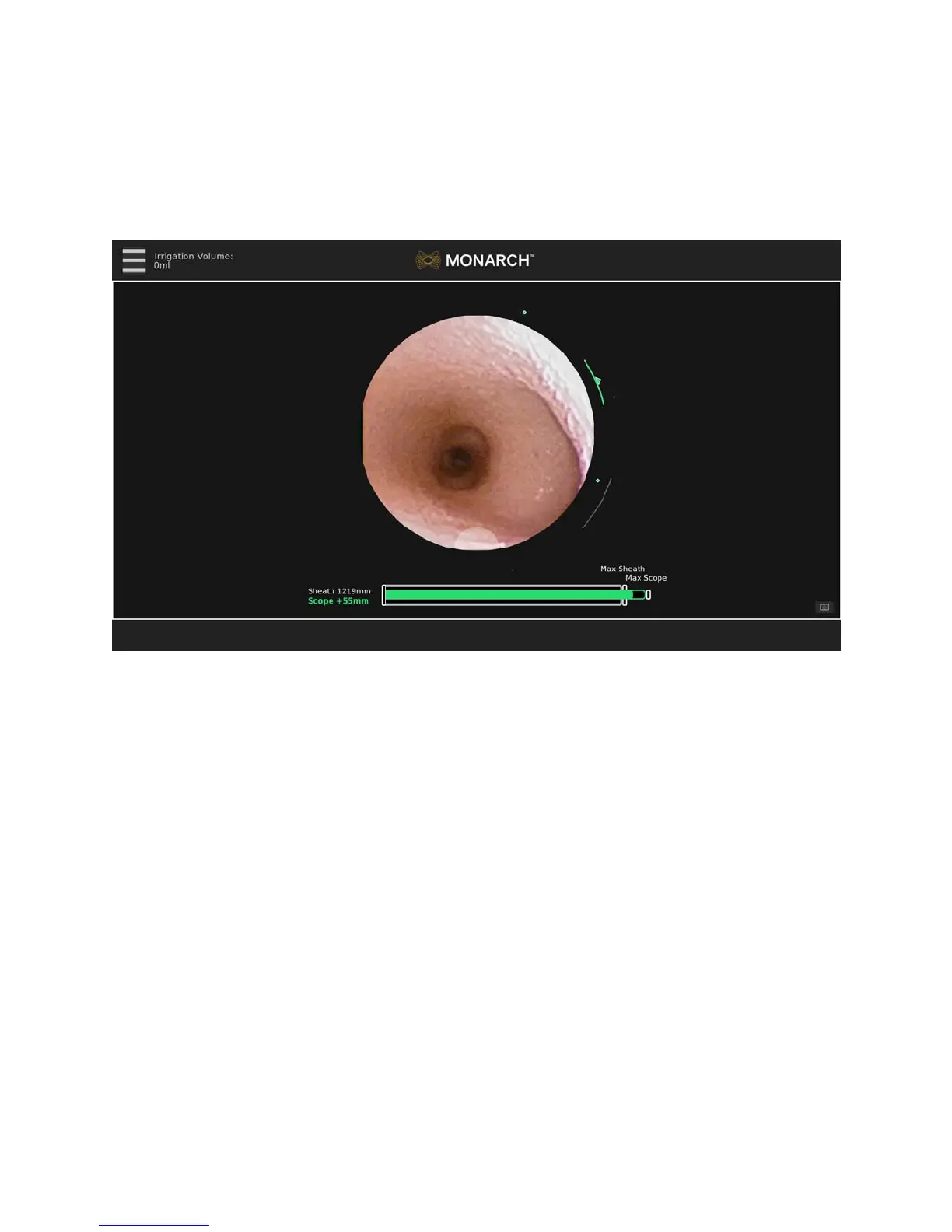
Live Bronchoscope – Full Screen Mode
When the Live Bronchoscope view is the Primary Area, selecting the Primary
Area enlarges it to a Full Screen Mode. This removes the Monarch Navigation
Application and displays only the Live Bronchoscope image. This is also the view
that appears if you perform a case without a navigation plan.
Selecting the Full Screen Mode image automatically returns it to Primary Area.
Menu System
The menu system is available from the menu button on the Monarch Controller
as well as the upper-left of the user interface and includes functions that you can
access during the procedure such as selecting a new target or loading a new
plan. The menu system is also used to control robot settings or exit the system.
Patient name and medical record number can be displayed on the main menu for
quick reference. Hiding it within the menu makes it easily accessible but does not
expose the information for screenshots and video.



 To Next Page