26 300-002547-00 rev7
Monarch Pre-Op Planning Application User Interface
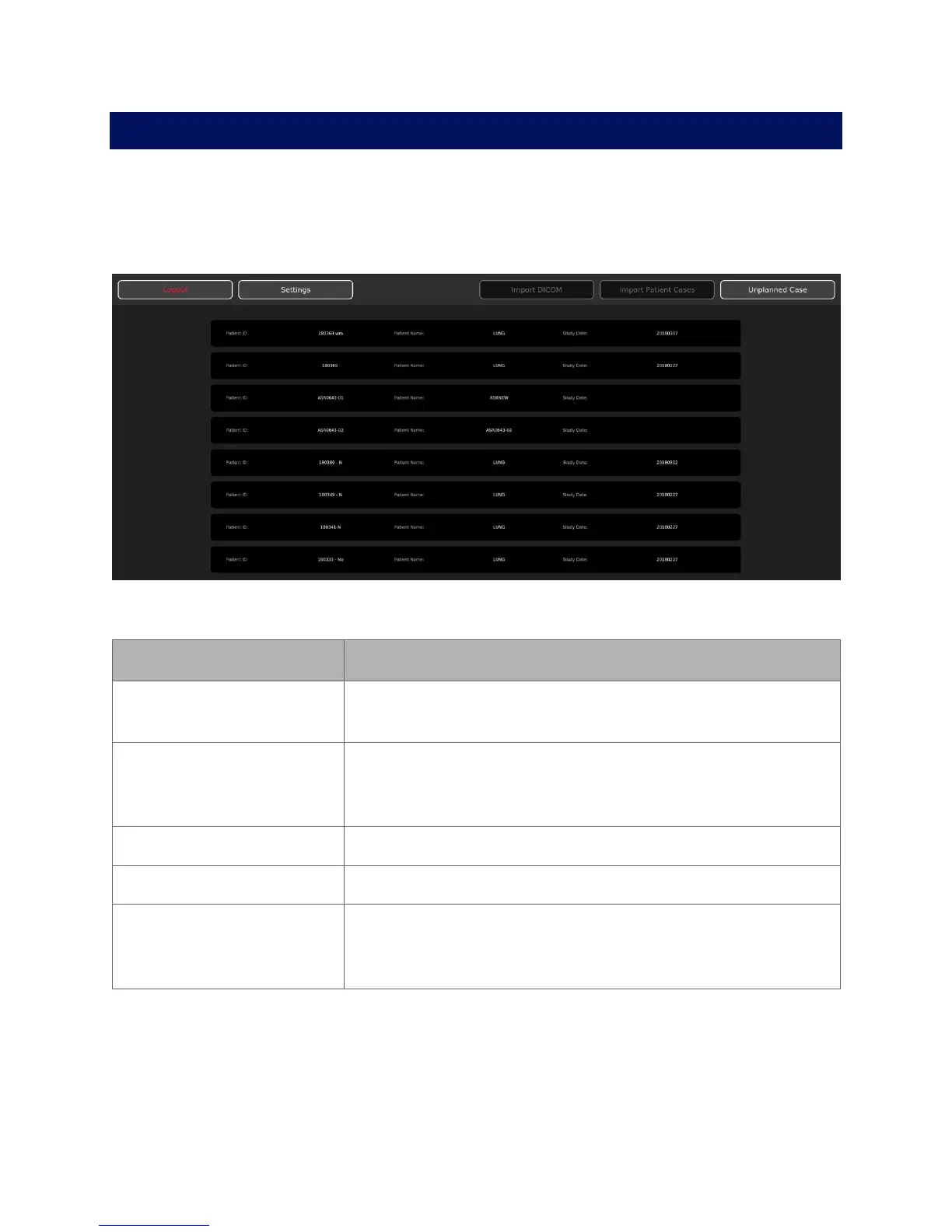
When you log on to the Monarch Pre-Op Planning Application, the Patient List
appears.
Patient List
Patient List Menu
Item Description
Logout Click or tap to log off from the Monarch Pre-Op Planning
Application.
Settings Click or tap to update password, add users, and administrative
settings. For more information, see User Administration (page
92).
Import DICOM Click or tap to import the patient’s CT images.
Import Patient Cases Click or tap to import patient cases.
Unplanned Case Click or tap to create an unplanned case and use the Monarch
Bronchoscope System as bronchoscope without the use of
navigation.



 To Next Page