94 300-002547-00 rev7
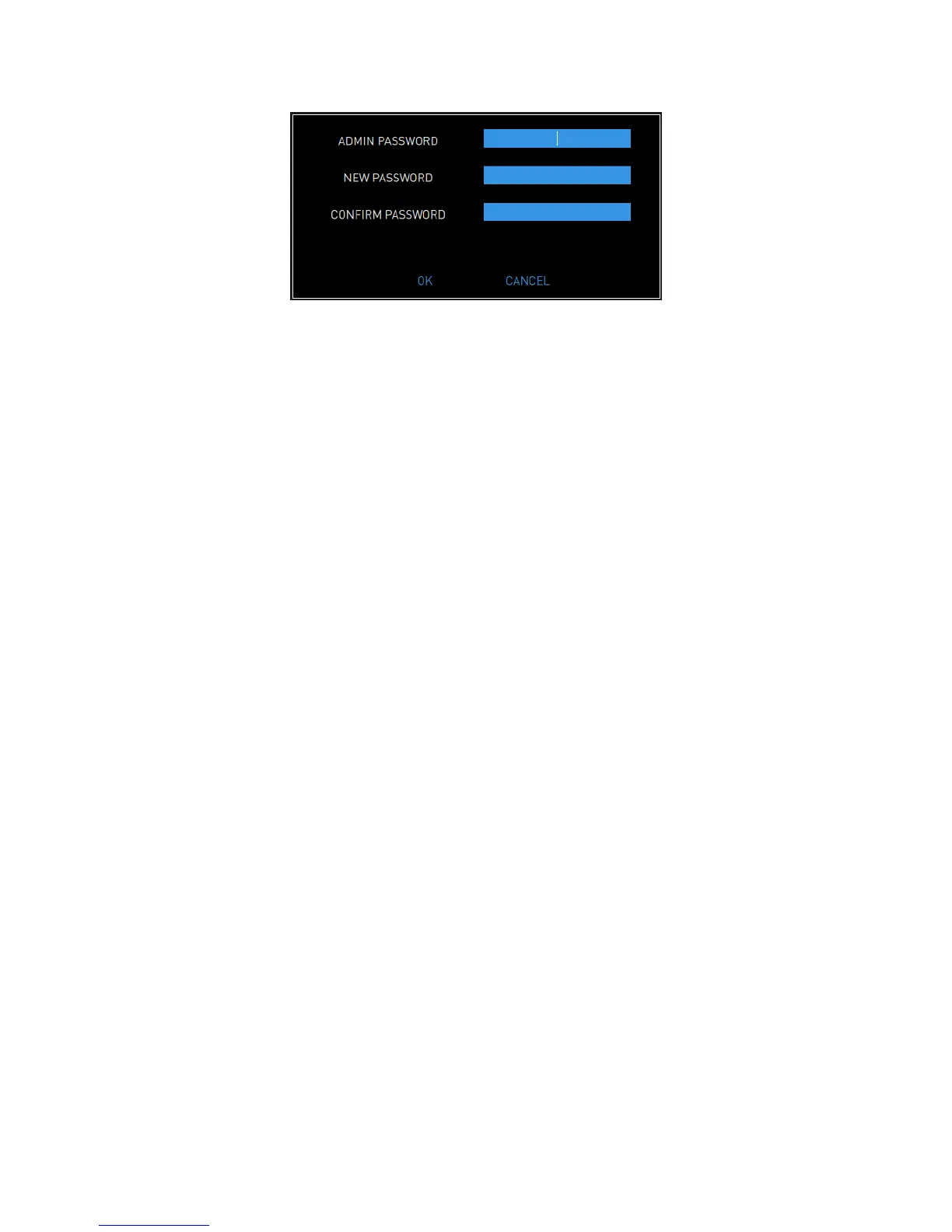
4. Enter the following information:
ADMIN PASSWORD.
NEW PASSWORD: a password should have at least 12 characters and
contain at least one uppercase letter, one lowercase letter, one number,
and one special character/symbol.
CONFIRM PASSWORD.
5. To save your changes, select OK.
If You Have Security Access to Your Account Only
1. Log on.
2. Select SETTINGS to view the Settings screen.
3. Enter the following information:
NEW PASSWORD: a password should have at least 12 characters and
contain at least one uppercase letter, one lowercase letter, one number,
and one symbol.
CONFIRM PASSWORD.
4. To save your changes, select OK.
Disable Existing User
1. Log on as admin.
2. Select SETTINGS to view the Settings screen.
3. Find the user that you want to disable and clear the ENABLE box.
4. Select OK to confirm that you want to disable the user.



 To Next Page