32 300-002547-00 rev7
Manual Path
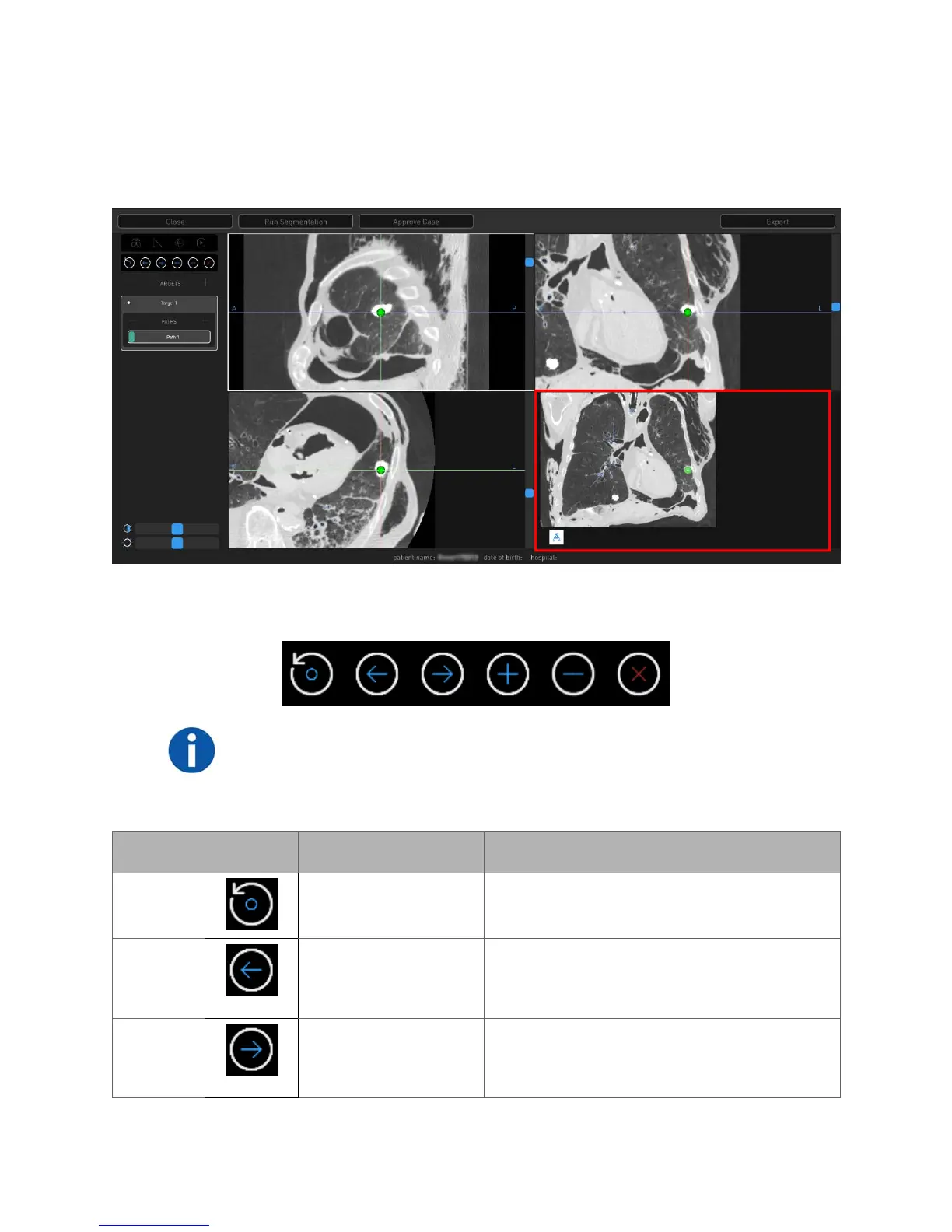
Manual plans begin at the weighted center of the target and work towards the
main airways. The green ball represents the weighted center of the target.
The lower-right image viewer is the Segmentation view.
Manual Path Menu
NOTE: All points are deleted if the manual path does not reach the segmented
area.
Use the scroll wheel to zoom and press the scroll wheel button to pan.
Touchscreen Item Mouse Action Description
Reset
N/A Resets to the original segmentation path
information.
Previous
Scroll up in any of the
CT image viewers.
Using either Previous or Next allows you to
re-center the manual path view to the
previous or next point that you have set.
Next
Scroll down in any of
the CT image
viewers.
Using either Previous or Next allows you to
re-center the manual path view to the
previous or next point that you have set.



 To Next Page