300-002547-00 rev7 31
Item Description
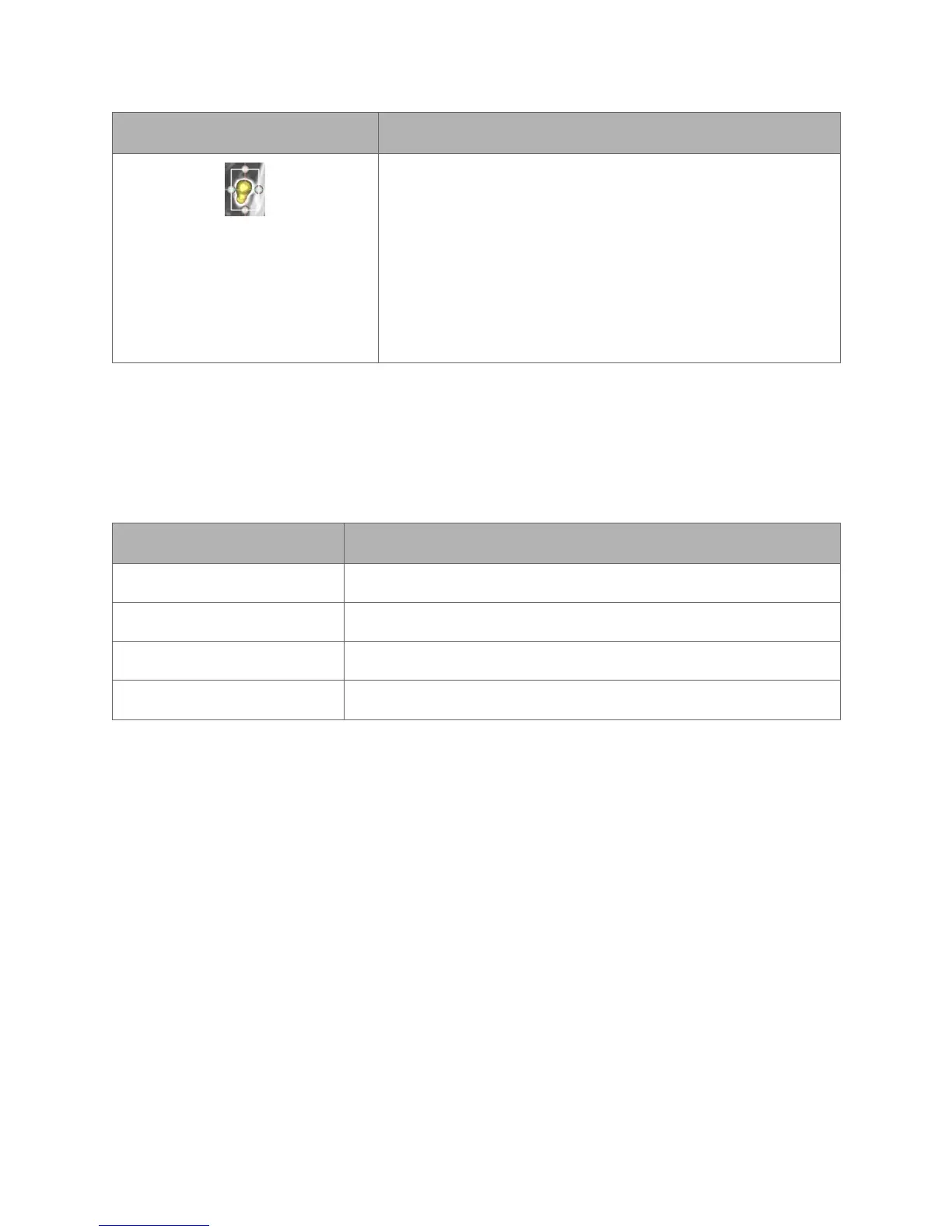
A boundary box can be resized in any of the three 3 CT
images. To adjust the outer boundaries of the target, drag
a sizing handle away from or toward the center until the
desired size is reached. The image is adjusted in all three
CT images when updates are made in one image.
The boundary box can be moved without changing the
size by selecting the red ball in the center of the box (not
shown).
Image Viewers
The image viewers display the CT images and the 3D model from the patient
case.
Planning Menu
Item Description
Close Click or tap to close the current plan.
Run Segmentation Click or tap to run or re-run a segmentation.
Approve Case Click or tap to approve the current plan.
Export Click or tap to export to plan to a Monarch USB drive.



 To Next Page