300-002547-00 rev7 61
This larger window is called the Primary Area. The increased size allows more
information to be shown, in the form of more detailed graphics. When the Live
Bronchoscope view is promoted to the Primary Area, additional data not
available in the smaller viewing window appears.
See Live Bronchoscope (page 66) for examples of how the Primary Area can
show additional information.
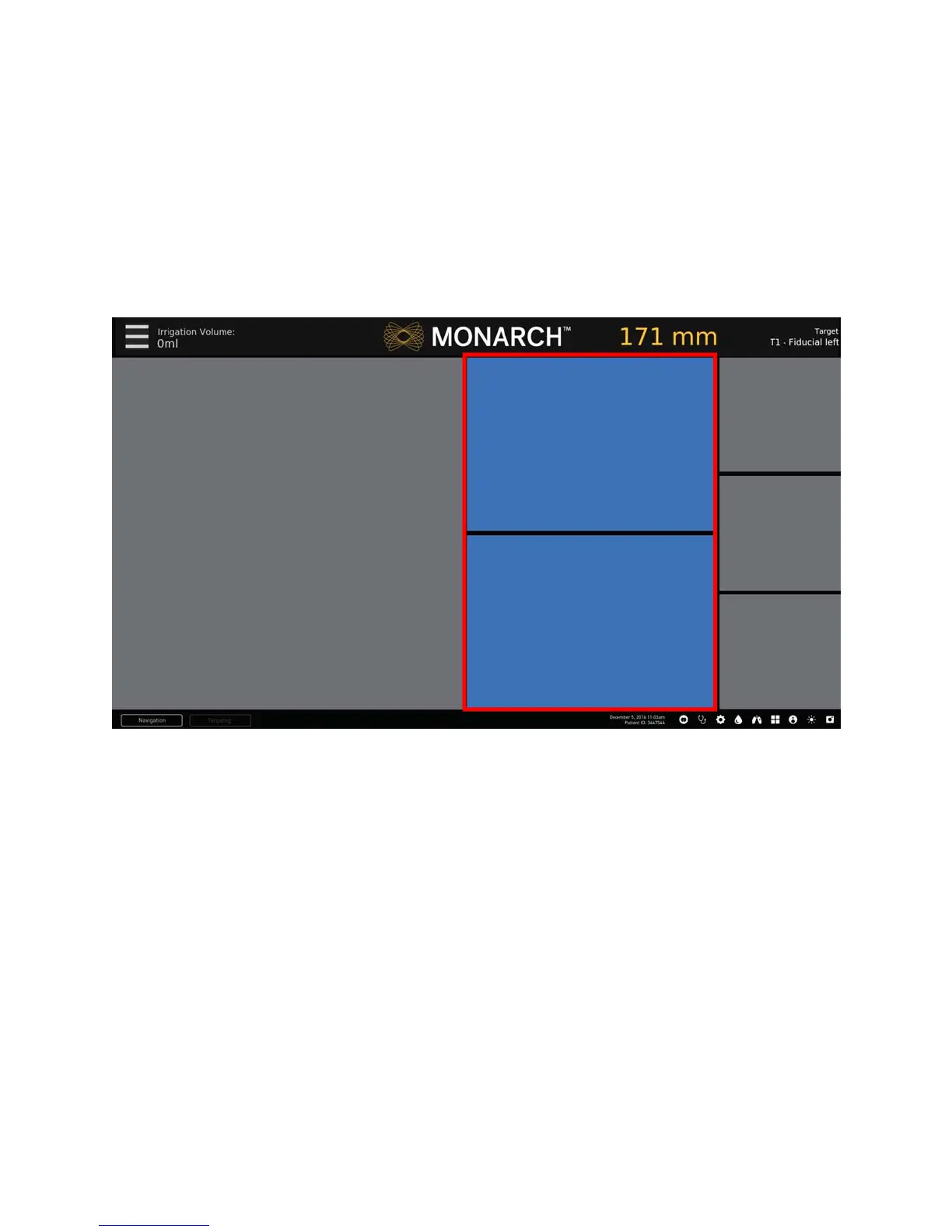
Scrolling Area
The center column of the Monarch Navigation Application can be scrolled to
present any two relevant views. This column can be scrolled, using the up,
down
,
and select navigation buttons on the Monarch Controller
.
The Scrolling Area contains four views discussed in the following:
• CT Area (page 62).
• Full Screen Mode (page 63).
• Menu System (page 63).
• Navigation Views (page 65).



 To Next Page