78 300-002547-00 rev7
Item Description
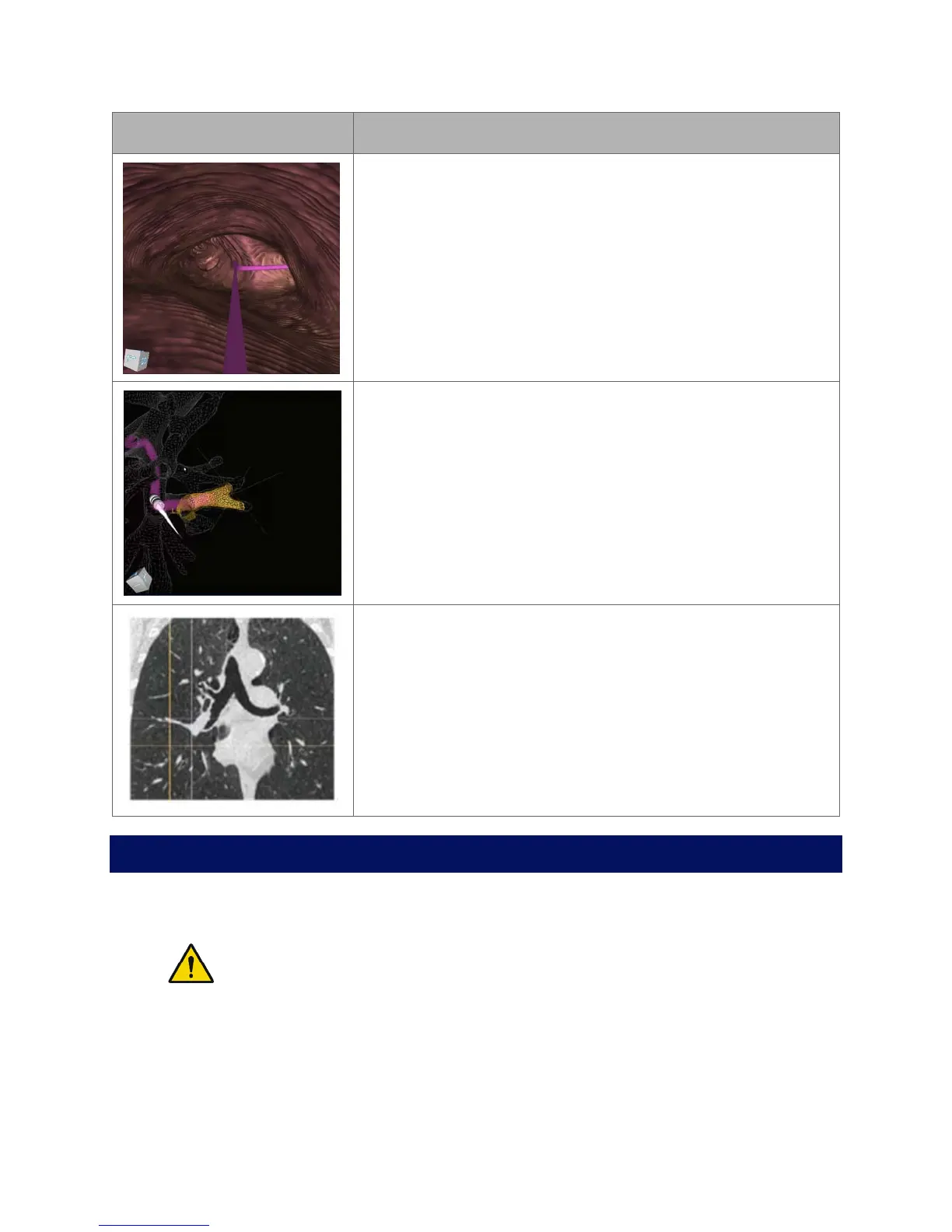
Virtual Bronchoscope View
Press: Elevates virtual camera.
Hold: Moves the camera along the paths in the order of
rank.
Orbit View
Press: Transitions from Orbit View to Tip View.
Hold: Rotates the view around the nodule.
CT Views
Press: Zooms.
Hold: Scrolls the slices from scope tip to target.
Procedural Steps or Actions
Scope Insertion
WARNING: Do not insert the bronchoscope unless there is a clear endoscopic
field of view. Failure to maintain visibility during insertion may result in patient
injury such as tissue damage, pneumothorax, or other adverse events.
1. On the Monarch Tower, press Start Procedure. The Monarch logo appears.
2. To activate the Monarch Bronchoscope System, take the Monarch Controller
and press the Pause/Start button on the controller.



 To Next Page