300-002547-00 rev7 77
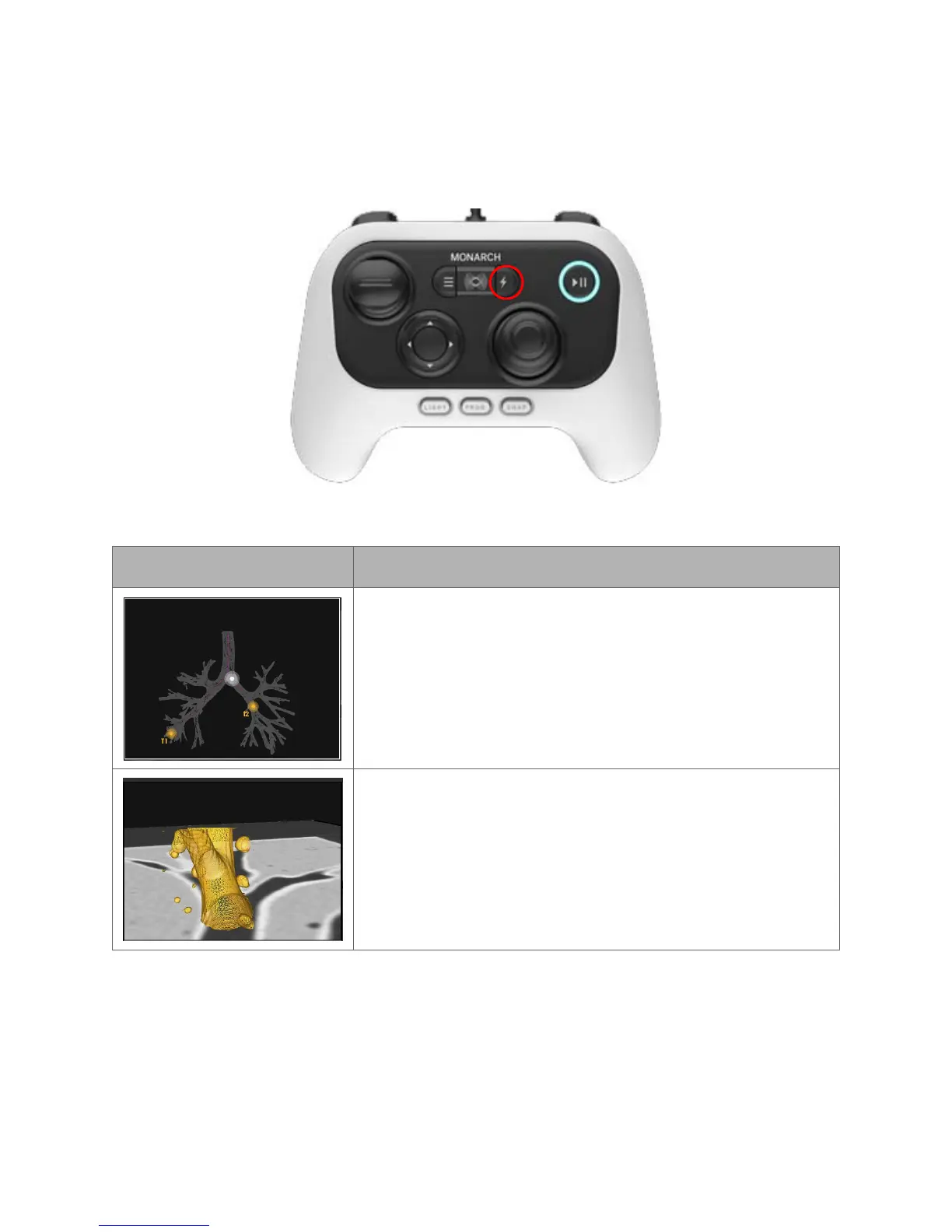
Quick Action Button
If you have the Monarch Controller highlighting any of these screens, the quick
action button will give you the functions as illustrated below.
The Quick Action button activates on demand features that are unique for each view.
Item Description
3D Map View
Press: Zooms.
Hold: Rotates the image.
Local View
Press: Zooms. Decreases camera-to-target distance.
Hold: Orients virtual camera towards target.



 To Next Page