48 300-002547-00 rev7
Monarch Cart System Setup Guidance
NOTE: Ensure there is appropriate clearance between the Monarch Cart and
the patient and staff.
Unstow Cart
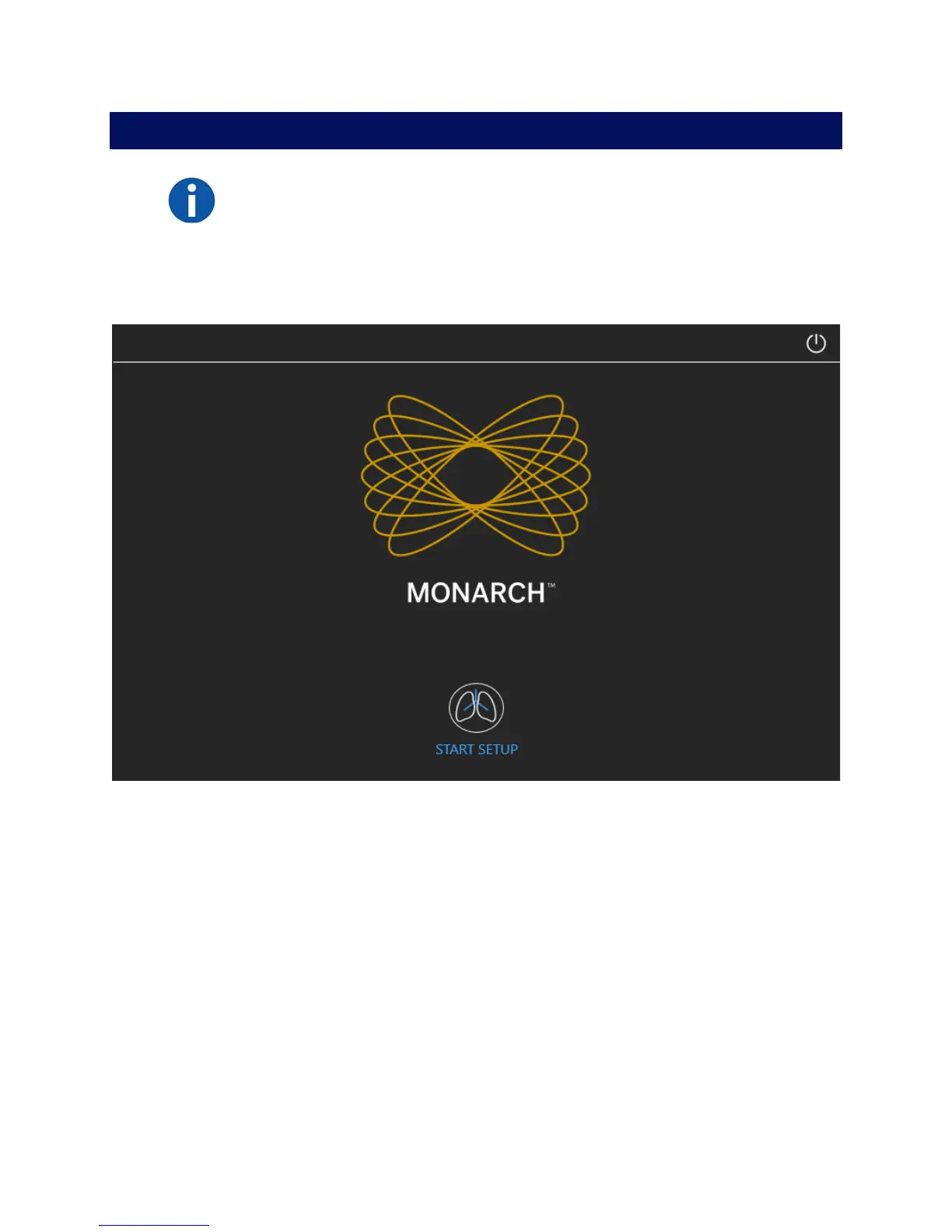
1. Press Start to confirm that the Monarch Cart is ready to set up to the patient.
2. Roll the Cart to the correct side of the patient with approximately 36” between
the cart and the bed.
3. A blue box will highlight the direction that the arms will setup. Select which
side you want the robot arms to move to and press Unstow Arms to move
the robot arms in that direction.



 To Next Page