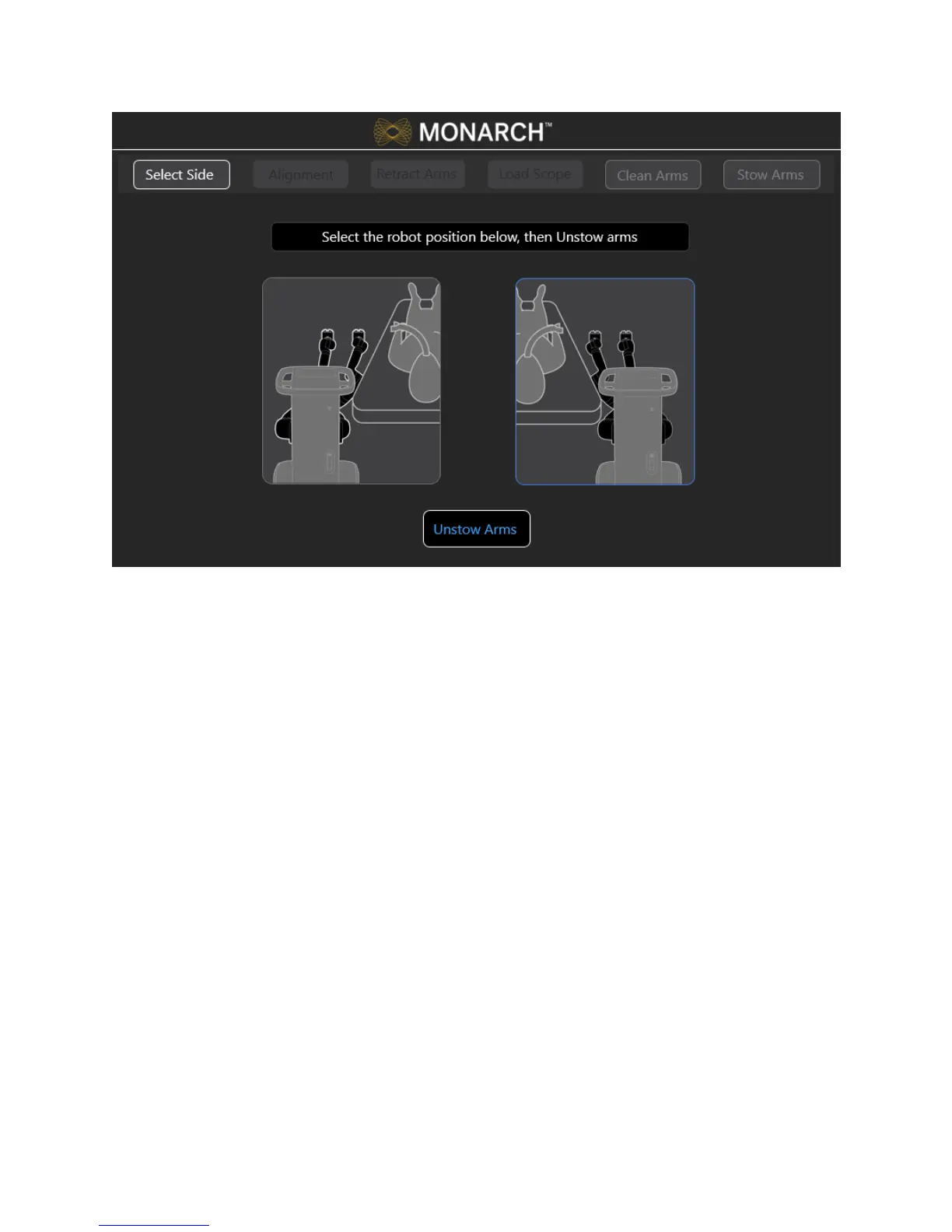
300-002547-00 rev7 49
4. Move the Cart to align the robot arms within approximately 2 inches of the
Patient Introducer.
5. Immobilize the Cart by pumping the foot pedal until the cart is lifted and the
green indicator light appears on the screen. You are unable to use the
software until the cart is immobilized.
Wait 5 seconds to ensure that the green indicator light appears before
continuing to the next step.
6. Press the button on the robot arm closest to the patient to adjust for fine
positioning of the robot arms to the Bronchoscope Patient Introducer.



 To Next Page