52 300-002547-00 rev7
3. Assemble the Monarch Bronchoscope and Monarch Bronchoscope Sheath
by inserting the bronchoscope through the Bronchoscope Sheath valve and
through the sheath.
4. Insert the tip of the Monarch Bronchoscope System into the Patient
Introducer up to the end of the bronchoscope swivel adapter.
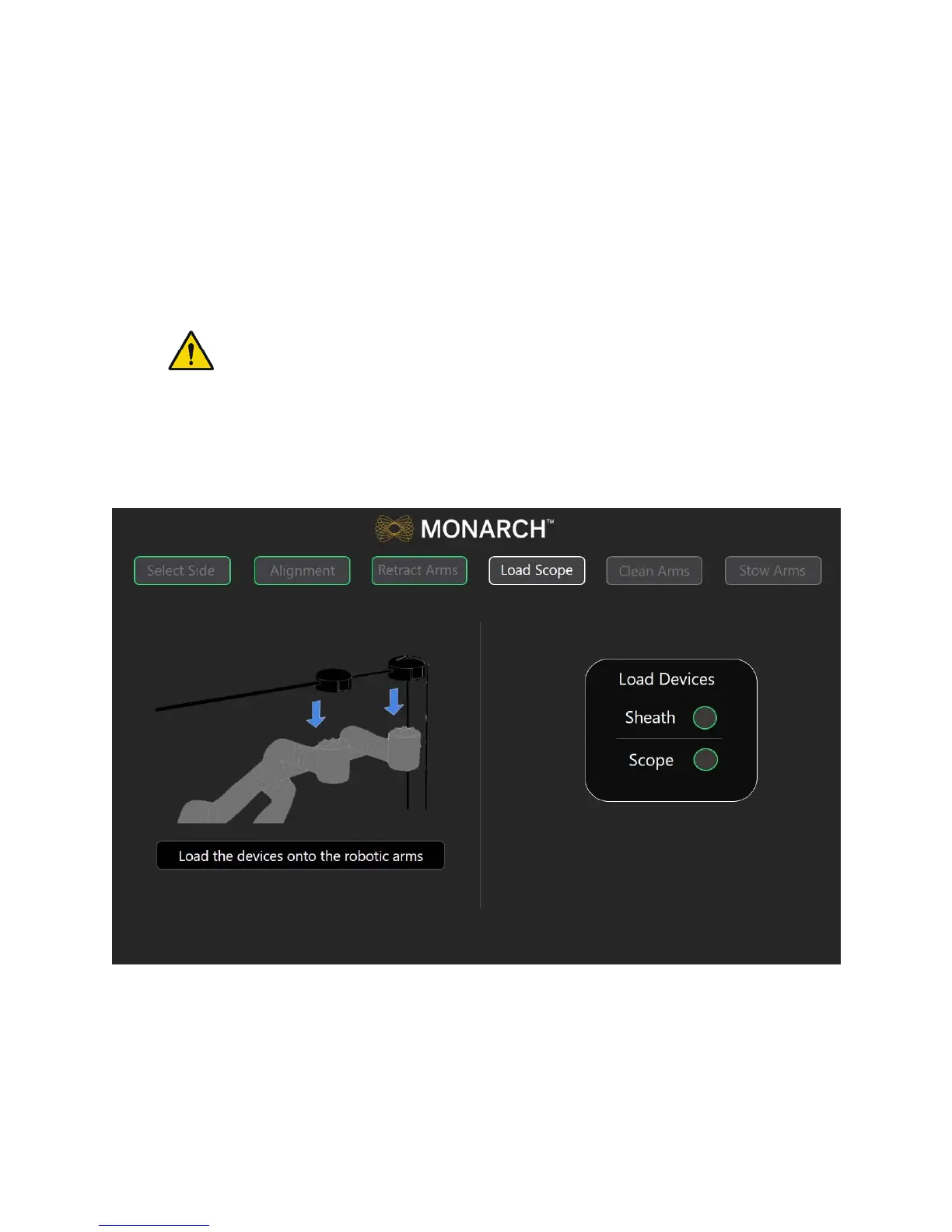
5. Load the Monarch Bronchoscope System handles onto the robot arms. The
Monarch Bronchoscope Sheath should be loaded onto the robot arm closest
to the patient.
WARNING: Excessive load on the robotic arms may cause rotation, arm
slippage, or arm damage which may result in unintended motion and could
result in patient injury.
6. Ensure that the handles fully latch onto the robot arms by slightly pulling up
on the handles. Green indicator lights appear next to the Scope and Sheath
on the Load Scope screen when the Monarch Bronchoscope System is
detected by the system and is ready for use.



 To Next Page