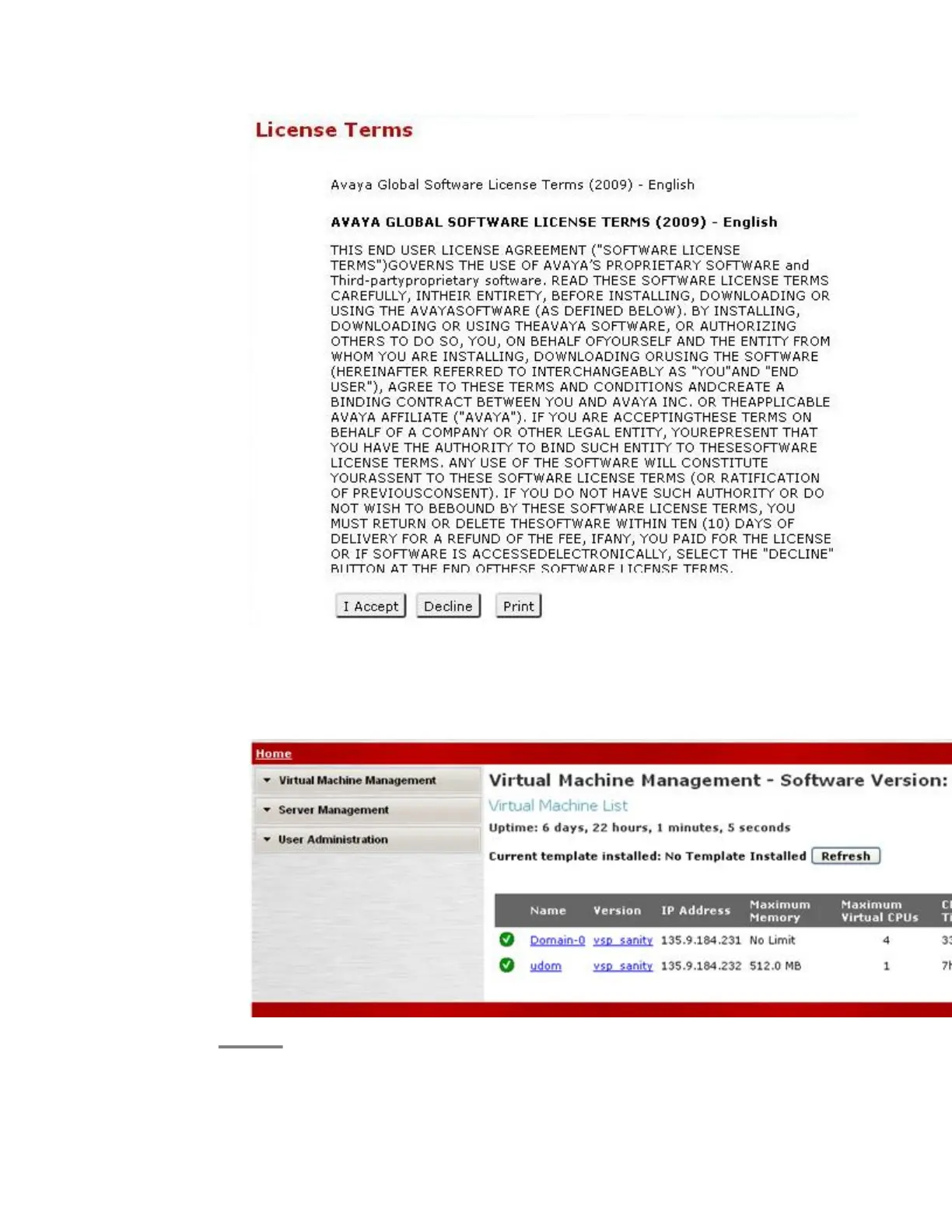
6. Click I Accept to accept the end user license agreement.
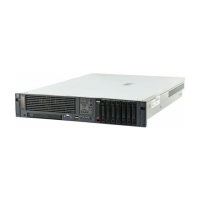
The system displays the Virtual Machine List page in the System Platform
Management Console. The various administrative options are located in the left
navigation menu.
Installing System Platform software
Installing and Configuring Avaya Aura
™
System Platform April 2010 59



 To Next Page