Pro-Stcher User Manual Installaon | 3.17
Geng started with Pro-Stcher
To move the quilng machine aer the soware has been loaded
• To move the quilng machine aer the soware has loaded, the motors should be disengaged.
Press the Disable Motors buon in the upper-right corner of the screen to disengage the motors.
Note that the buon changes to say Enable Motors.
If you have the EZ Carriage
Use the opons on the Freehand screen to alternate between computerized quilng and free-moon
quilng.
• Choose Design, then Freehand. Select the Free Moon buon. Pro-Stcher automacally raises the
quick-release levers to disengage the carriage gears from the Flexirack. Select the Engaged
buon to once again use Pro-Stcher for computerized quilng.
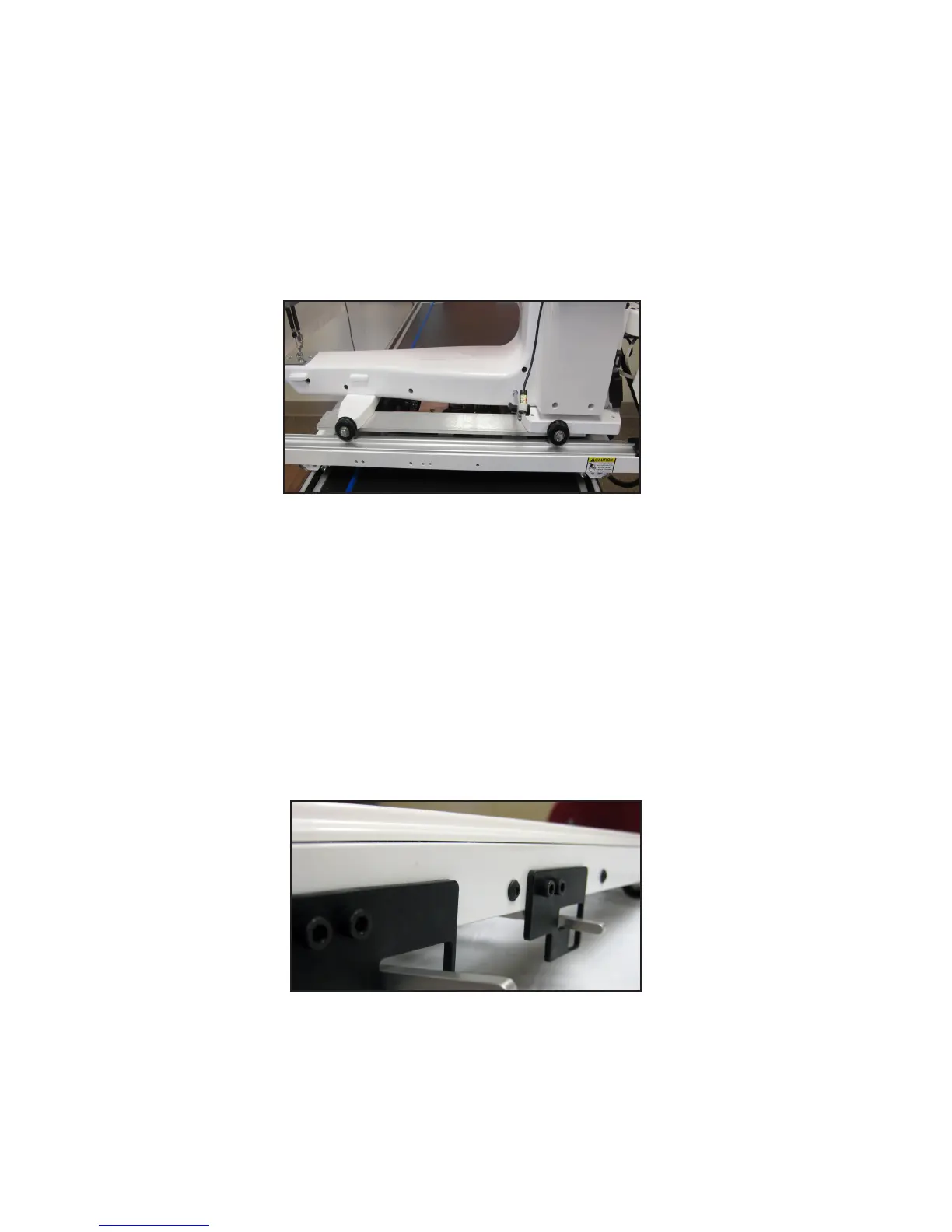
If you have a carriage with levers
Ü IMPORTANT: If you have a carriage with levers, you will need to manually raise the levers for free-
moon quilng and lower the levers for computerized quilng with Pro-Stcher.
To use the USB ash drive
• A USB ash drive is included with the Pro-Stcher and is pre-loaded with more than 180 designs.
These designs have also been loaded to the drive on the tablet computer, so the USB ash drive is
the backup copy of the designs.
Move the levers to the
down posion to use
Pro-Stcher.
When the carriage
levers are up (pictured),
the carriage gears are
disengaged from the
Flexiracks. Do this for
free-moon quilng.











 To Next Page