5.28 | Design Menu Pro-Stcher User Manual
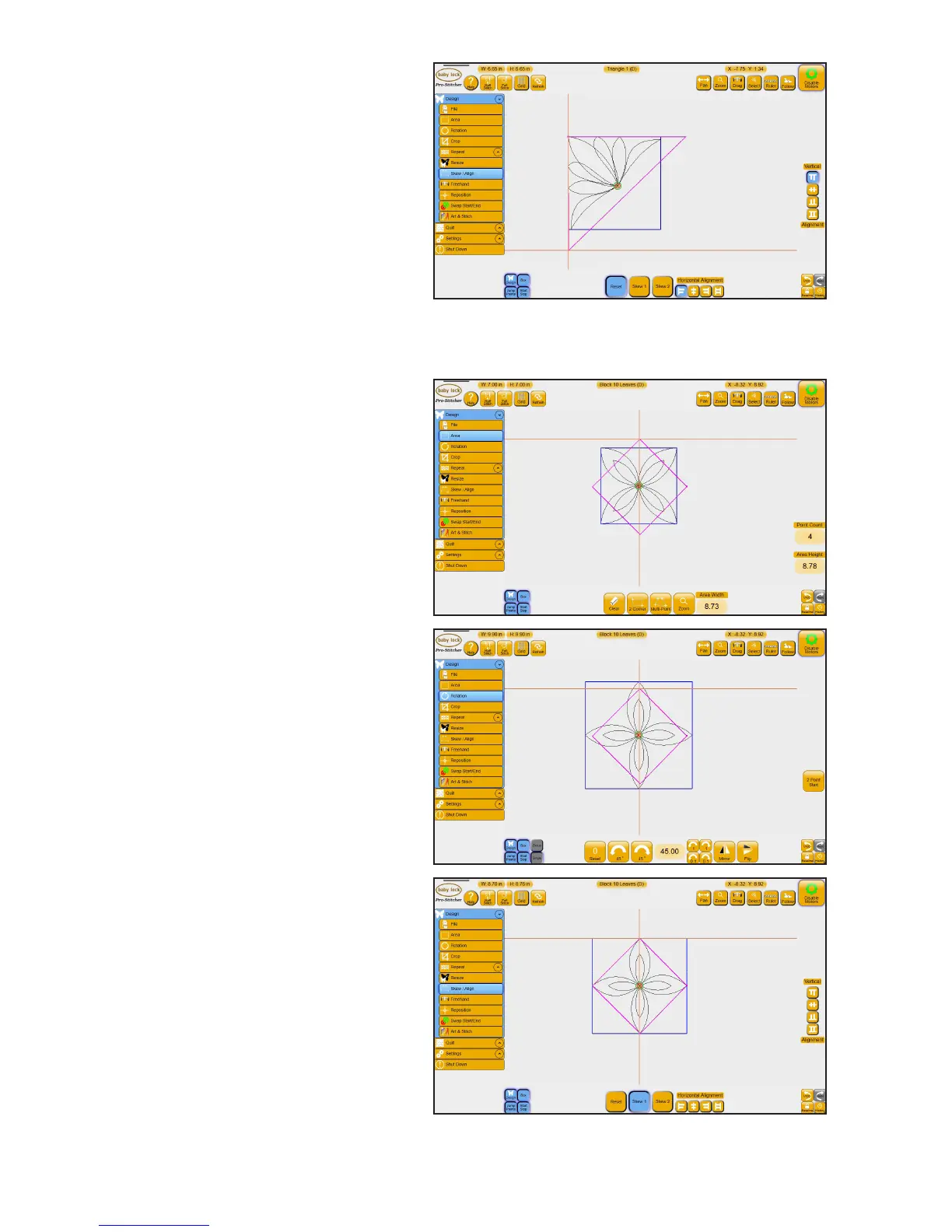
5. Select the Vercal Alignment
Align Top buon.
To skew a design to t a convex area
1. Load a design and then create
a diamond-shaped area.
2. Rotate the design (Design,
Rotate) to t the area. This
design was rotated 45 degrees.
3. Choose Design, Skew/Align.
Select Skew 1.











 To Next Page