3.10 | Installaon Pro-Stcher User Manual
To set up the Pro-Stcher carriage
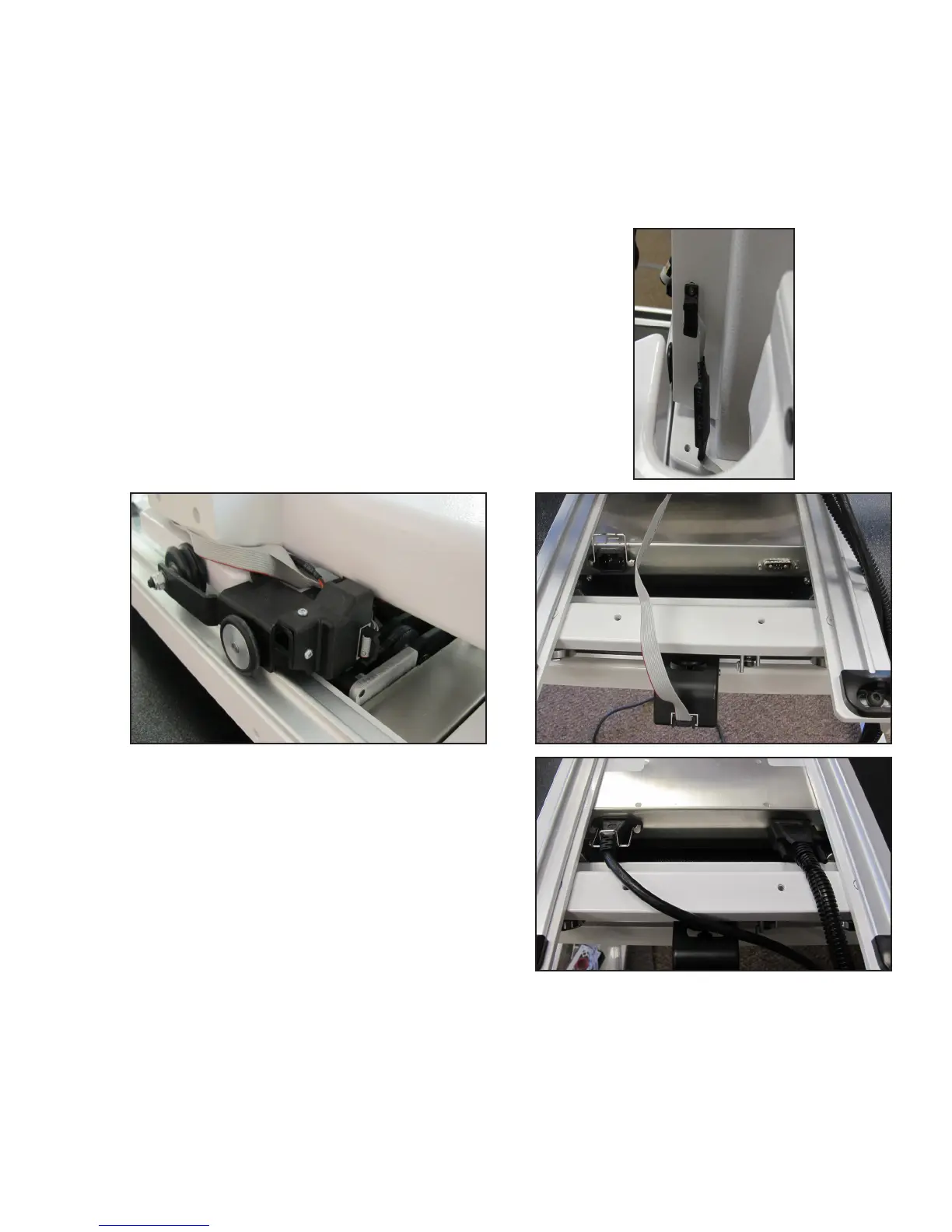
1. Place the Pro-Stcher carriage on the frame system with the connectors toward the back of the
frame. Carefully li the quilng machine and place it on the carriage so the wheels engage the
aluminum carriage tracks, making sure not to set the wheels on top of the stch regulator cable. This
is easier to do with two people, one at each end of the quilng machine.
2. With one end of the stch-regulator cable plugged
into the machine’s C-Pod (A, right) and the middle
connector plugged into the quilng machine’s
Y-encoder (B, below), plug the other end of the cable
into the carriage X-encoder (C, lower right).
3. Aach one end of the harness cable (see Parts List,
item P) into the connector on the right side of the
power supply. Tighten the side screws. You will plug
the other ends to the bracket as part of step 5 when
you aach the tablet computer.
4. Connect one end of the two-foot power cord (see Parts List, item I-2) to the carriage power inlet and
the other end into the quilng machine’s P-pod lower power outlet.
B
C
A











 To Next Page