8.10 | Sengs Menu Pro-Stcher User Manual
Speed Prole
The Speed Prole enables you to customize the relaonship between quilng speed and the precision
needed to quilt intricate designs.
To set your speed prole
• Select Default for most quilng designs. Only if you feel that the quilng design requires more
precision should you ever need to change the seng.
• Select Precision to stch intricate designs more slowly.
• Select Speed for more speed than Precision, but to ensure curves are stched smoothly.
We recommend that you use the Advanced opons only as advised by a technician.
Logging Opons
The logging opons are for troubleshoong Pro-Stcher by a technician.
• Select Sengs, Advanced, Logging
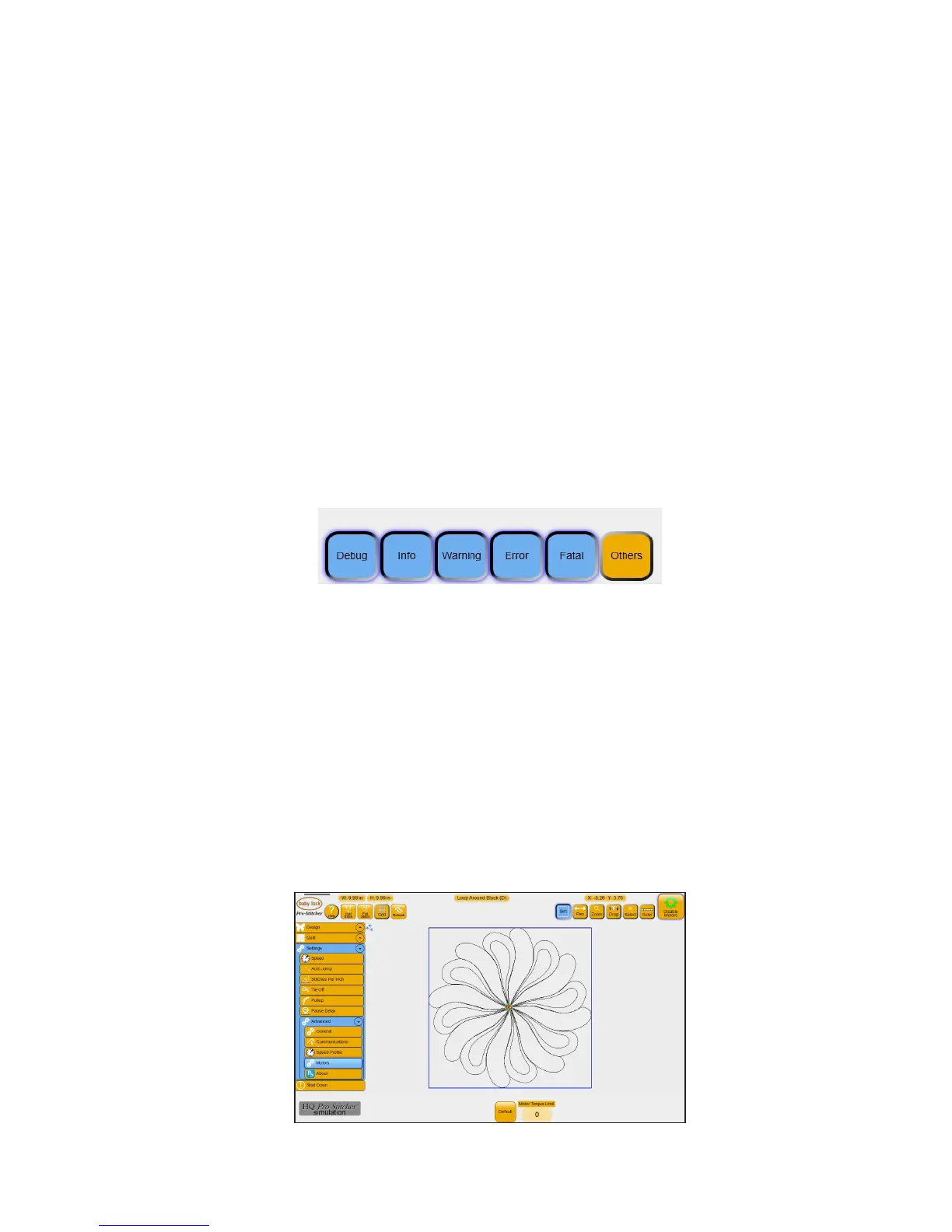
Motor Opon
The Motor Torque Limit enables you to customize the sensivity of the Pro-Stcher motors. For example,
if while quilng the Innity hits the poles, there is a thread lock, or you’ve selected a quilng speed that is
too fast for the complex design you’re using, the error message Motor Error: Excessive Motor Strain Detect-
ed appears and the motors stop. This seng varies the threshold for stopping the motors. The default limit
is 50. Most will not need to adjust this value.
When to adjust the Motor Torque Limit
Generally you will make this adjustment when recommended by a technician or if you repeatedly receive
the motor error message that excessive motor strain was detected.











 To Next Page