8.6 | Sengs Menu Pro-Stcher User Manual
Advanced Menu
The Advanced Menu contains opons that you will rarely need to use. Many are used by technicians as
they help to diagnose any issues you may experience with Pro-Stcher.
General Opons
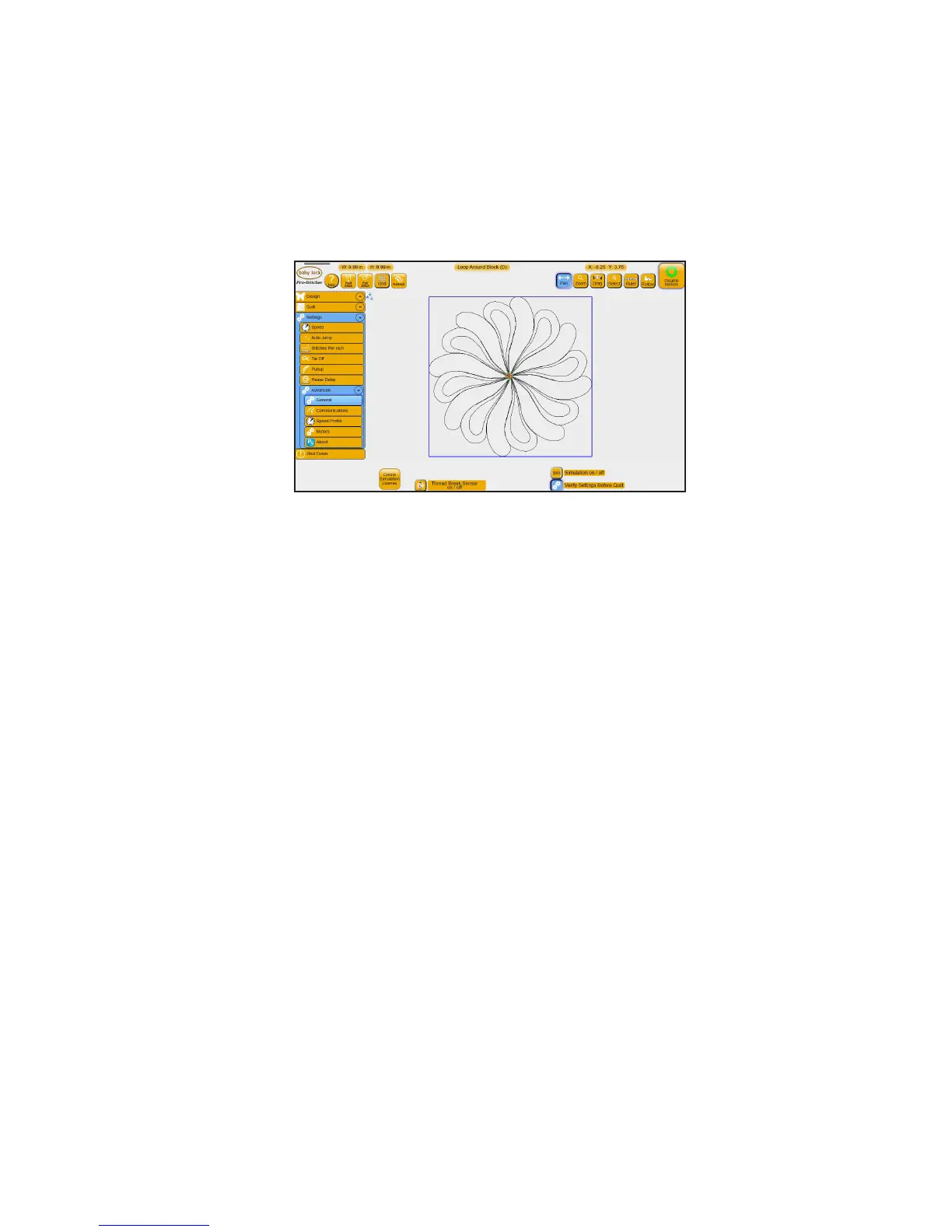
• Select Sengs, Advanced, General.
To create a simulaon license
You can create a simulaon version of Pro-Stcher which enables you to use the Pro-Stcher soware in
simulaon mode on any computer running Microso Windows 7 or 8. It also runs on the Pro-Stcher tablet
itself when not aached to the quilng machine. Using a simulaon license enables you to take the tablet
computer or a notebook computer to Pro-Stcher training and use the soware funcons even though the
computer isn’t aached to a quilng machine.
1. Download the latest version of the Pro-Stcher soware, for example PSUpdate15.04.0071.exe, to a
USB ash drive.
 IMPORTANT: If this version isn’t already installed on your Pro-Stcher tablet, install it by inserng
the USB ash drive into the tablet computer. Aer the tablet computer accesses the USB drive,
follow instrucons on the screen for connuing the installaon.
2. Start Pro-Stcher and ensure that it connects with the carriage motors.
NOTE: If you will be running Pro-Stcher in simulaon mode from the Pro-Stcher tablet
computer, installaon is complete. If you will be running Pro-Stcher in simulaon mode on a
dierent computer, such as a Windows laptop computer, connue with the remaining steps.











 To Next Page