Pro-Stcher User Manual Design Menu | 5.29
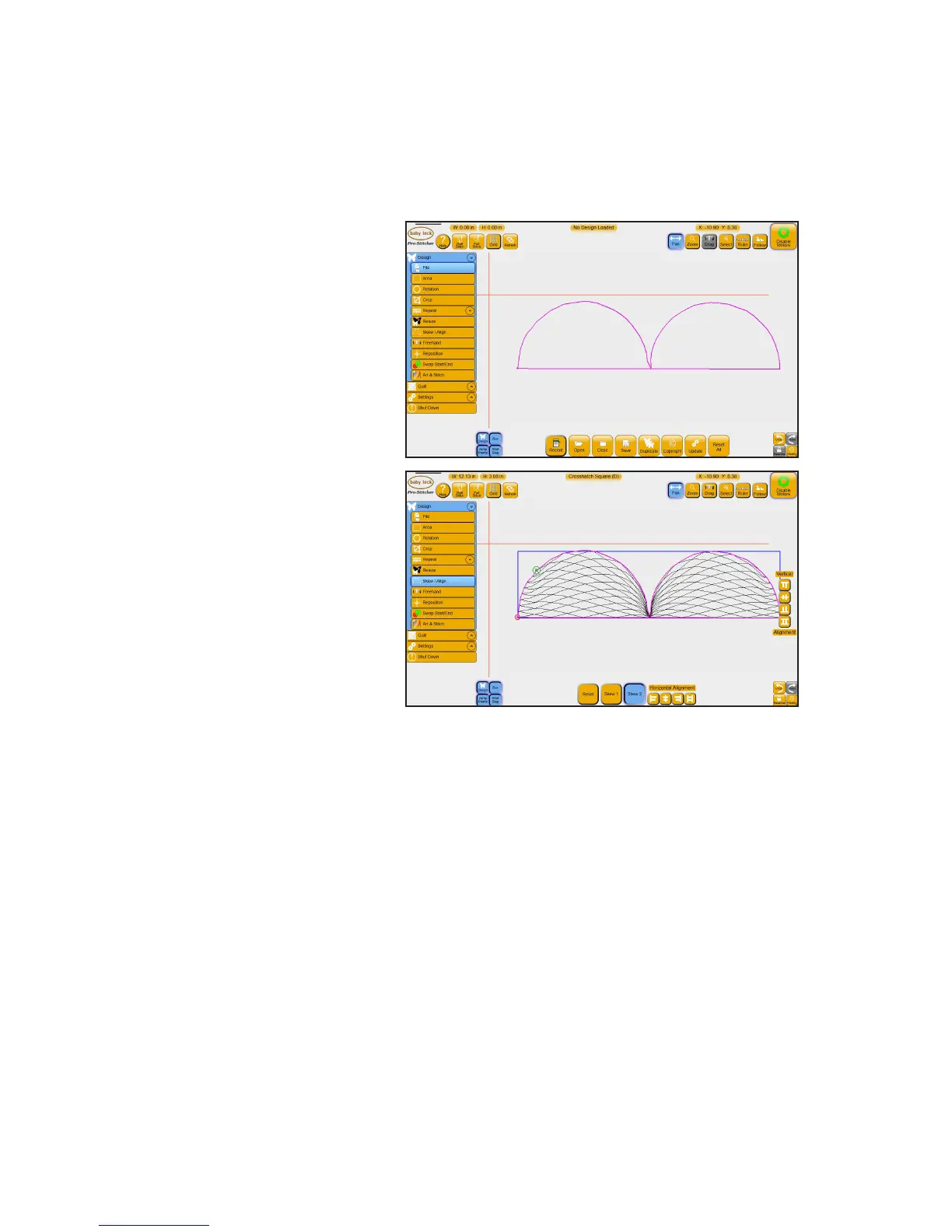
To skew a design to t a concave area
Pro-Stcher can skew a design to t within a concave area, such as a cross or scalloped border.
1. Load a design, such as the Crosshatch Square. Rotate, repeat. crop, or resize the
design as desired.
2. Use Area, Mul-Point to create
an area that represents the
concave area. This area maps
to a poron of a scalloped
border.
3. Choose Design, Skew/Align.
Select Skew 2. The design will
skew to t the area.











 To Next Page