Pro-Stcher User Manual Sengs Menu | 8.9
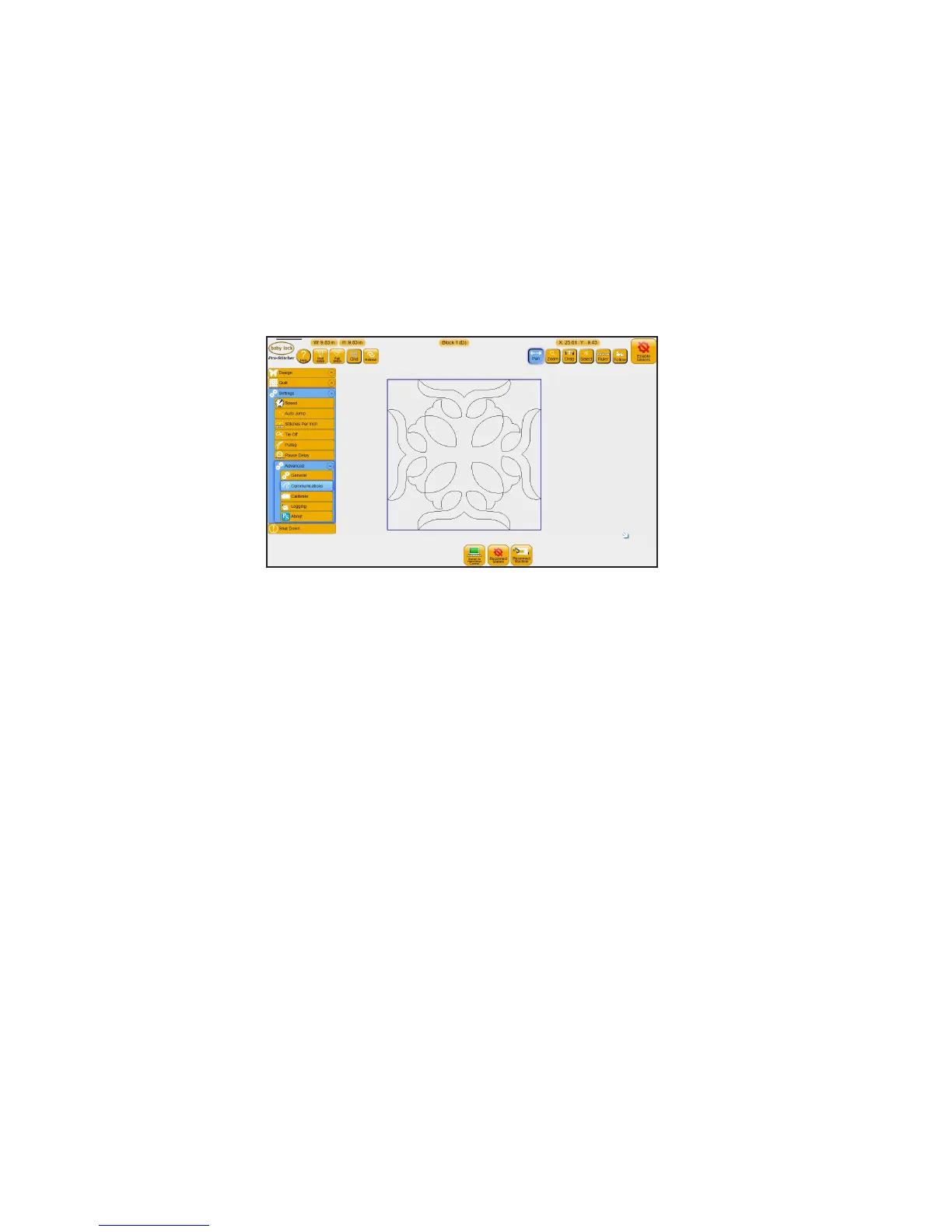
• Select Sengs, Advanced, Communicaons
To stop communicaons between Pro-Stcher and the quilng machine
• Press Switch to Handlebar Control. The buon changes to say Connect to Pro-Stcher. To reestab-
lish communicaons, press Connect to Pro-Stcher.
To reconnect motors
If the Pro-Stcher motors ever become unplugged or disconnected from the computer, it may be necessary
to reestablish communicaons between the Pro-Stcher computer and the motors.
If the Pro-Stcher computer cannot communicate with the motors for any reason, it will be indicated by a
lightning bolt icon at the top right-hand corner of the screen.
• Press Reconnect Motors or the Motor Error buon in the top right-hand corner of the screen to
reestablish communicaons between the Pro-Stcher computer and the motors.
To reconnect the machine
You may need to reestablish communicaons between Pro-Stcher and the quilng machine. For example,
this happens when you start the Pro-Stcher computer while the quilng machine is turned o.
• Press Reconnect Machine to reestablish communicaons between the Pro-Stcher and the quilng
machine.
Easily test whether Pro-Stcher is communicang with the quilng machine by pressing the Full Stch
buon at the top of the Pro-Stcher screen, or looking at the touchscreen on the quilng machine’s
handlebars. If there is communicaon between the quilng machine and Pro-Stcher, the quilng
machine’s touchscreen will indicate it. If they are connected, the quilng machine will cycle the needle.
If they are not communicang, nothing will happen. If the Pro-Stcher computer can detect that it is not
communicang with the quilng machine, a lightning bolt icon will appear in the top le-hand corner of
the Pro-Stcher screen. Pressing that buon will perform the same funcon as the Reconnect Machine
buon.











 To Next Page