Pro-Stcher User Manual Overview | 4.5
• Press Help and then press the buon or menu opon for which you need help to display the Help
pop-up box. Exit Help mode by pressing the Help buon again or pressing the Close buon (red X).
To cycle the needle up or down to form a half stch
The Half Stch buon cycles the needle either to the up or the down posion based on the current
posion of the needle.
• Tap Half Stch once to cycle the needle a half stch.
To cycle the needle to the up posion
The Full Stch buon cycles the needle a full stch to the up posion. If the needle is in the down posion,
it will move only a half cycle so it stops in the up posion. Subsequent presses of the buon, however, will
cycle a full stch, always ending with the needle in the up posion.
• Tap Full Stch once to cycle the needle a full stch.
To display the on-screen grid
• Press Grid to turn the grid on or o.
Depending on the zoom level, the lines may indicate either one-inch or one-quarter inch gradaons.
To quickly posion the design and crosshairs on the screen
The Refresh buon centers the design and crosshairs so both are visible on the screen. Refresh does not
reposion the design relave to the quilt.
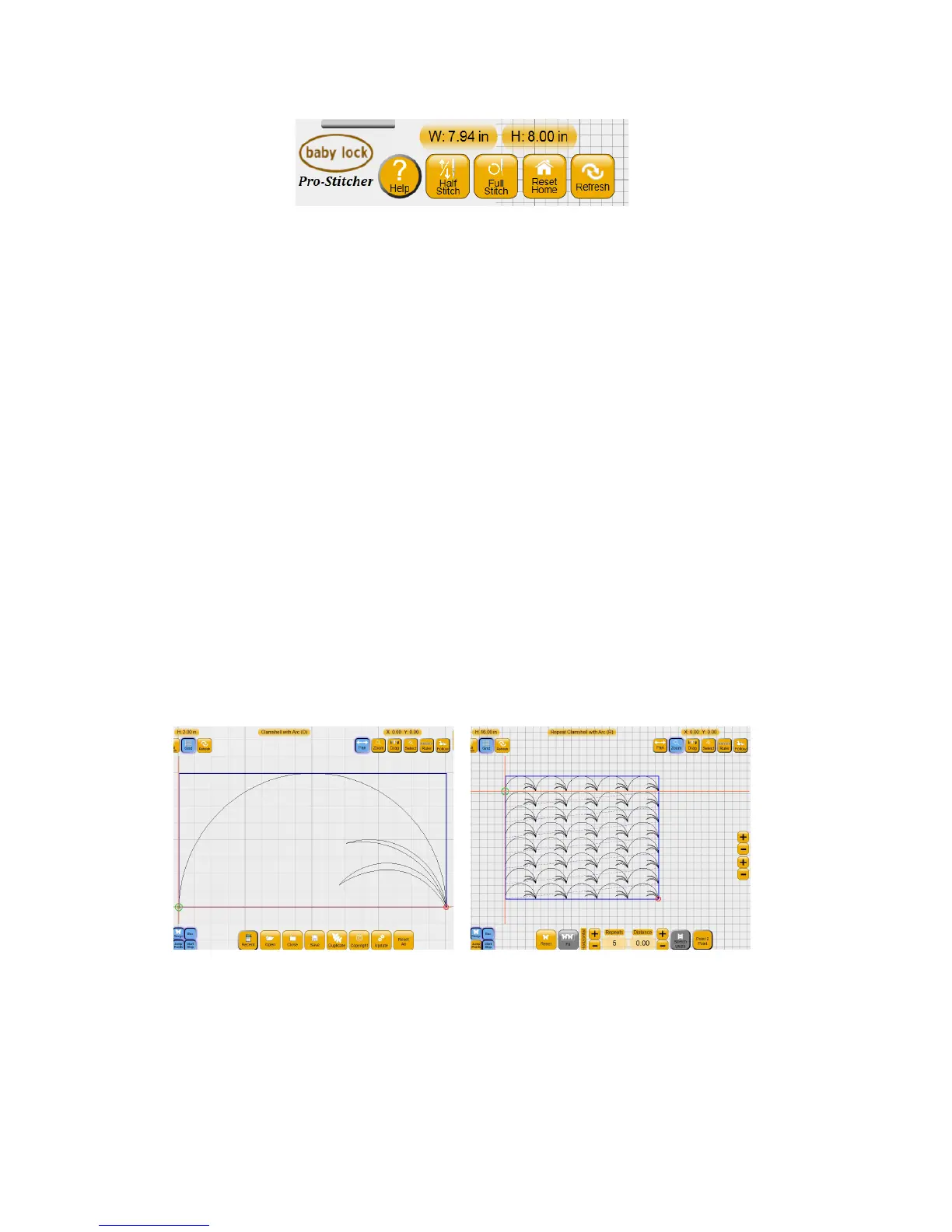
Zoomed in Zoomed out
Darker lines show one-inch divisions
and faded lines show one-quarter inch
divisions.
Lines show one-inch divisions, but no
quarter-inch divisions.











 To Next Page