7.4 | Quilt Menu Pro-Stcher User Manual
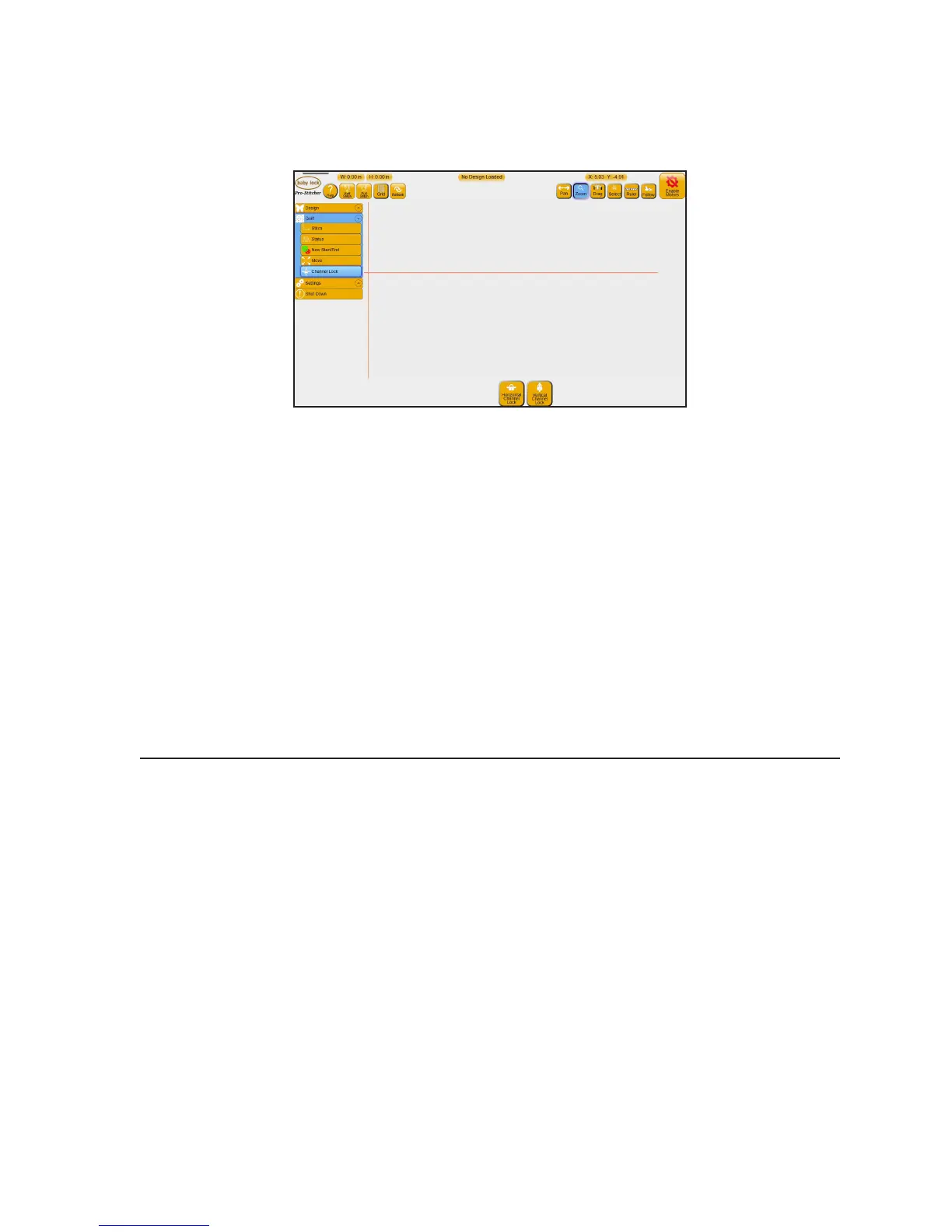
Pro-Stcher as a horizontal or vercal channel lock
If you use the channel lock feature in Pro-Stcher, you will be able to stch horizontal and vercal lines that
are perfectly square with Pro-Stcher and the frame.
To stch a horizontal or vercal line with the channel lock
• Select Horizontal Channel Lock to lock Pro-Stcher so it stches only in a horizontal direcon.
Press the Start/Stop buon on the machine’s handlebars and move the machine to stch the line in
a le-to-right or right-to-le direcon.
• Select Vercal Channel Lock to lock Pro-Stcher so it stches only in a vercal direcon. Press the
Stop/Start buon the machine’s handlebars and move the machine to stch the line in a top-to-
boom or boom-to-top direcon.
 IMPORTANT: Ensure that the carriage motor levers are in the engaged posion. You can then
manually use the quilng machine handles to stch either horizontal or vercal lines.
Machine Quilting Tip: To stitch a plumb line with Pro-Stitcher
Ensure your quilt top is loaded squarely on the frame by stching a horizontal plumb line
across the top of the bang and backing. Select Horizontal Channel Lock, press the Start/
Stop buon on the machine’s handlebars, and stch a plumb line approximately one inch
from the top of the quilt backing and bang. Then align the top edge of the quilt top with
the plumb line and baste close to the edge so the stching will be covered by the quilt’s
binding.
Adjust sengs while quilng
While the machine is stching, you can adjust several quilng sengs, such as speed, auto jump, stches
per inch, eo, pullup, and pause delay. For more informaon about quilt sengs, see chapter 8, Sengs
Menu. You can also adjust the most commonly used sengs directly on the Stch screen.











 To Next Page