INSTALLATION
OIC INSTALLATION
3 - 16 I-E96-192-5A
®
IIOIC423 Environmental Setup and Installation
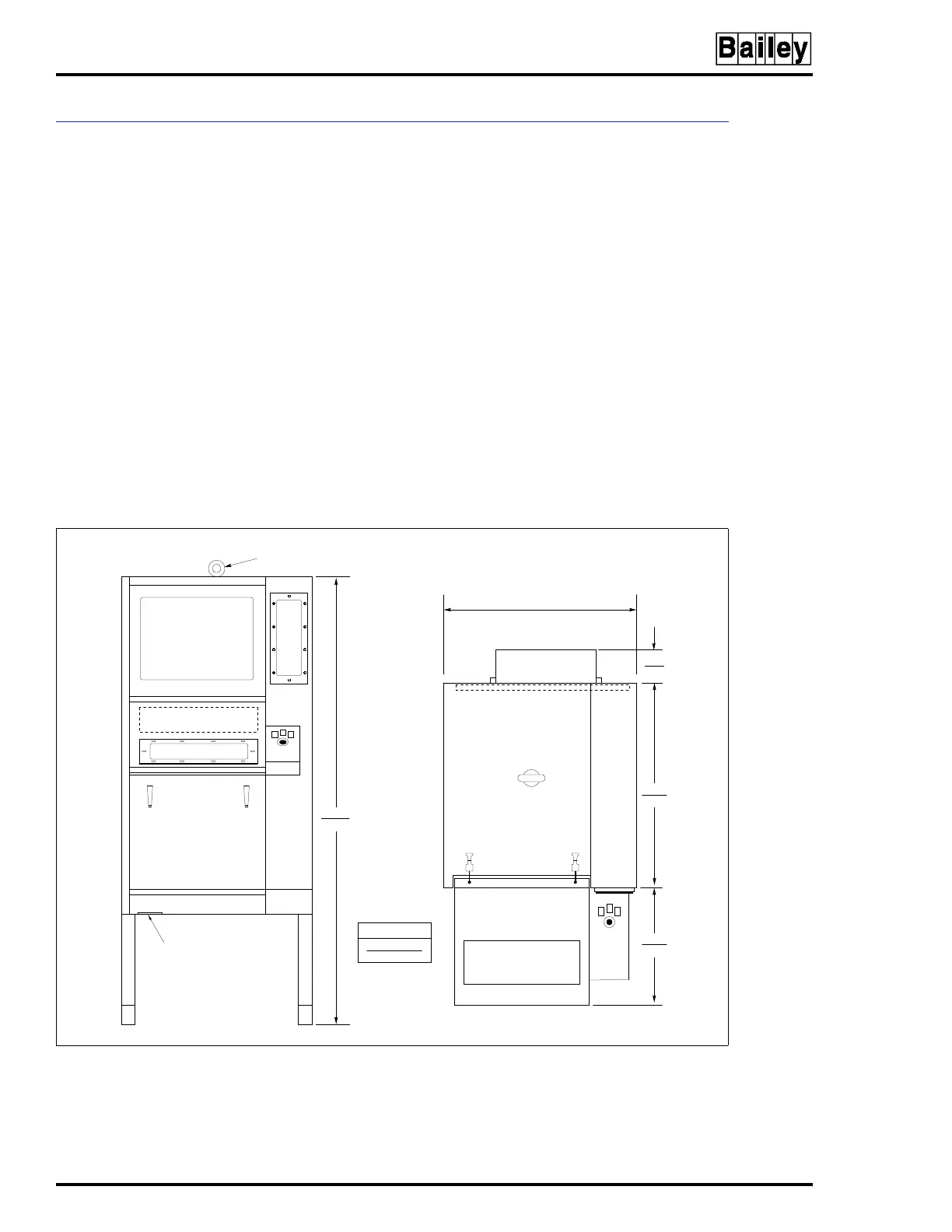
Before the OIC environmental console is set into place, insure
that the floor is level in the installation area. The unit must be
secured to the floor before it is wired or operated. Figure 3-10
shows the cabinet dimensions. The dimensions for the mount-
ing bolts are shown in Figure 3-11.
NOTE:
The IIOIC423 console has a built-in air conditioner that pro-
duces condensate. Install a drain to accommodate the water.
Protect the wires and cabling going to the OIC environmental
cabinet. Run cabling through conduit to the bottom of the cab-
inet. Follow local wiring codes when wiring and installing
cableways or conduit. Refer to the Site Planning and Prepa-
ration instruction for more information.
NOTE:
The power entry panel has a connector for AC
input and alarm relay outputs (24 VDC) and cable con-
nectors for peripheral devices. The alarm relay outputs
are for alarm annunciation only.
Figure 3-10. IIOIC423 Environmental Cabinet Dimensions
96.9
3.82
777.9
30.63
CONDUIT AND CABLE
ENTRY AREA
EYEBOLT
REMOVABLE
1778.0
70.00
762.0
30.00
FRONT VIEW TOP VIEW
TP35454B
DIMENSIONS
MILLIMETERS
INCHES
381.0
15.0



 To Next Page