COMPONENT DESCRIPTION AND REPLACEMENT
CPU REMOVAL
6 - 28 I-E96-192-5A
®
IIOIC424 PANEL MOUNT
To remove the CPU from an IOIC424 panel mounted model,
see Figure 6-20 and follow these steps.
1. Turn off the main circuit breaker on the power entry panel.
Check the power indicator to see if power is removed.
2. Remove the AC power cable from the CPU.
3. Remove and label all communication cables from the rear
of the CPU.
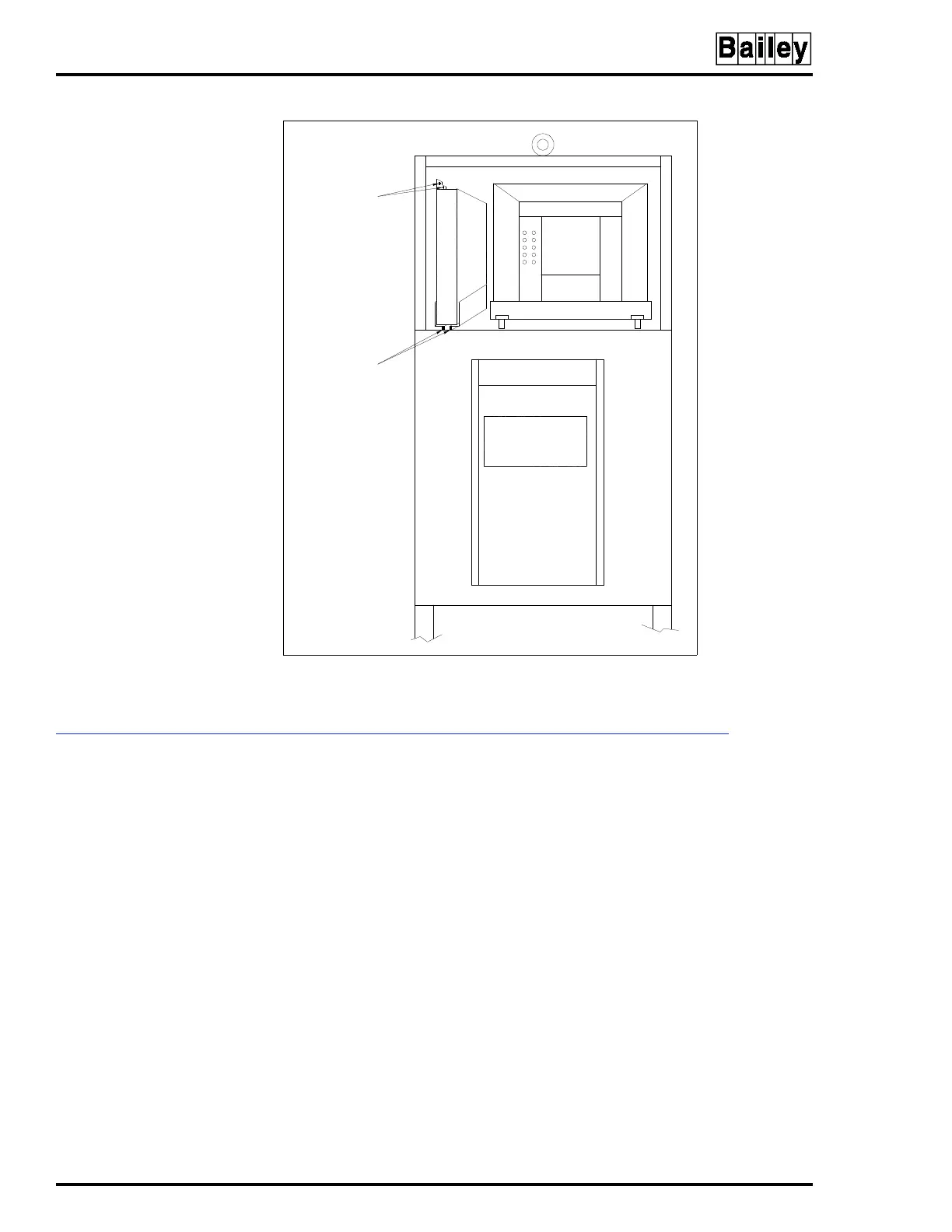
4. Remove the two screws that hold the CPU to the support
bracket.
5. Slide the unit out along the support bracket.
Figure 6-19. CPU Removal for IIOIC423
Environmental Console
CPU MOUNTING
SCREWS (2)
CPU
CPU MOUNTING
SCREWS (2)
TP35499B



 To Next Page