COMPONENT DESCRIPTION AND REPLACEMENT
POWER SUPPLY REMOVAL
6 - 8 I-E96-192-5A
®
IIOIC422 Console
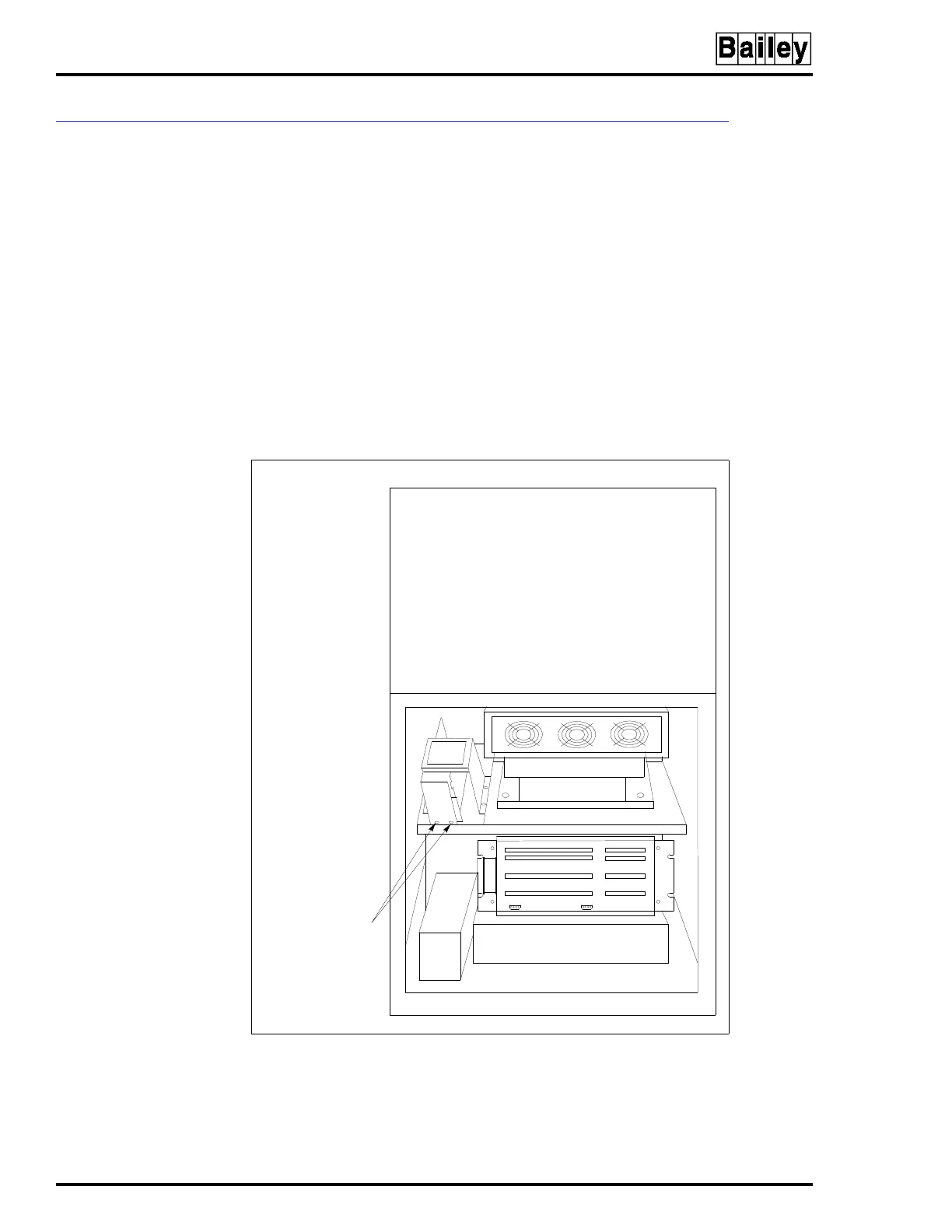
To remove the power supply from an IIOIC422 console see Fig-
ure 6-6 and follow these steps:
1. Turn off the main circuit breaker on the power entry panel.
Check the power indicator to see if power is removed.
2. Remove the power supply plug from the socket on the
power entry panel.
3. Mark and disconnect the wires between the power supply,
DC distribution board and multibus card cage backplane.
4. Remove the two nuts holding the power supply bracket to
the monitor mounting platform and slide the unit out the rear
of the cabinet.
Figure 6-6. Power Supply Removal for IIOIC422 Consoles
TP36165C
MONITOR
REAR VIEW
POWER SUPPLY
MOUNTING SCREWS
AND NUTS (2)



 To Next Page