COMPONENT DESCRIPTION AND REPLACEMENT
PERIPHERALS
6 - 30 I-E96-192-5A
®
PERIPHERALS
The supported peripherals are portable and require no replace-
ment instructions.
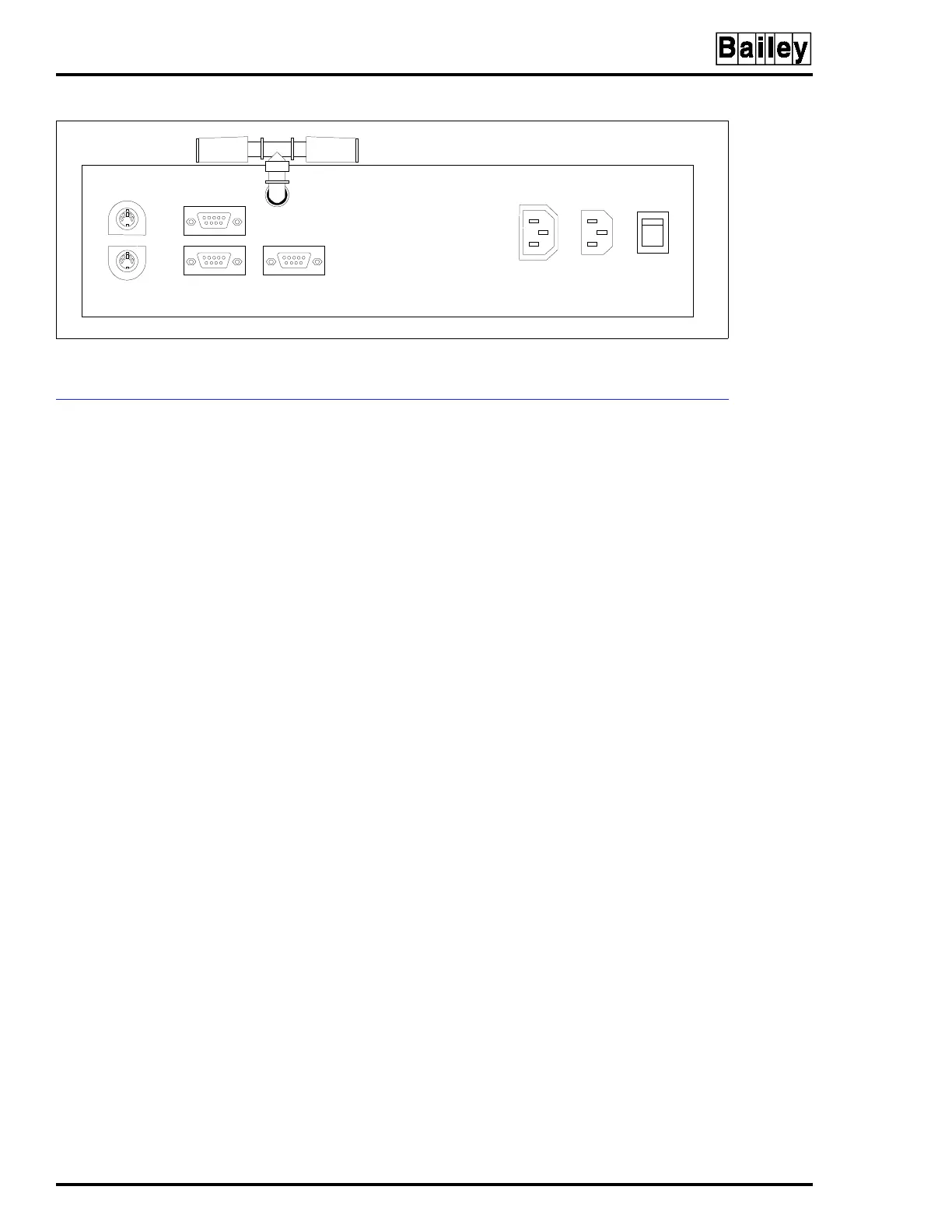
Either an Okidata or Genicom printer connects to port 1 on
the OIC CPU using cable part number 6642555A1. Refer to the
IIOIS42 instruction manual for details on printer configura-
tion, operation and cabling requirements.
NOTE:
Port 1 of the CPU will accept either the touch screen option
or a printer, not both.
Refer to the manufacturer's documentation for more informa-
tion on peripheral devices and for repair information.
Figure 6-21. CPU Connector Identification
TP80555A
KEYBOARD
PORT
MOUSE
PORT
PORT 1
PORT 0 VIDEO PORT
ETHERNET
NETWORK CABLE
AUX
OUT
AC
IN
1
0
ON/OFF
POWER
SWITCH



 To Next Page