PDS • User’s Guide 87
5. GUI Operations
GUI Connection and Launch
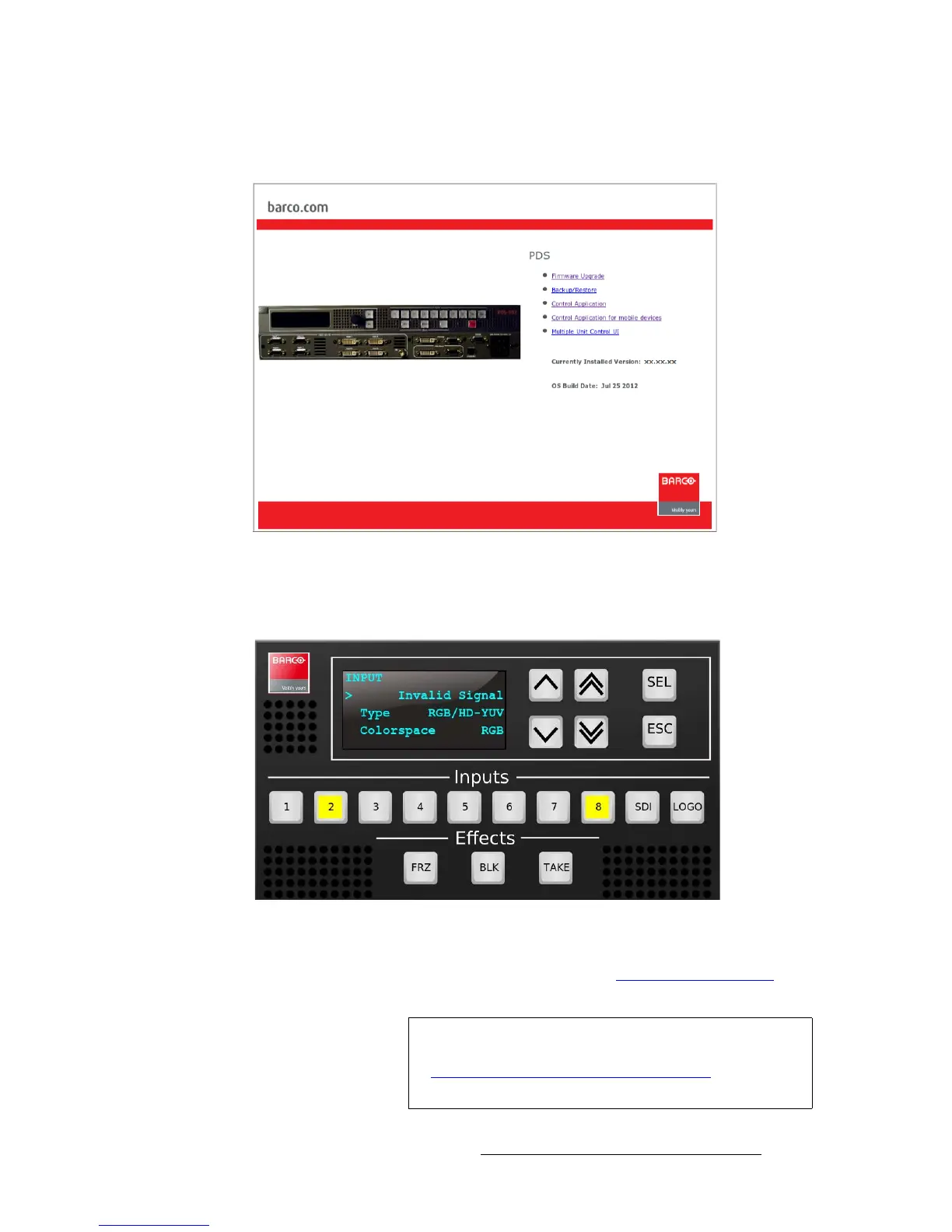
9. When the PC establishes communications with the PDS, several web pages are
downloaded into the PC, and the PDS Home Page appears:
Figure 5-2. PDS Home Page
10. Click the Control Application GUI link to launch the GUI. The GUI Status Menu
page appears, as shown below:
Figure 5-3. PDS GUI Status Menu
11. The PDS GUI is now ready for use. Refer to the “GUI Operations on a PC”
section on page 88 for important operating notes.
Note
If you have trouble establishing communications between
your PC and the PDS, in Chapter 6, refer to the
“Troubleshooting Ethernet Communication
” section on
page 103 for instructions.



 To Next Page