100 PDS • User’s Guide
6. Upgrading Firmware
Upgrading Firmware Using the Web Upgrade
d. Make a note of the information on the IP line, which shows the current IP
address in all modes (with DHCP on or off).
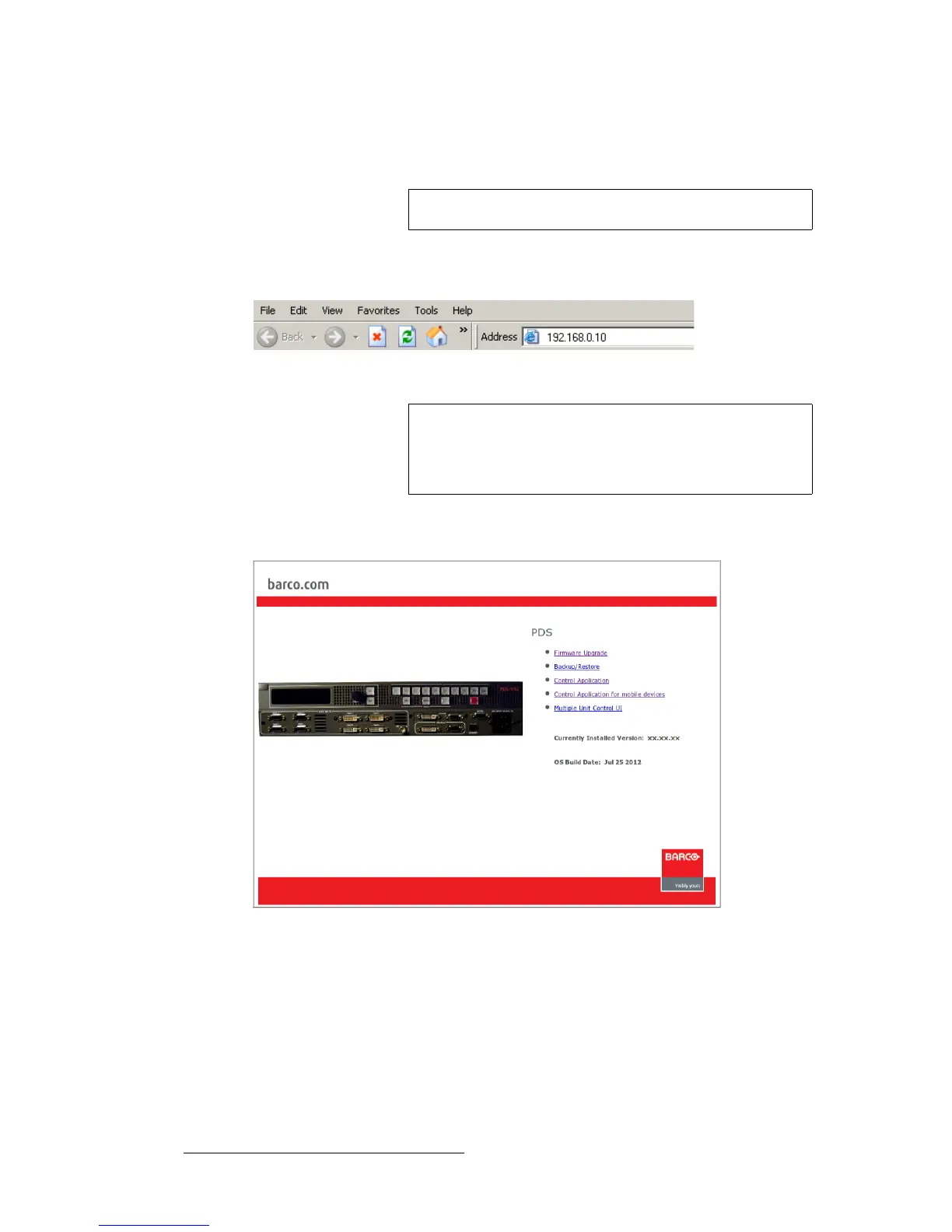
6. On your PC (or laptop), open up a web browser.
7. In the browser’s address bar, enter the PDS’s IP address.
Figure 6-8. Address bar with sample IP address
8. When the PC establishes communications with the PDS, several web pages are
downloaded into the PC, and the PDS Home Page appears:
Figure 6-9. PDS Home Page
Note
The default IP address is 192.168.0.10.
Note
Avoid using leading zeros in the IP address. If your display
panel shows 192.168.000.010, for example, type the address
as shown in the preceding illustration, not as shown on the
display.



 To Next Page