PDS • User’s Guide 101
6. Upgrading Firmware
Upgrading Firmware Using the Web Upgrade
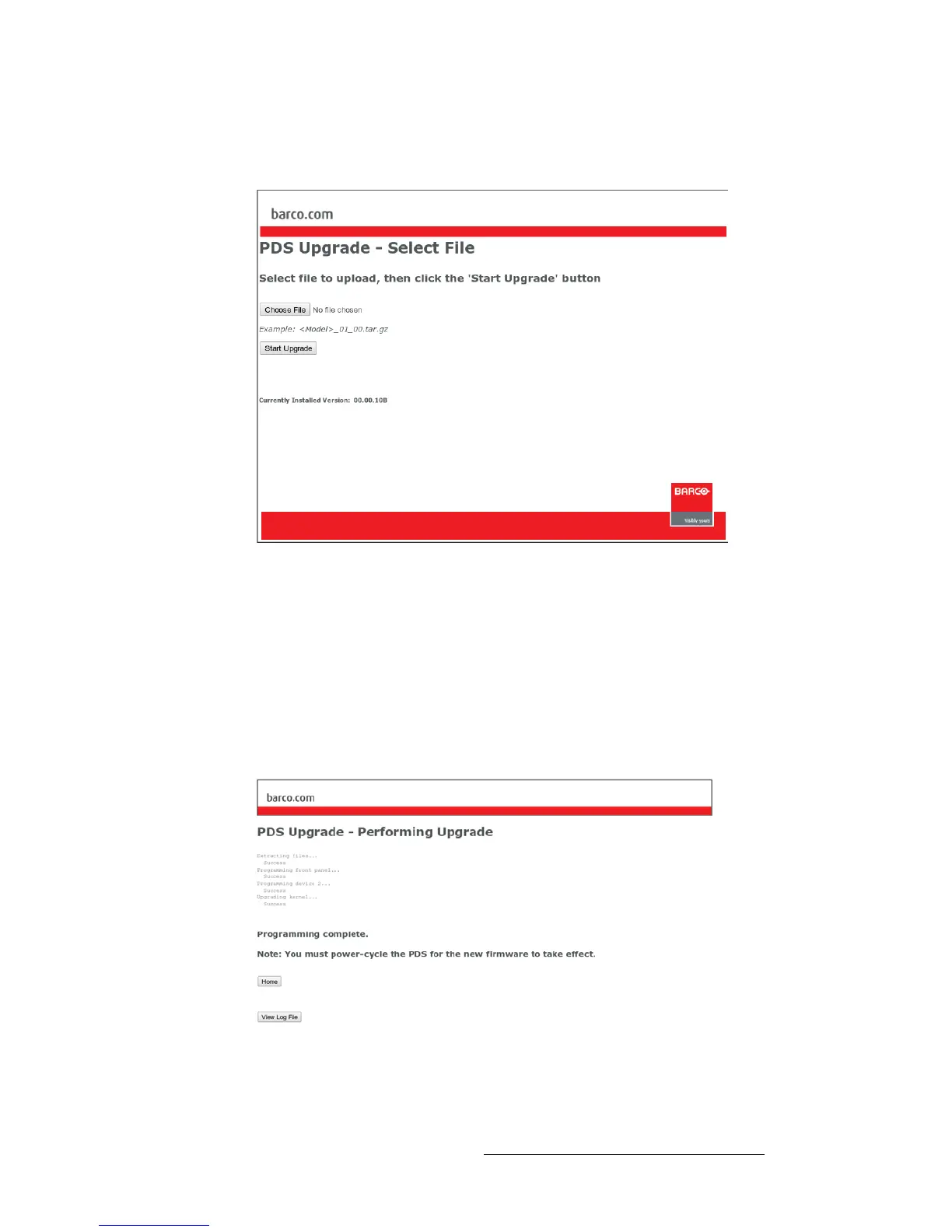
9. Click the Firmware Upgrade link to continue the upgrade process. The Select
File page appears, as shown below:
Figure 6-10. PDS Select File Page
10. Click the Browse button, and navigate to the folder on your PC where you saved
the latest version of code.
11. In the Upload Dialog, select the file:
PDS_##_##.tar.gz
... and click Open.
12. In the Select File page, click Start Upgrade.
The Upload Status page appears, which provides status during the upload
procedure:
Figure 6-11. PDS Upload Status Page



 To Next Page