30 PDS • User’s Guide
4. Operation
Quick Function Reference
nìáÅâ=cìåÅíáçå=oÉÑÉêÉåÅÉ
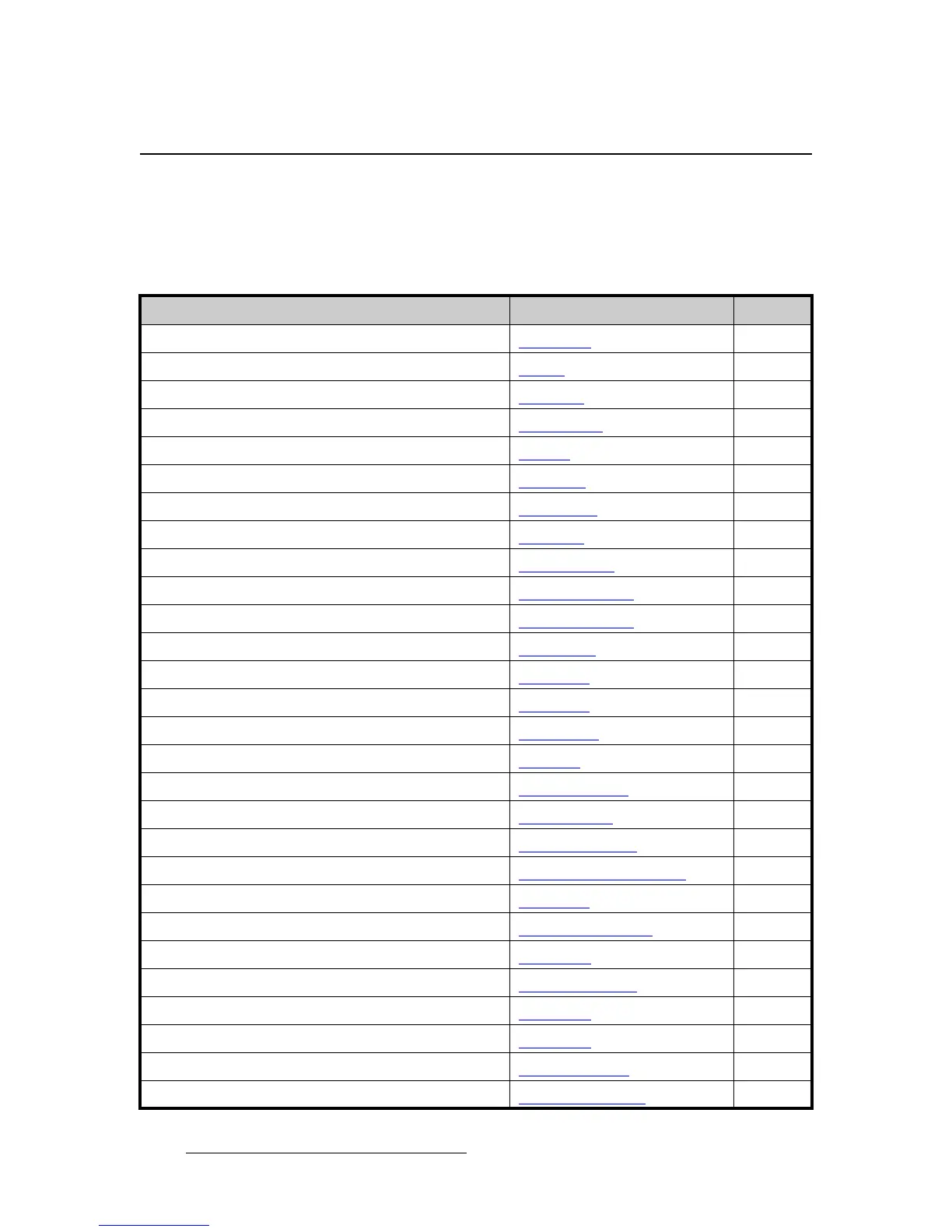
Use the following table to quickly access the proper section for a specific function. Both
hyperlinks and page numbers are provided.
Table 4-1. PDS Quick Function Reference Table
How to: Use the Following Section: Page
Adjust background color Background 60
Adjust gamma Gamma
52
Adjust image brightness Brightness
44
Adjust image color balance Color Balance
44
Adjust image contrast Contrast
44
Adjust input processing Processing
45
Adjust input timing Sizing Adjust
41
Adjust transition time Trans Time
58
Associate configuration files to inputs F
ile Association 70
Check software version Tech Support Menu
73
Contact Tech Support Tech Support Menu
73
Delete input configuration Reset Config
47
Display a test pattern Test Pattern
50
Display the raster box Test Pattern
50
Identify button states Button States
25
Learn the menu tree Menu Tree
27
Lock out the front panel completely Full Lockout Mode
83
Lock out the front panel, except inputs Executive Mode
69
Perform factory reset Factory Reset Menu
73
Perform quick setup and operations Quick Setup and Operations
25
Perform system diagnostics Diagnostics
71
Power up the system Power-Up Initialization
24
Reset input configuration Save Config
46
Reset system Factory Reset Menu
73
Save input configuration Save Config
46
Save output configuration Save Config
52
Save system state Save System State
72
Select inputs Input Selection Rules
75



 To Next Page