Installing the BayStack 350 Switch
304376-B Rev 00
2-9
Connecting the 10BASE-T/100BASE-TX Ports
The BayStack 350 switch 10BASE-T/100BASE-TX ports are configured with
RJ-45 connectors that are wired as MDI-X ports. As in conventional Ethernet
repeater hubs, the BayStack 350 switch ports connect via straight-through cables
to the network interface card (NIC) in a node or server. When connecting to an
Ethernet hub or to another switch, you must use a crossover cable. See
Appendix D, “Connectors and Pin Assignments,” for more information.
A standard RJ-45 connection is provided to connect devices to the switch through
the 10BASE-T/100BASE-TX ports.
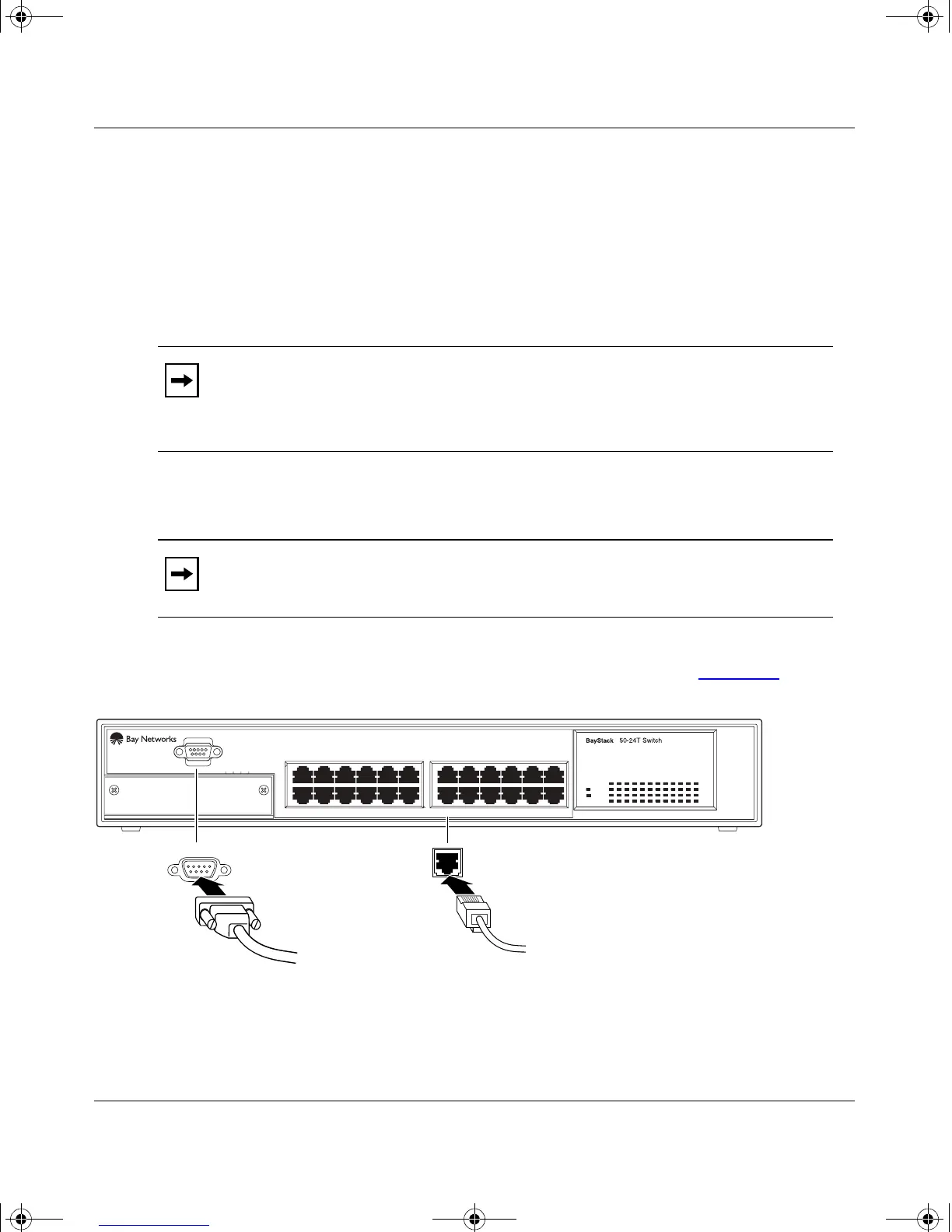
To connect the RJ-45 port cables, insert the cable plug into the appropriate port
connector until the release tab snaps into the locked position (Figure 2-5
).
Figure 2-5. 10/100 Mb/s Port Connections
Note:
By default, all BayStack 350 switch 10BASE-T/100BASE-TX switch
ports are set with the autonegotiation feature enabled. This feature allows any
port to match the best service provided by the connected station, up to
100 Mb/s in full-duplex mode.
Note:
The 10BASE-T/100BASE-TX ports must use Category 5 UTP cable to
accommodate the 100BASE-TX functionality.
Uplink/Expansion Module
2826 2725
Comm Port
17 1913 15 21
18 2014 16 22 24
23
Status
Pwr
Activity
Activity
10/100
10/100
5713 9
682 4 10 12
11
BS35038A
Comm Port
3
kombk.book Page 9 Thursday, February 18, 1999 10:59 AM



 To Next Page