BayStack 350 10/100/1000 Series Switches
304376-B Rev 00
1-65
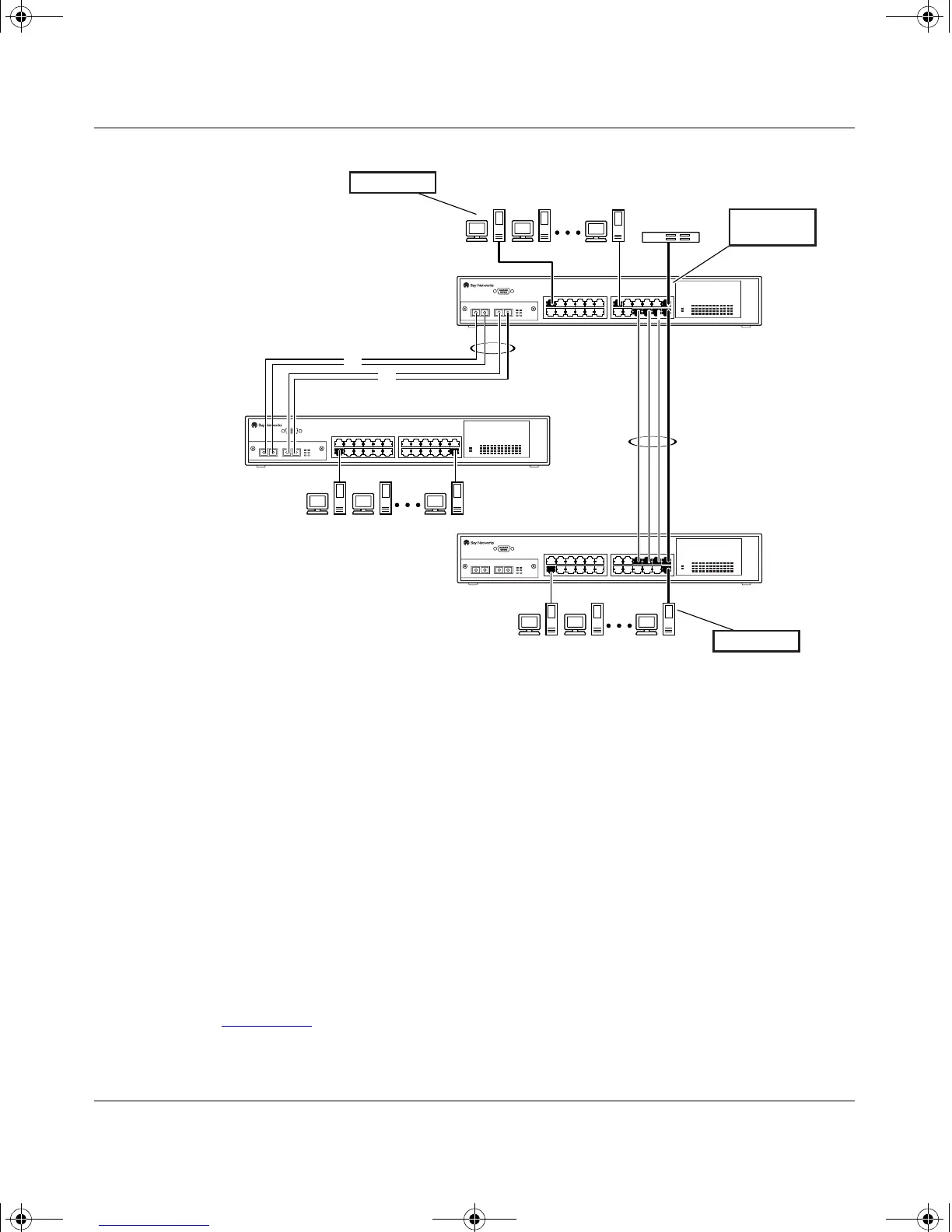
Figure 1-44. Address-Based Mirroring Configuration Example
In this configuration, the designated monitor port (port 23) can be set to monitor
traffic in any of the following modes:
• Monitor all traffic transmitted from address A to any address.
• Monitor all traffic received by address A from any address.
• Monitor all traffic received by or transmitted by address A.
• Monitor all traffic transmitted by address A to address B.
• Monitor all traffic between address A and address B (conversation
between the two stations).
Figure 1-45
shows the Port Mirroring Configuration screen setup for this example.
S1
S2
S3
BS35033A
StackProbe
T1
T2
F
F
Address B
Address A
Monitor port
(port 23)
kombk.book Page 65 Thursday, February 18, 1999 10:59 AM



 To Next Page