Using the Console Interface
304376-B Rev 00
3-51
Port Statistics
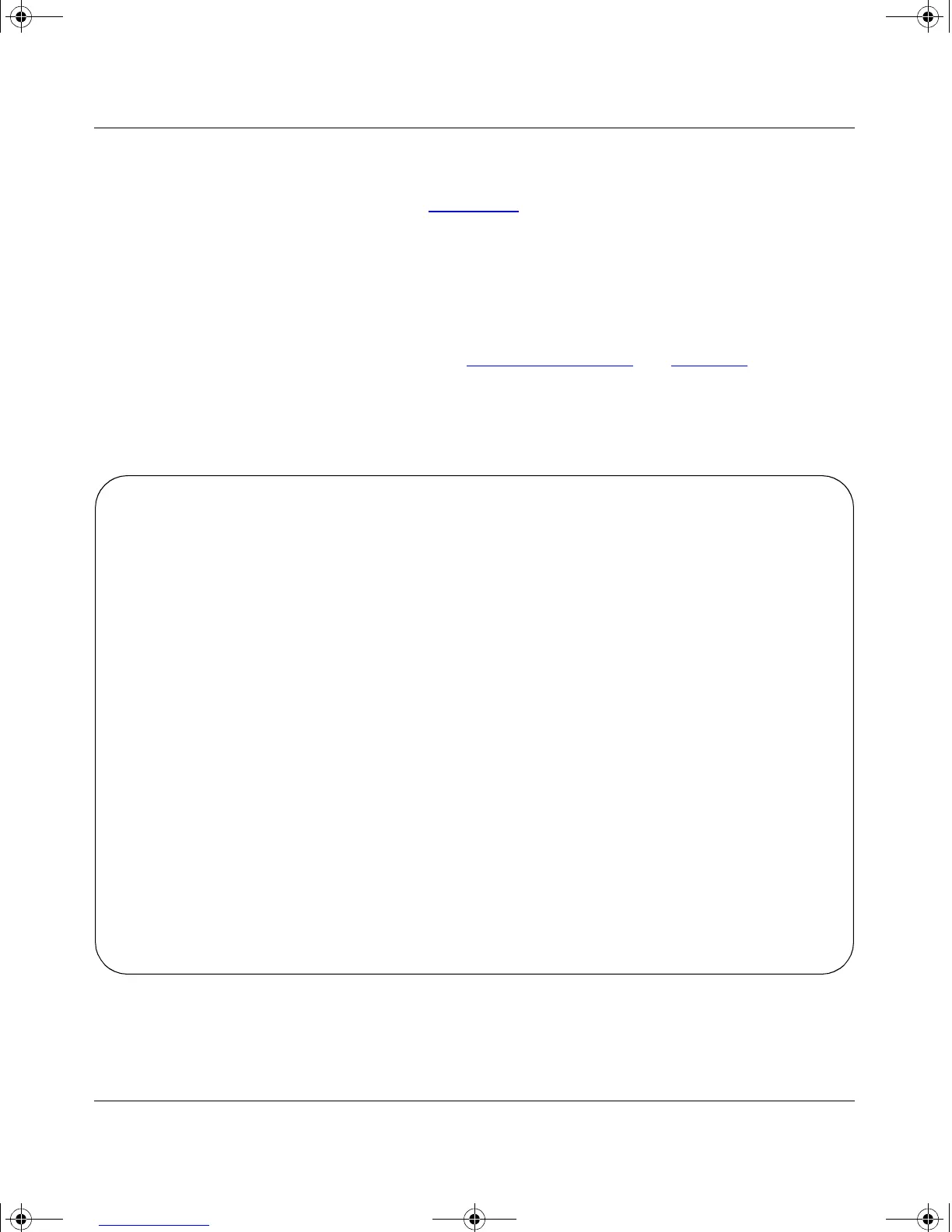
The Port Statistics screen (Figure 3-24) allows you to view detailed information
about a switch port. The screen is divided into two sections (Received and
Transmitted) so that you can compare and evaluate throughput or other port
parameters. All screen data is updated approximately every two seconds.
You can use the Port Statistics screen to clear (reset to zero) port counters for a
specific port. Alternatively, you can use the Clear All Port Statistics option to clear
port counters for all ports (see “Switch Configuration
” on page 3-16).
Choose Display Port Statistics (or press d) from the Switch Configuration Menu
screen to open the Port Statistics screen.
Figure 3-24. Port Statistics Screen
Port: [ 1 ] Port Statistics
Received Transmitted
------------------------------------ --------------------------------------
Packets: 0 Packets: 497
Multicasts: 0 Multicasts: 497
Broadcasts: 0 Broadcasts: 0
Total Octets: 0 Total Octets: 31808
Lost Packets: 0 Lost Packets: 0
FCS Errors: 0 Collisions: 0
Frame Errors: 0 Single Collisions: 0
Undersized Packets: 0 Multiple Collisions: 0
Oversized Packets: 0 Excessive Collisions: 0
Packets 64 bytes: 0 Packets 64 bytes: 497
65-127 bytes 0 65-127 bytes 0
128-255 bytes 0 128-255 bytes 0
256-511 bytes 0 256-511 bytes 0
512-1023 bytes 0 512-1023 bytes 0
1024-1518 bytes 0 1024-1518 bytes 0
Filtered Packets: 0 Deferred Packets: 0
Flooded Packets: 0 Late Collisions: 0
Use space bar to display choices, or enter text. Press Ctrl-Z to zero counters.
Press Ctrl-R to return to previous menu. Press Ctrl-C to return to Main Menu.
kombk.book Page 51 Thursday, February 18, 1999 10:59 AM



 To Next Page