Using the BayStack 350 10/100/1000 Series Switch
C-6
304376-B Rev 00
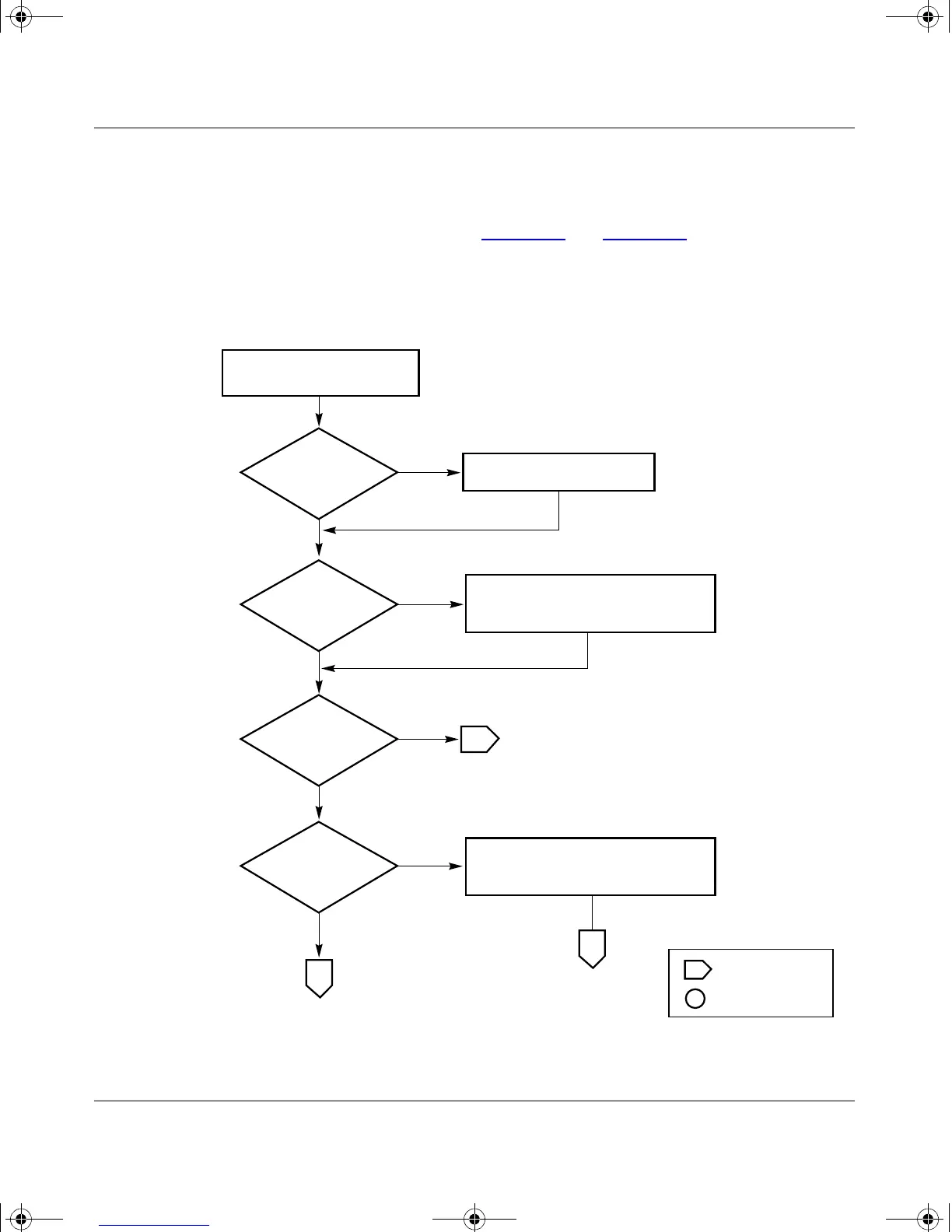
Configuring Port Mirroring
This section shows how to configure switch ports for port mirroring or to modify
existing port mirroring ports (see Figure C-5
and Figure C-6).
Choose Port Mirroring Configuration (or press i) from the Switch Configuration
Menu screen to open the Port Mirroring Configuration screen.
Figure C-5. Configuring Port Mirroring (1 of 2)
Yes
No
No
Set Monitoring Mode field
Port Mirroring
Configuration screen
Set Monitor Port field (see
"Port Mirroring Configuration Rules").
Configure Ports X and Y fields (see
"Port Mirroring Configuration Rules").
BS35051A
Is
Monitoring Mode
field set?
Is
Monitor Port
field set?
Yes
Is
Monitor Port
set for port-based
mode?
Yes
Yes
No
1
Are
Ports X and Y fields
configured?
No
1
2
Off-page reference
On-page reference
Key
kombk.book Page 6 Thursday, February 18, 1999 10:59 AM



 To Next Page