Media Dependent Adapters
304376-B Rev 00
B-5
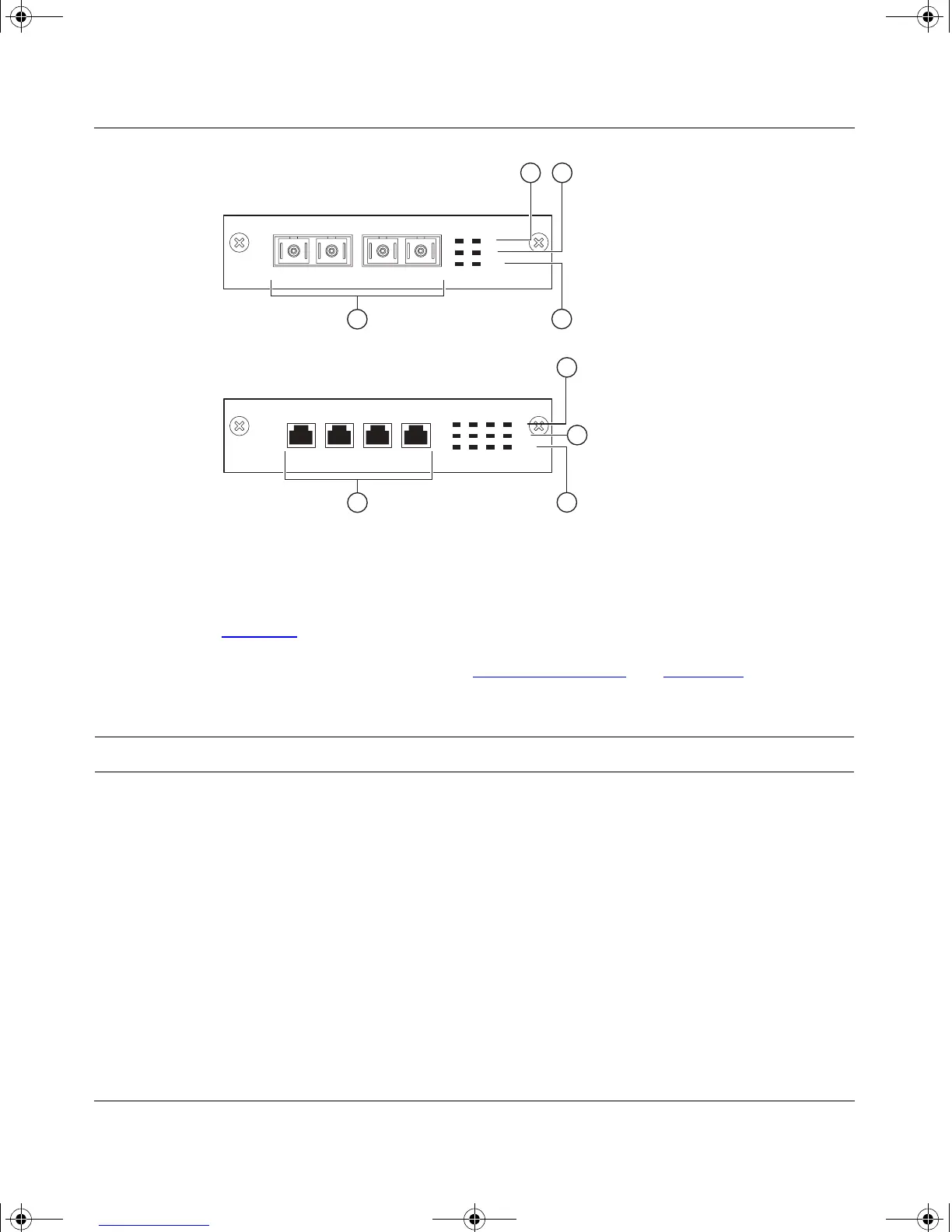
Figure B-2. 100BASE-FX MDA Front Panels
Table B-2 describes the 100BASE-FX components and LEDs.
For installation instructions, see “
Installing an MDA” on page B-11.
Table B-2. 100BASE-FX MDA Components
Item Label Description
1 Link Communications link LEDs (green):
On: Valid communications link established.
Off: The communications link connection is bad or there is no connection to this
port.
Blinking: The corresponding port is management disabled.
2 F Dx Full-duplex port status LEDs (green):
On: The corresponding port is in full-duplex mode.
Off: The corresponding port is in half-duplex mode.
(continued)
RXTX
100BASE-FX
RXTX
100BASE-FX
Activity
Link
F Dx
400-2FX MDA
BS35043A
3
4
21
Activity
Link
F Dx
400-4FX MDA
3
4
2
1
kombk.book Page 5 Thursday, February 18, 1999 10:59 AM



 To Next Page