89000046-014 KSN 780/8XX/900 AeroNav AML STC Installation Manual for Helicopters
Rev 0 Page 10-2
© Honeywell International Inc. Do not copy without express permission of Honeywell.
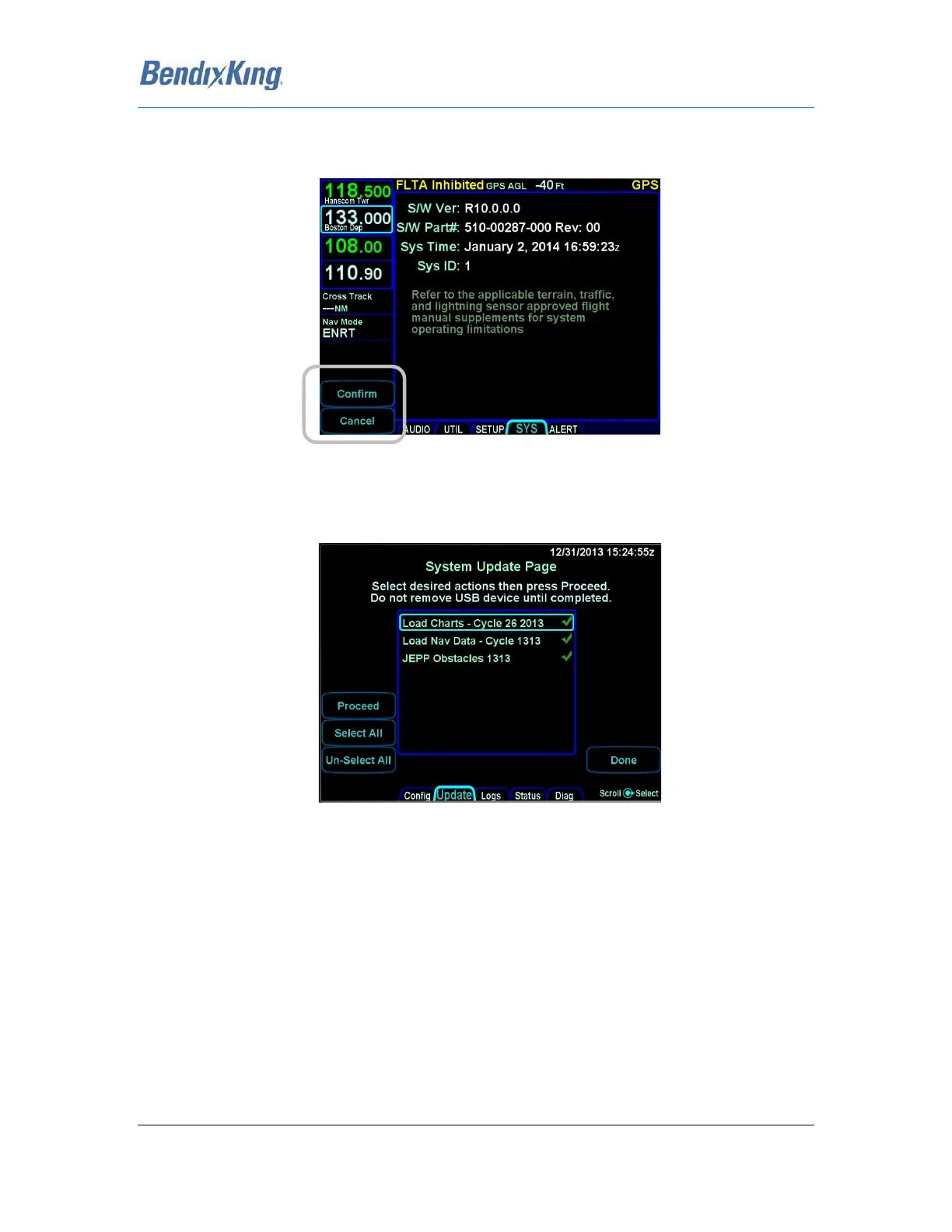
You will be prompted to “Confirm” or “Cancel”. Assuming you selected “Confirm”, you should see a
dialog box presented in the middle of the screen and all uploadable files on that fob will be
individually listed and check marks may be visible next to each file name.
Figure 37 Confirm and Cancel LSK
Use the “Select All”, “Un-select All” LSKs and the AeroNav knob as required to ensure check marks are
associated with all the desired files to upload to the AeroNav. Now press the “Proceed” LSK to begin
the file upload.
Figure 38 LSK Options



 To Next Page