89000046-014 KSN 780/8XX/900 AeroNav AML STC Installation Manual for Helicopters
Rev 0 Page 10-3
© Honeywell International Inc. Do not copy without express permission of Honeywell.
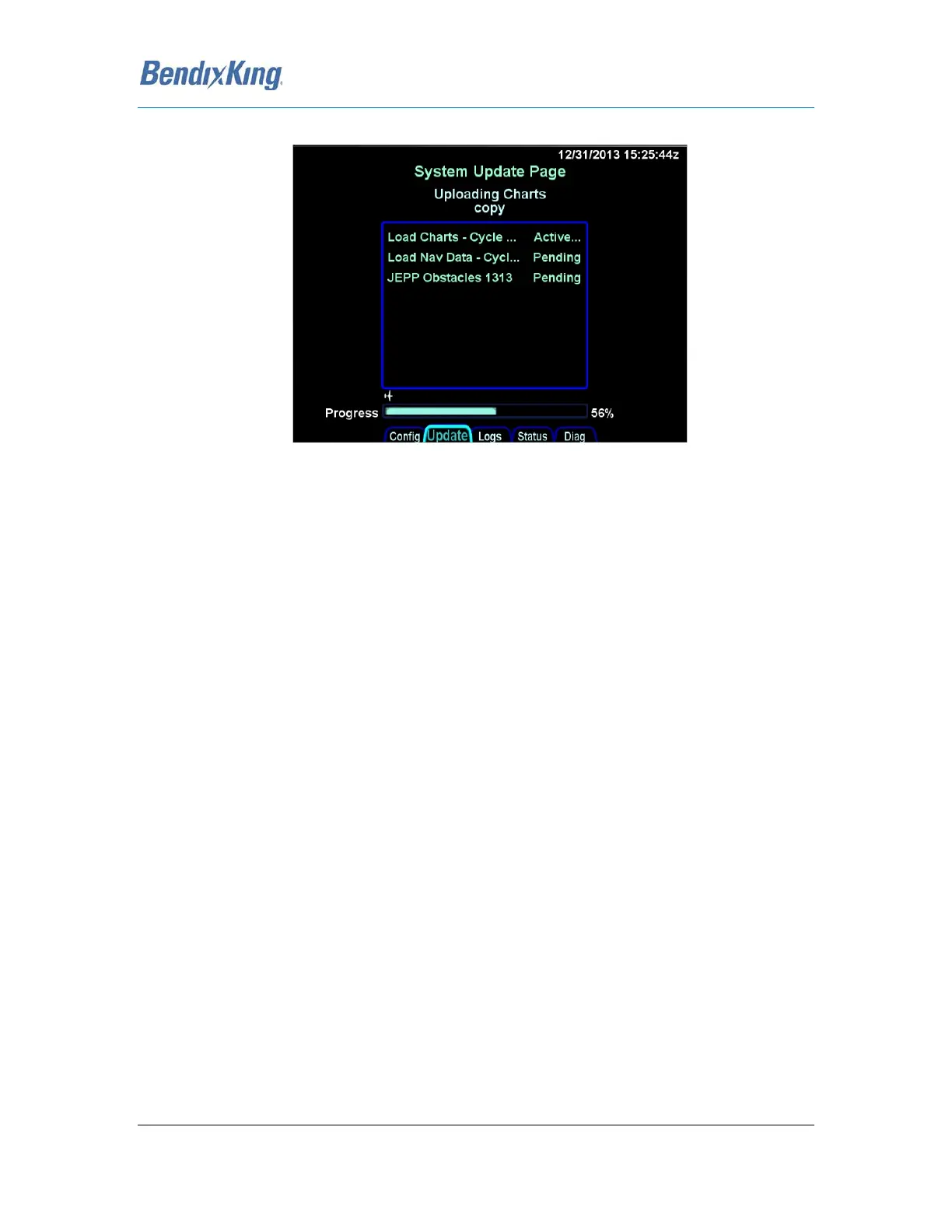
A progress bar will be presented to help provide an idea of how much longer the upload will take.
Figure 39 Progress Bar
Typical upload times are:
• Worldwide Obstacles (1.5 MB) – 5 sec
• Eastern US Charts (100 MB) – 3 min
• US Charts (180 MB) – 5 ½ min
• Worldwide Charts (430 MB) – 13 min
• US Nav Data (8 MB) – 3 ½ min
• Europe Nav Data (10 MB) – 2 ½ min
• Australian Nav Data (1.5 MB) – 30 sec
• Worldwide Nav Data (15 MB) – 7 Min
For multiple AeroNav installations, the database uploads must be performed individually for each
AeroNav to be updated.
Due to some of the upload durations, BendixKing recommends creating a fob for each AeroNav to be
updated so that the updates can happen in parallel and not stacked serially, thereby extending the
overall time to accomplish a full update.
A clear indication is presented when the data uploads have been completed. Likewise, if the USB fob
was removed prior to finishing the data upload, an error message will be presented and the entire
process will need to be manually restarted once the fob is reinserted in the AeroNav.



 To Next Page