41
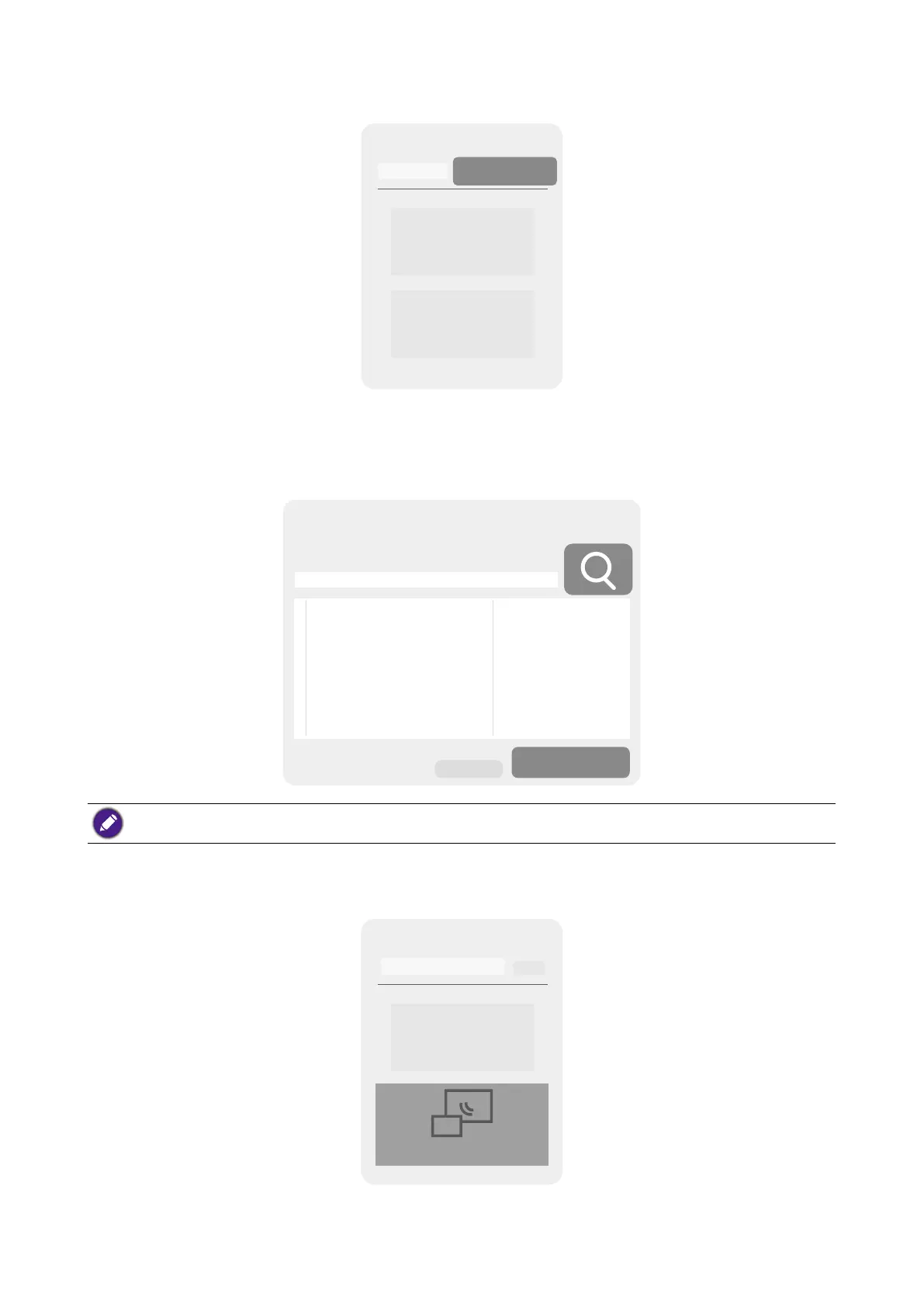
5. Select Room List on the app's home screen.
Room List
6. Select the search (magnifying glass) button in the app and it will search the network for
all available Hosts.
7. Double-click the name of your respective Host under the Room Name column.
VS20_XXXXXX
Connect
If you are unsure of your Host's name you can also cross check the IP address shown in the
IP Address column of the app with the IP address shown on the top-left corner of the Guide screen.
8. Select InstaShow Display Sharing on the app's home screen. A new window will pop up
on the laptop showing the video that is being broadcast by the Host.
InstaShow Display Sharing
InstaShow VS Assist



 To Next Page