77
When the process is confirmed the Host will begin restoring to Factory Default and the LED
will quick flash red (flash red twice every second) then restart. After the Host restarts the
entire process is complete.
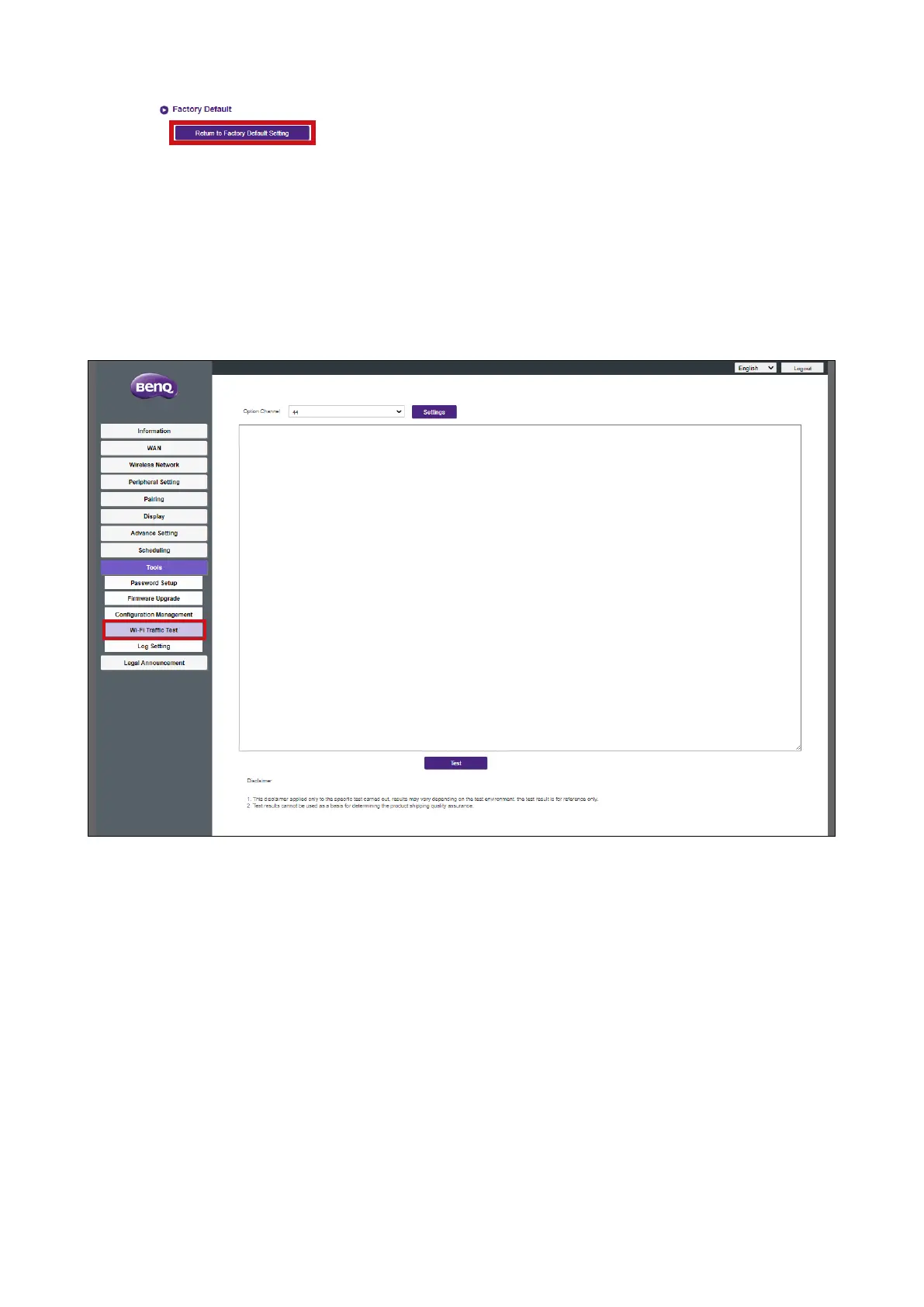
Wi-Fi Trafc Test
The Wi-Fi Traffic Test sub-menu allow you to test the speed of the connection between
your Host and the Button.
To test the speed of the connection follow the steps below:
1. Select the Button you want to test the connection speed for in the Option Button field.



 To Next Page