76
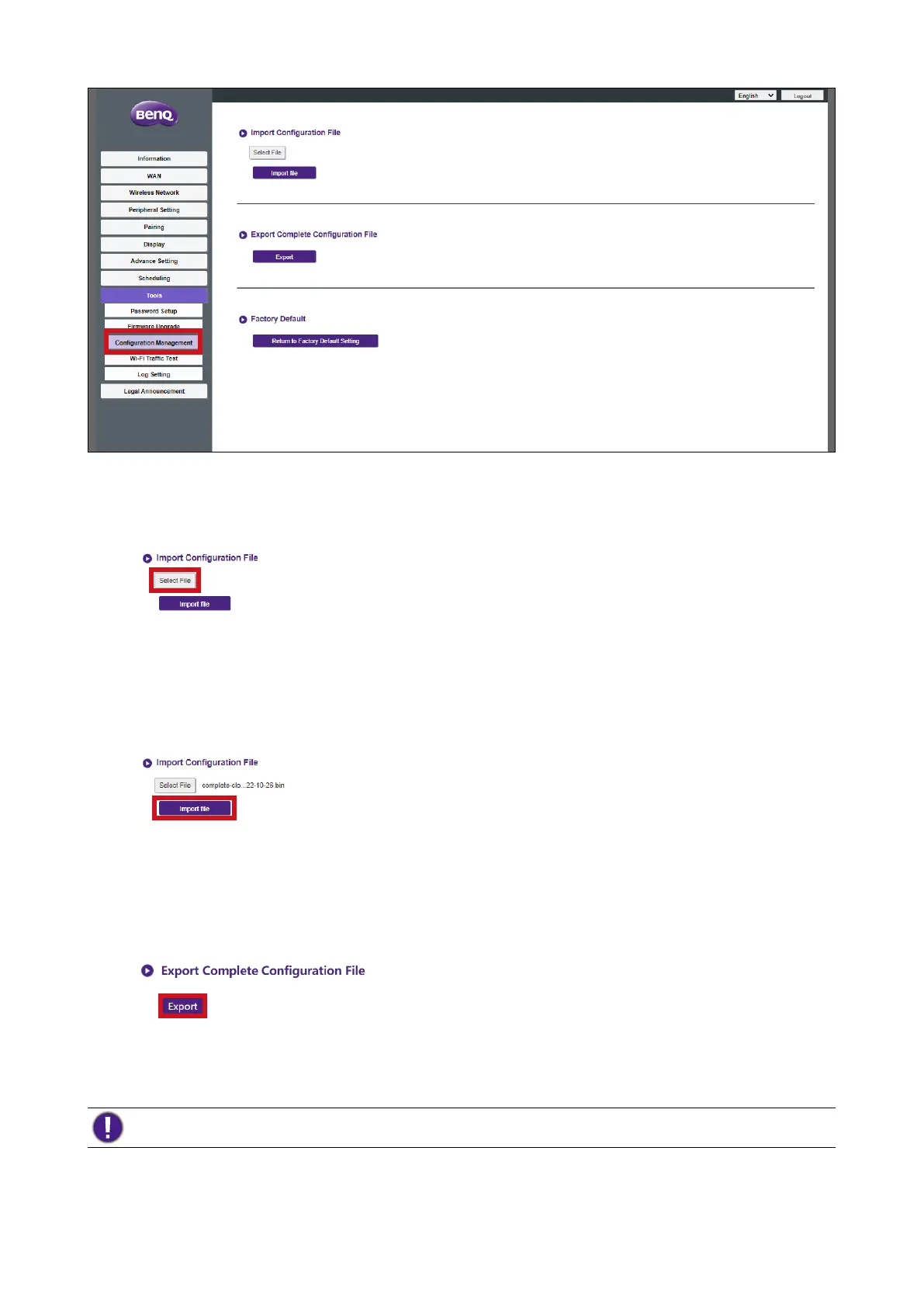
You can import configurations files by:
1. Clicking Select File in the Import Configuration File sub-menu.
2. Navigating to and selecting the configuration file you want to import from your local
computer.
3. Clicking Import File to choose the file to import.
You can export a full configuration backup in the Export Complete Configuration File sub-
menu by:
1. Clicking Export.
2. Navigating to the folder you want to save the backup file to in your local computer and
then choosing Save.
The exported configuration file can only be imported by the same Host that exported the file. The
configuration file cannot be imported by any other Hosts.
You can have the Host restore to Factory Default by clicking
Return to Factory Default Setting.



 To Next Page