11
bernette
SEWING MACHINE WORK
BOOK
The 'i' menu
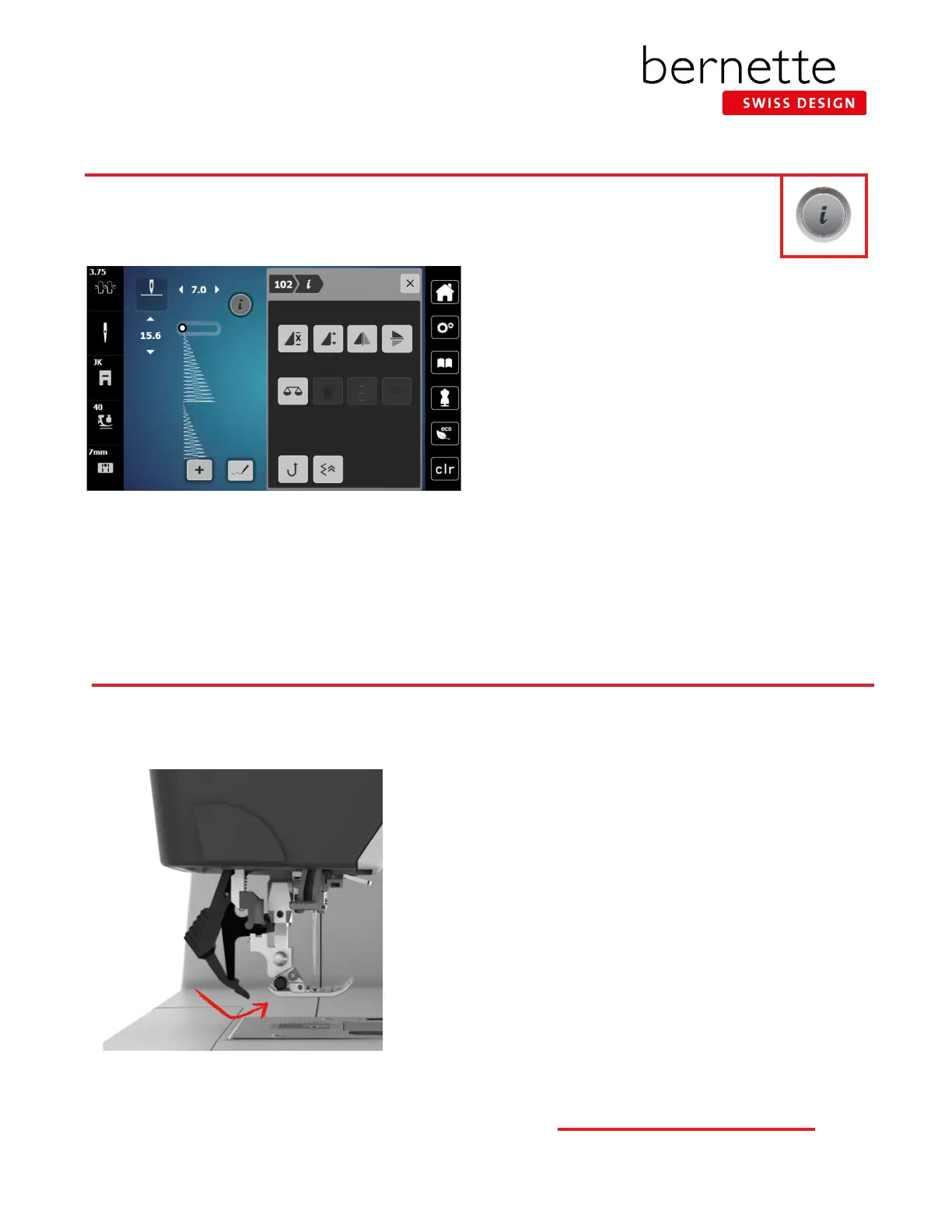
1. Select Stitch #102.
2. Touch the "i" to access the Information menu.
• Only icons relevant to the selected stitch are visible.
• A different set of icons is available for practical
stitches, decorative stitches, alphabets, quilting
stitches or buttonholes.
• When making multiple alterations within the "i"
menu, use breadcrumb navigation to stay within
the "i" menu until all changes have been set before
closing.
• Select the "i" in the breadcrumb path to go back one
level.
3. Touch the stitch number in the breadcrumb path to
return to the stitch selection menu.
All creative functions that can be applied to a stitch are accessed through the Information ("i") menu.
bernette Dual Feed
To engage dual feed:
1. Attach Zigzag Sole (DA).
2. Raise the presser foot.
3. Swing the Dual Feed mechanism forward under the
back of the presser foot until it clicks in position.
To disengage dual feed:
1. Raise the presser foot.
2. Pull down the Dual Feed mechanism and swing it to the
rear to disengage.
The Dual Feed feeds the fabric from above and from beneath simultaneously. This provides an even and careful feed forward
even for smooth and thin materials. Striped and checkered patterns can be matched perfectly by even feeding. Use only
presser feet with the back opening when engaging the Dual Feed mechanism.



 To Next Page