14
bernette
SEWING MACHINE WORK
BOOK
Permanent Reverse/Backstepping
NOTE:
• The Quick Reverse button on the machine can be programmed
in the setup menu to operate as Quick Reverse or Backstepping.
Firm woven fabric, 4” x 6”
Lightweight tear-away stabilizer 4” x 6”
80/12 Universal
Polyester or cotton embroidery thread
Default
Zigzag Sole (DA)-Dual Feed Engaged
Permanent (Continuous) Reverse sews the selected stitch
pattern in reverse.
Backstepping is more precise, as it will retrace the last 200
needle penetrations to give accurate stitch-by-stitch reverse
sewing.
This feature is great when you have a thread break or
unknowingly run out of bobbin thread. You can re-thread
and backstep to the exact location of the last sewn stitch.
1. Place the stabilizer behind the fabric.
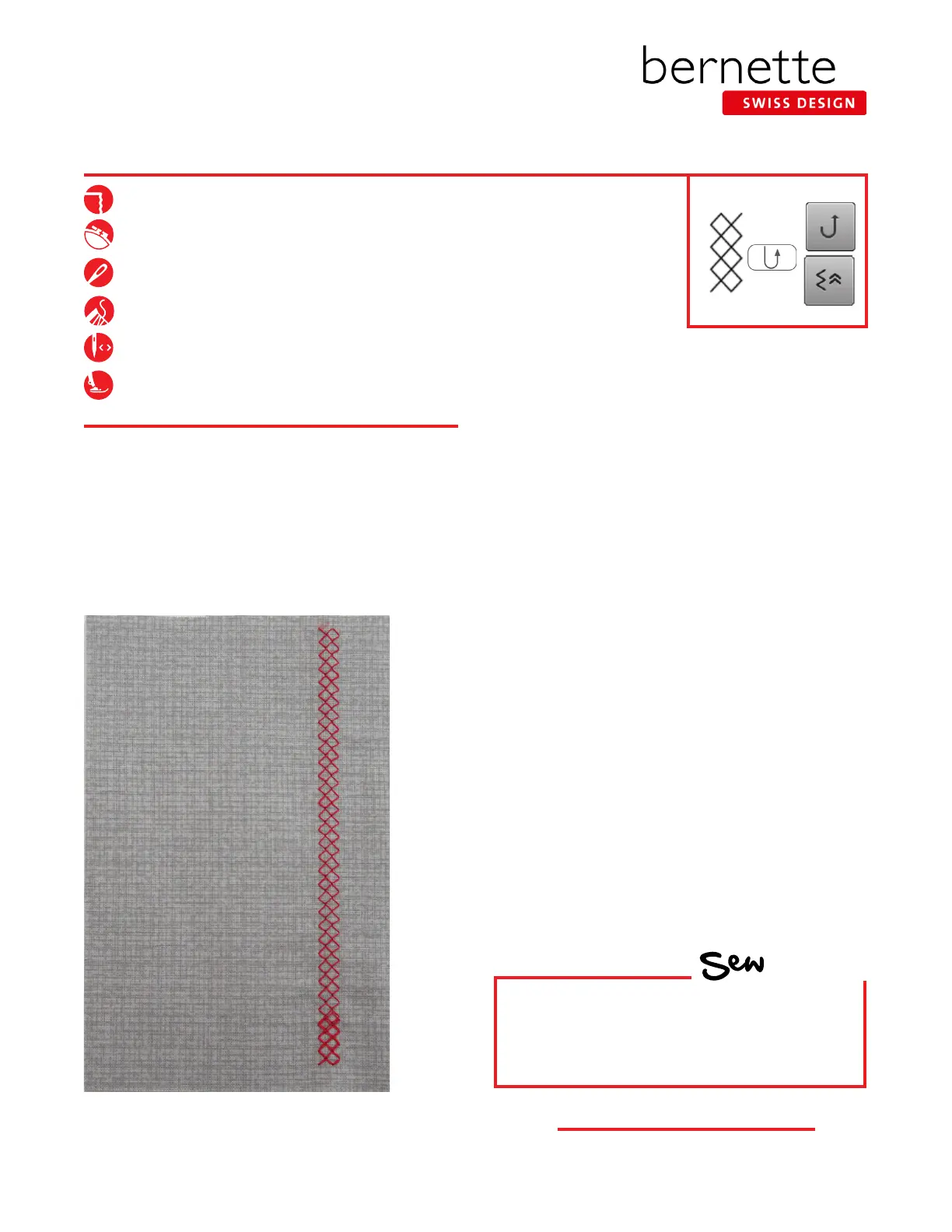
2. Select the Honeycomb Stitch #8. Engage the Needle
Stop Down function.
3. Stitch about two inches on the fabric and stop with the
needle down; do not move the fabric.
4. Select the "i" menu. From this menu, you can select
Permanent/Continuous Reverse or Backstepping:
• Permanent Reverse can be accessed either with
the button on the machine, or by selecting "i";
Permanent Reverse Sewing.
• Backstepping can be accessed by selecting "i";
Backstepping.
• Backstepping can also be accessed with the button
on the machine, depending on the setting.
5. Touch the Backstepping icon and continue stitching;
the machine will now stitch backward, forming the
stitches precisely on top of the previous ones.
6. Clip threads. Select the Backstepping icon again to
disengage the function.
HOW
Do you know how to:
• Sew backward on your model?



 To Next Page