15
bernette
SEWING MACHINE WORK
BOOK
Mirror Image/Pattern Repeat
Horizontal Mirror Image (Left/Right):
• Machine sews selected stitch in Horizontal Mirror Image.
• Right/left is determined by the sewing direction.
Vertical Mirror Image (Up/Down):
• Machine sews selected stitch in Vertical Mirror Image.
• Up/down is determined by the sewing direction.
Firm woven fabric, 4” x 6”
Lightweight tear-away stabilizer 4” x 6”
80/12 Universal
Polyester or cotton embroidery thread
Default
Embroidery Sole-Sewing (JK)
1. Attach Embroidery Sole JK.
2. Place stabilizer behind fabric.
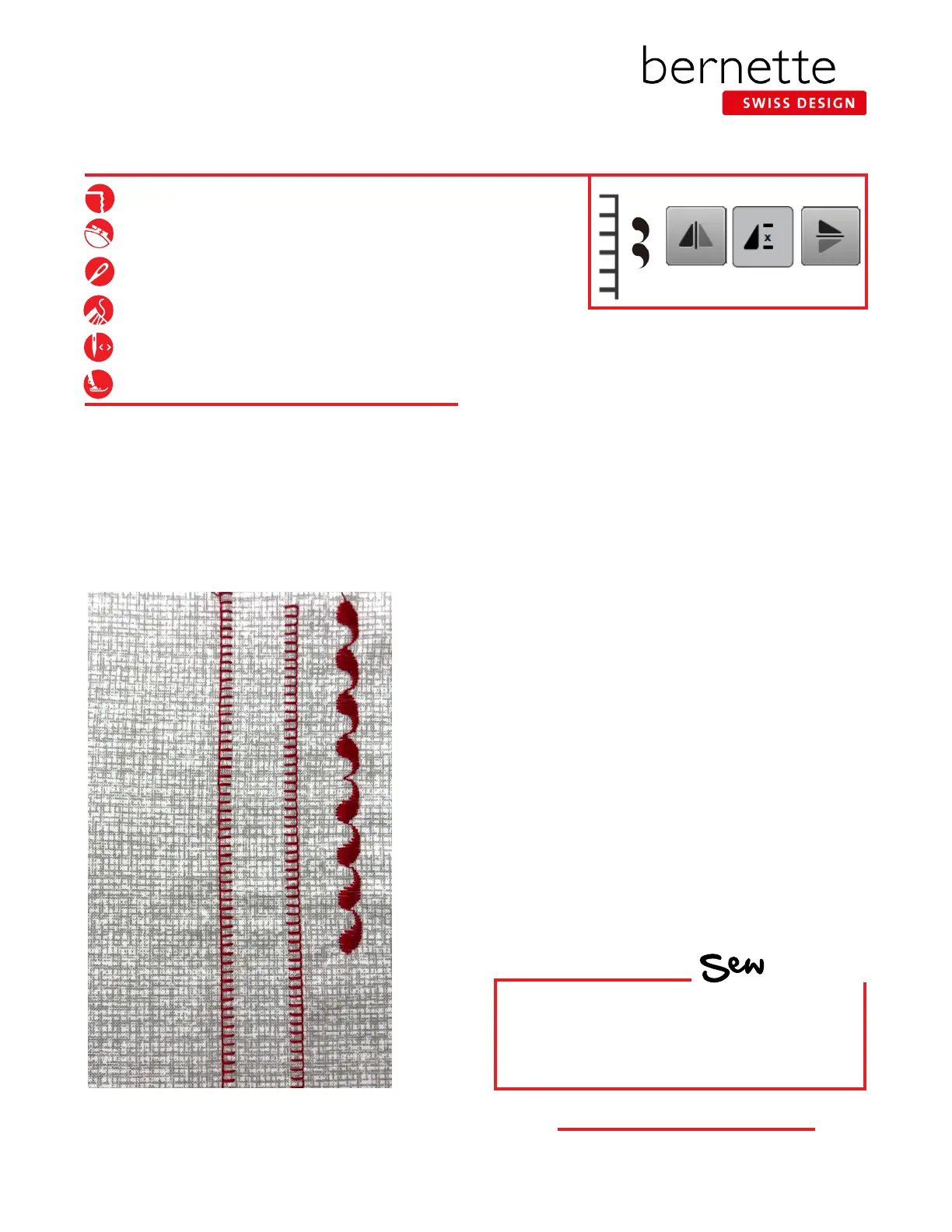
Left/Right Mirror Image:
1. Select Blanket Stitch #1008 from the Quilting Stitches
menu.
2. Sew one row down length of fabric.
3. Engage Mirror Image Left/Right and sew a second row
next to the rst, using the side of the presser foot for
spacing.
Pattern Repeat:
1. Select Stitch #113.
2. Select the "i". Change Pattern Repeat to 4x.
Up/Down Mirror Image:
1. Stitch one stitch pattern for a total of 4 paisleys. The
machine will stop when the stitch pattern is complete.
Tip: To make sure you have a complete pattern,
depress the foot control and do not lift your foot until
the machine stops.
2. Engage Mirror Image Up/Down. The entire stitch
pattern of four paisleys will be mirror imaged.
3. Stitch one stitch pattern for a total of four paisleys.
HOW
Do you know how to:
• Tell the difference between Mirror Image
Left/Right and Up/Down functions?
• Engage Pattern Repeat?



 To Next Page