101
BSR
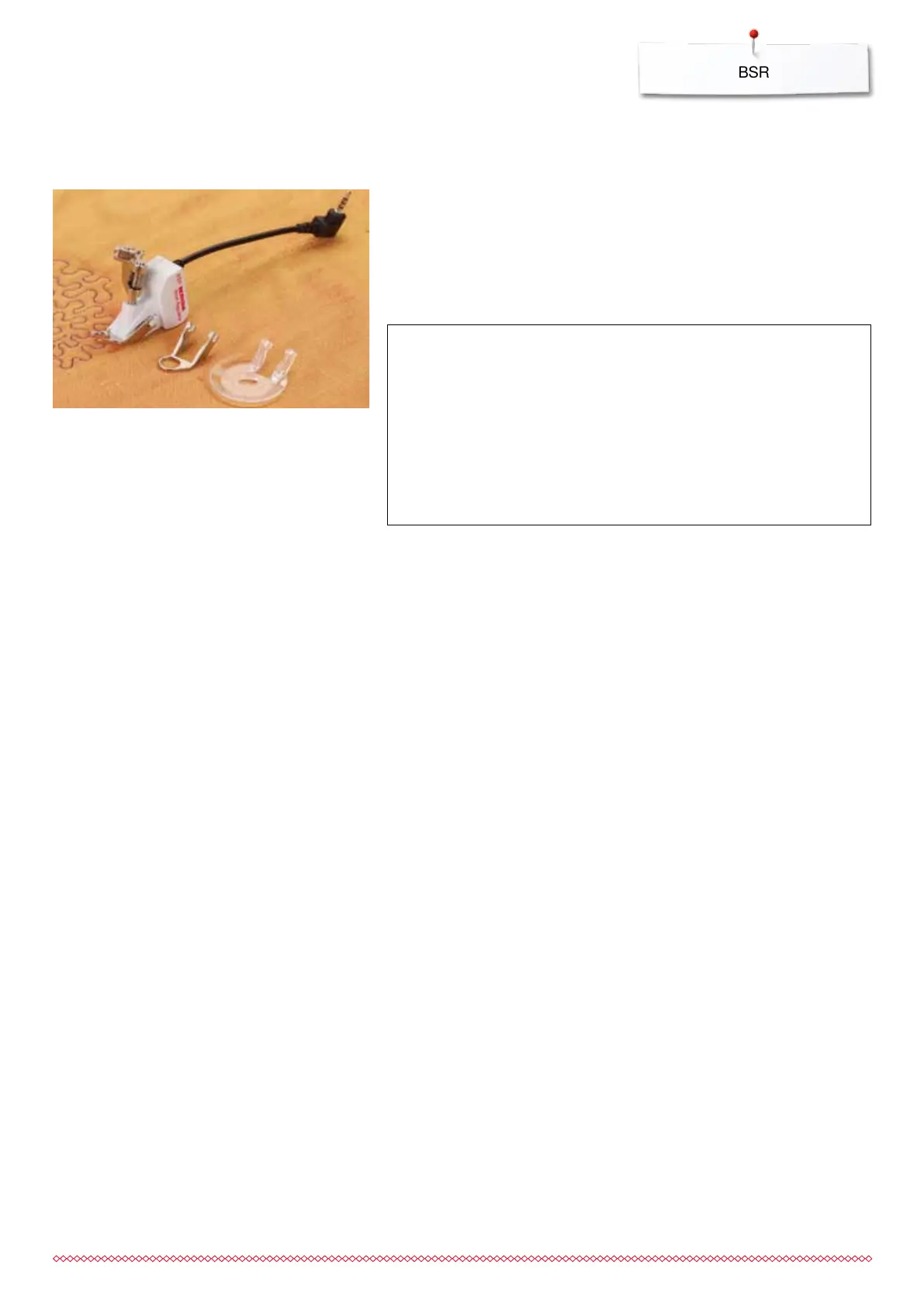
BSR (BERNINA Stitch Regulator) (optional accessory)
Quilting with BSR
BSR-Function
The BSR presser foot reacts to the movement of the fabric under the foot and
controls the speed of the sewing computer up to the maximum speed possible.
The following applies: the faster the fabric is moved, the higher the speed of
the sewing computer.
If the fabric is moved too fast, an accoustic signal (beep sound) is heard, if the
Beeper is activated (see page 104).
BSR function with straight stitch No. 1
This function using the BSR presser foot, allows for free-motion quilting
(sewing) using the straight stitch and a pre-selected stitch length up to 4mm.
The regulated set stitch length is maintained within a certain speed,
independent of the movement of the fabric.
BSR function with zig-zag No. 2
The zig-zag can be used e.g. for thread painting. The set stitch length will not
be maintained when sewing with the zigzag stitch, but the BSR function
simplifies the application.
There are:
Two different BSR modes
BSR 1-Mode is the active standard
the sewing computer runs continuously at a reduced motor speed, as soon
as the foot control or the «Start/Stop»-button is pressed
the speed of the sewing computer is regulated by the movement of the
fabric
through continuous needle movement, securing in the same position is
possible without pressing an additional button
BSR 2-Mode is activated by selecting the «BSR 2»-icon in the «BSR»-
display
the sewing computer will only engage if the foot control or the «Start/
Stop»-button is pressed and the fabric is moved simultaneously
the speed of the sewing computer is regulated by the movement of the
fabric
to secure press the «Securing function»-button
by selecting the «BSR 1»-icon in the «BSR»-display Mode 1 is activated
ATTENTION!
As long as the BSR presser foot is illuminated red, adjustments
like threading and changing the needle, for example, must not
be carried out, as the needle will engage while fabric is moved
unintentionally! Without fabric feed the BSR mode is turned off
after approx. 7 seconds and the red light goes off (mode 1).
Please refer to Safety Instructions!
By activating the BSR function the sewing computer sews
either continuously at reduced speed (mode 1, standard), or as
soon as the fabric is moved (mode 2).
033805.51.04_2014-02_Manual_B710_EN



 To Next Page