48
Setup Program
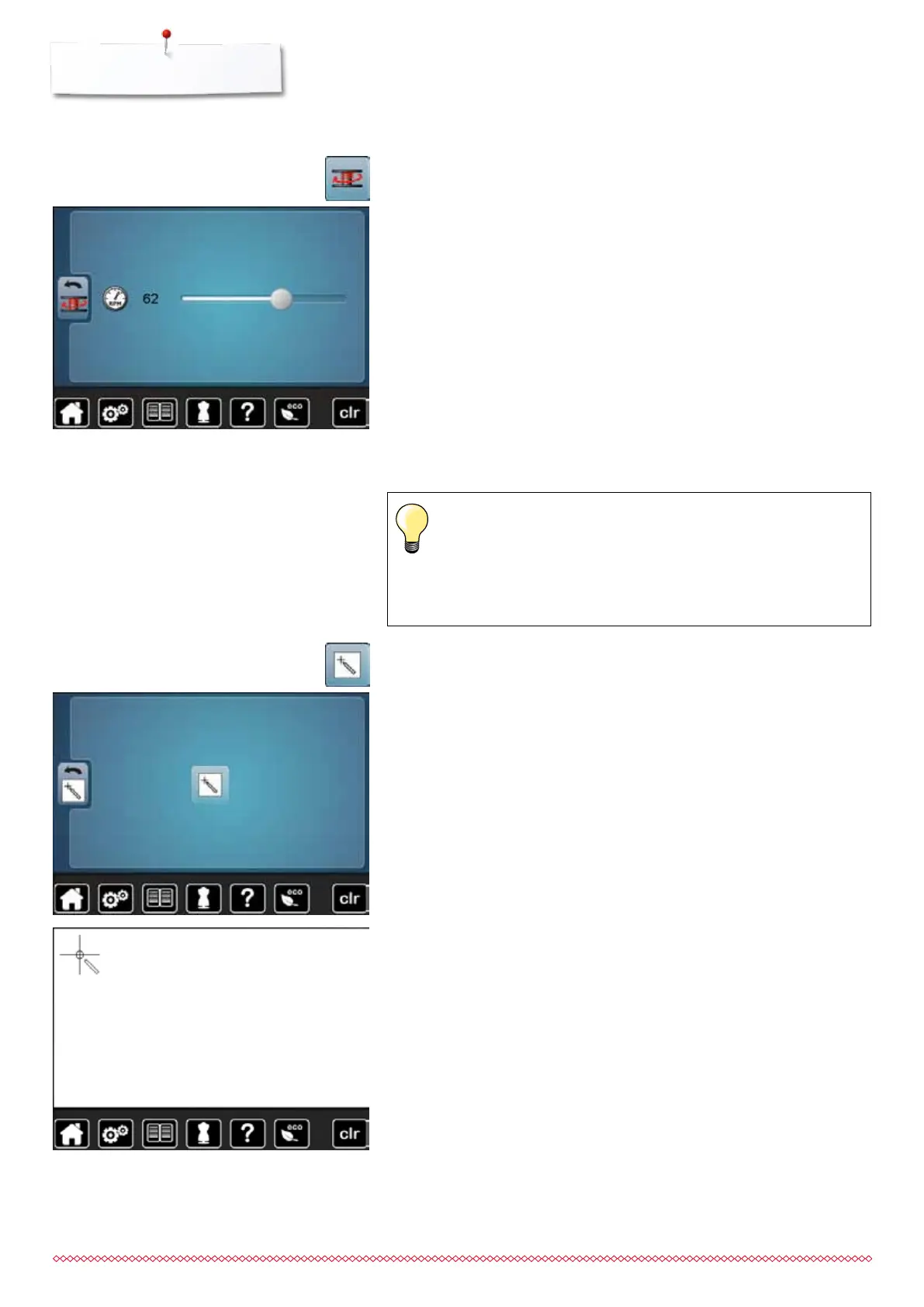
Display Calibration
The Display calibration can be opened as follows:
⦁
turn off the sewing computer
⦁
touch the two needle positioning buttons on the front panel and
keep them pressed
⦁
turn on the sewing computer and release the buttons as soon as
the Display appears
⦁
touch the calibration icon
⦁
touch the center of the cross using a blunt pen
►
the cross moves to the next position
⦁
repeat this until all three positions shown are calibrated
►
the Display is closed
►
the calibration is saved
⦁
touch «Display calibration»-icon
Altering the winding speed
⦁
move round knob in the Display to the left/right using the finger or
⦁
turn the stitch width knob
►
the winding speed is changed
⦁
touch «Winding speed»-icon
033805.51.04_2014-02_Manual_B710_EN



 To Next Page