116
Combi mode
1
Deleting Stitch Patterns
Deleting individual stitches
⦁
touch the «Delete»-icon
►
stitch pattern above the cursor are deleted
⦁
touch the «Delete»-icon as many times until the stitch altering area is empty
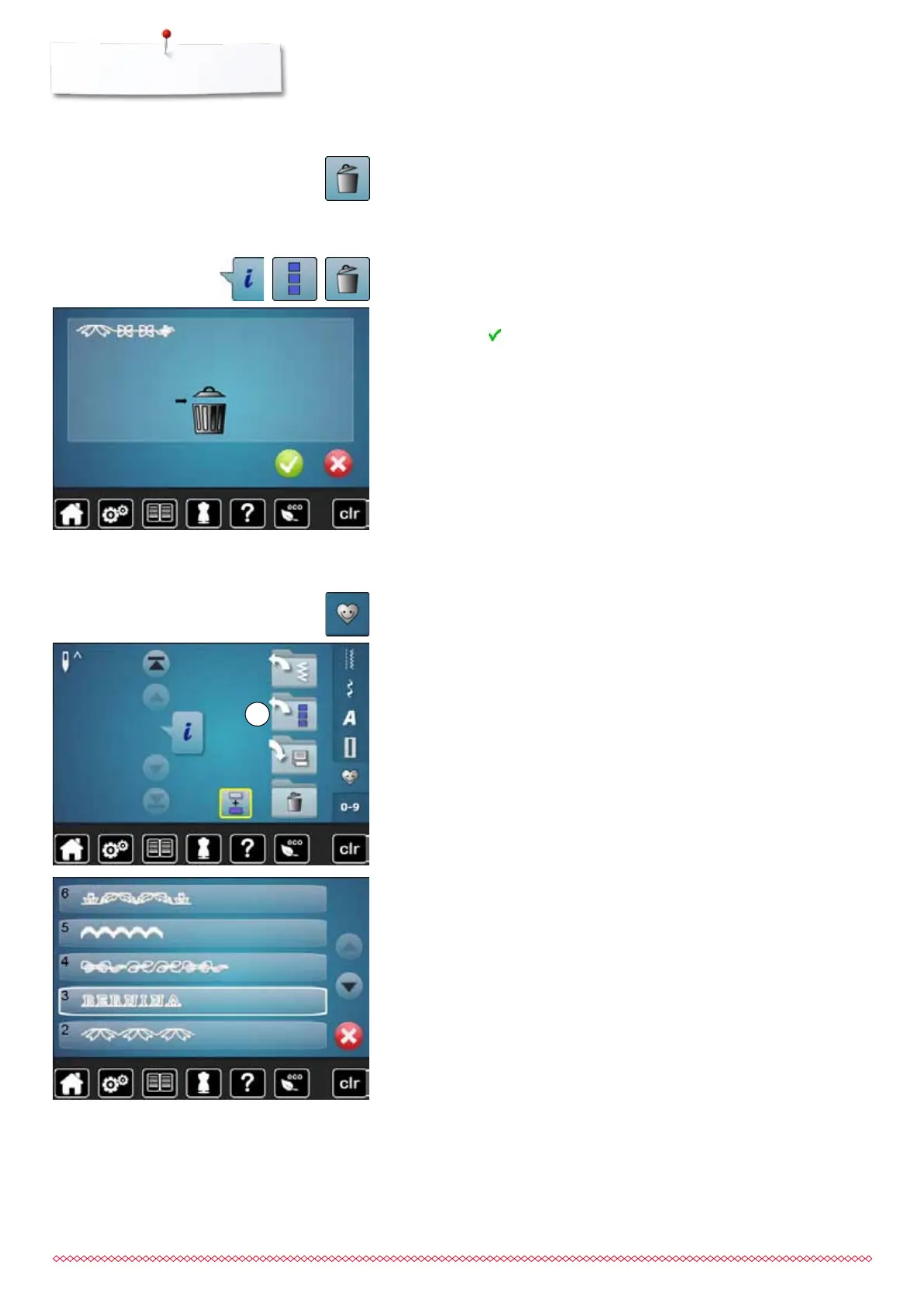
Deleting entire combination
⦁
touch «i»-icon
⦁
touch «Edit the complete combination»-icon
⦁
touch the «Delete»-icon
⦁
confirm with
►
the stitch altering area is empty
⦁
touch «Back»-icon
⦁
a new pattern combination can be programmed
⦁
touch «Memory»-button
⦁
touch «Open»-icon 1
►
a summary of the saved combinations appears
⦁
touch the desired drawer
►
the saved combination appears in the stitch altering area
Opening a saved combination
033805.51.04_2014-02_Manual_B710_EN



 To Next Page