35
Functions - Display
Security program
⦁
touch icon
⦁
touch «Needle»- or «Stitch plate»-icon
Overview Needle:
⦁
touch desired «Needle»-icon
►
stitch width is limited automatically
►
this prevents the inserted special needle (double
needle etc.) from hitting the presser foot or the
stitch plate = no needle breakage
►
numbers in the needle icons show the needle
distance in mm
⦁
touch «Standard needle»-icon
►
the standard needle is activated again
►
stitch width limitation is deactivated
Overview Stitch plates:
⦁
touch the desired «Stitch plate»-icon
►
stitch width is limited automatically
►
this prevents the inserted needle from hitting
the presser foot or the stitch plate = no needle
breakage
The function remains active even when the sewing
computer is turned off and on.
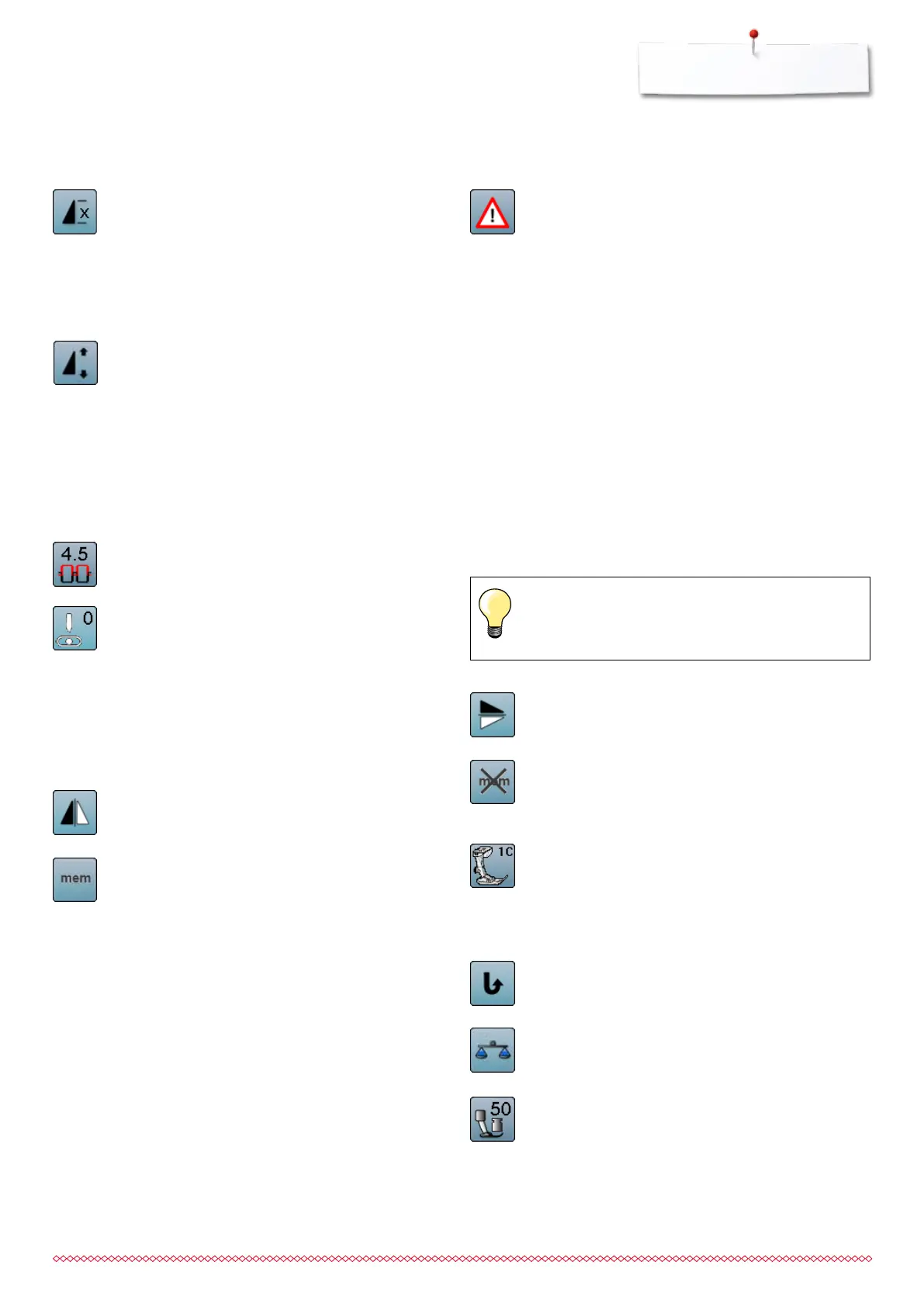
Mirror image up/down
The sewing computer sews the stitch pattern mirrored
up/down referring to the sewing direction.
Clear saved setting to default
⦁
touch icon
►
any alterations of the selected stitch pattern are
reset to basic setting
Presser foot indicator
⦁
touch icon
►
the Display is opened showing the optional presser
feet for the selected stitch pattern
⦁
touch «Back»-icon
►
the Display is closed
Permanent reverse sewing
The sewing computer sews the selected stitch pattern
in reverse.
Balance
Balances forward and reverse stitches.
Presser foot pressure
⦁
alter presser foot pressure
►
the respective value is visible in the icon
Pattern repeat
⦁
touch icon 1x
►
number 1 appears: the sewing computer stops at
the end of a single stitch or a stitch combination
⦁
touch icon 2-9x
►
numbers 2-9 appear: the sewing computer stops
after the selected repeats of single stitches or a
stitch combination
Altering pattern length
⦁
move the round knob in the Display using the finger
►
pattern length (Standard = 100%) is infinitely
variable
⦁
extend or shorten in 1%-steps using the arrow
icons or
⦁
touch «Pattern length»-icon
►
the pattern length is extended in 100%-steps
Maximum length is 1000%, shortest length is 10%.
Some stitch patterns are limited and cannot be
extended to 1000%.
Upper thread tension
⦁
change upper thread tension
►
the respective value is visible in the icon
Needle position
⦁
move the needle position to the left or to the right
touching the arrow buttons left/right or using the
finger
⦁
keep arrow button pressed
►
quick moving of the needle
►
the needle position is displayed in the
yellow-framed icon
⦁
touch yellow-framed icon
►
the needle moves to the middle (position 0)
Mirror image (Left/Right)
The sewing computer sews the stitch pattern mirrored,
left/right referring to the sewing direction.
Personal memory permanent
⦁
select a stitch pattern and alter e.g. stitch length or
stitch width
⦁
touch icon
►
the altered stitch pattern is saved
If the straight stitch plate is activated, the stitch width
cannot be altered.
033805.51.04_2014-02_Manual_B710_EN



 To Next Page