37
Functions - Display
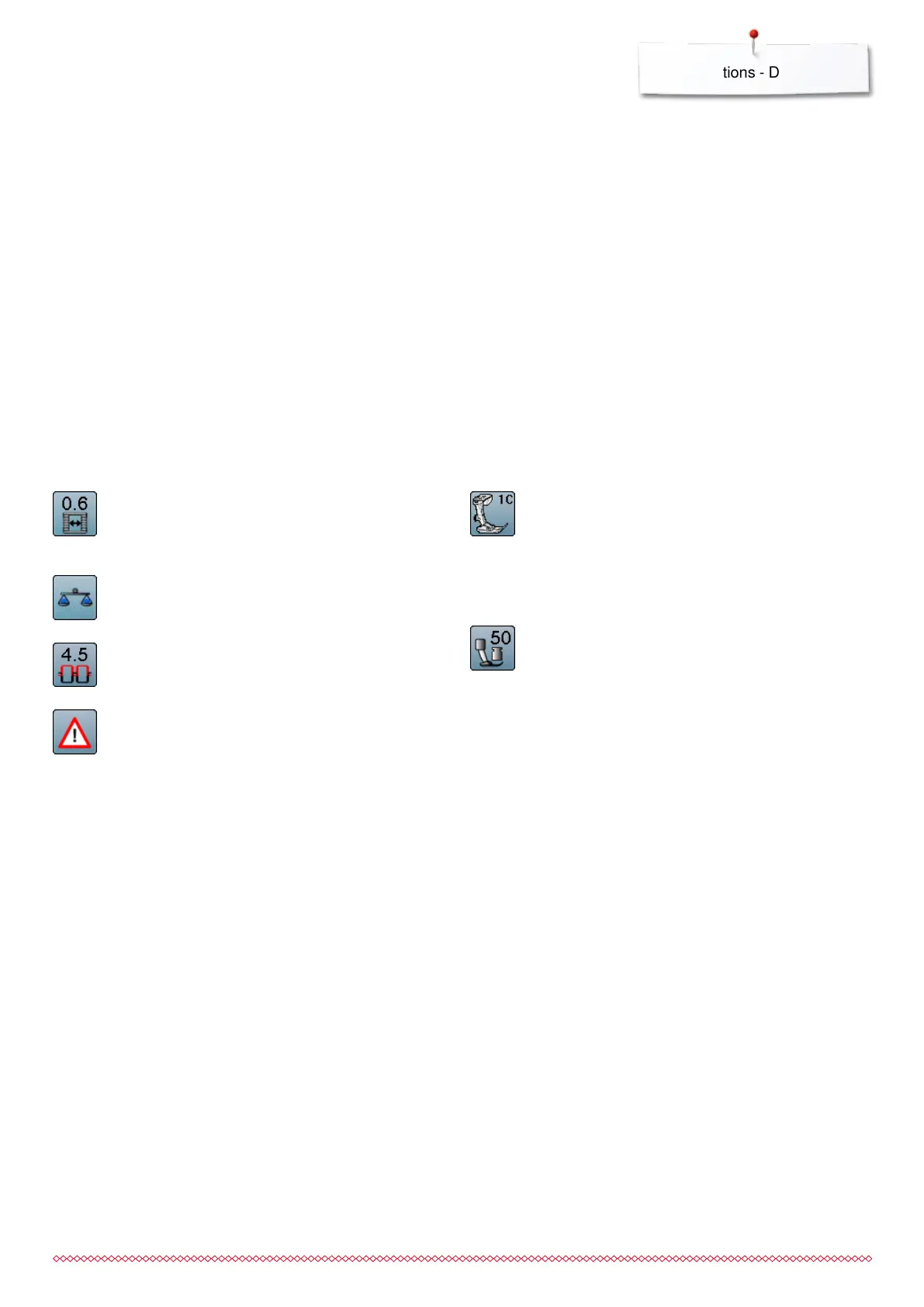
Buttonhole slit width
⦁
set the buttonhole slit width to between 0.1mm and
2.0mm using the stitch width or the stitch length
knob or the arrow icons
Balance
Balances forward and reverse stitches.
Upper thread tension
⦁
change upper thread tension
►
the respective value is visible in the icon
Security program
⦁
touch icon
⦁
touch «Needle»- or «Stitch plate»-icon
Overview Needles:
⦁
touch desired «Needle»-icon
►
the stitch width is limited automatically
►
this prevents the inserted special needle (double
needle etc.) from hitting the presser foot or the
stitch plate = no needle breakage
►
numbers in the needle icons indicate the needle
distance in mm
⦁
touch the «Standard needle»-icon
►
the standard needle is activated again
►
stitch width limitation is deactivated
Overview Stitch plates:
⦁
touch desired «Stitch plate»-icon
►
the stitch width is limited automatically
►
prevents the inserted needle from hitting
the presser foot or the stitch plate = no needle
breakage
The function remains active even when the sewing
computer is turned off and on.
Presser foot indicator
⦁
touch icon
►
the recommended presser foot is displayed
►
the active Display shows the optional presser feet
for the selected stitch pattern
⦁
touch «Back»-icon
►
the Display is closed
Presser foot pressure
⦁
alter presser foot pressure
►
the respective value is visible in the icon
033805.51.04_2014-02_Manual_B710_EN



 To Next Page