43
Functions - Display
1
2
3
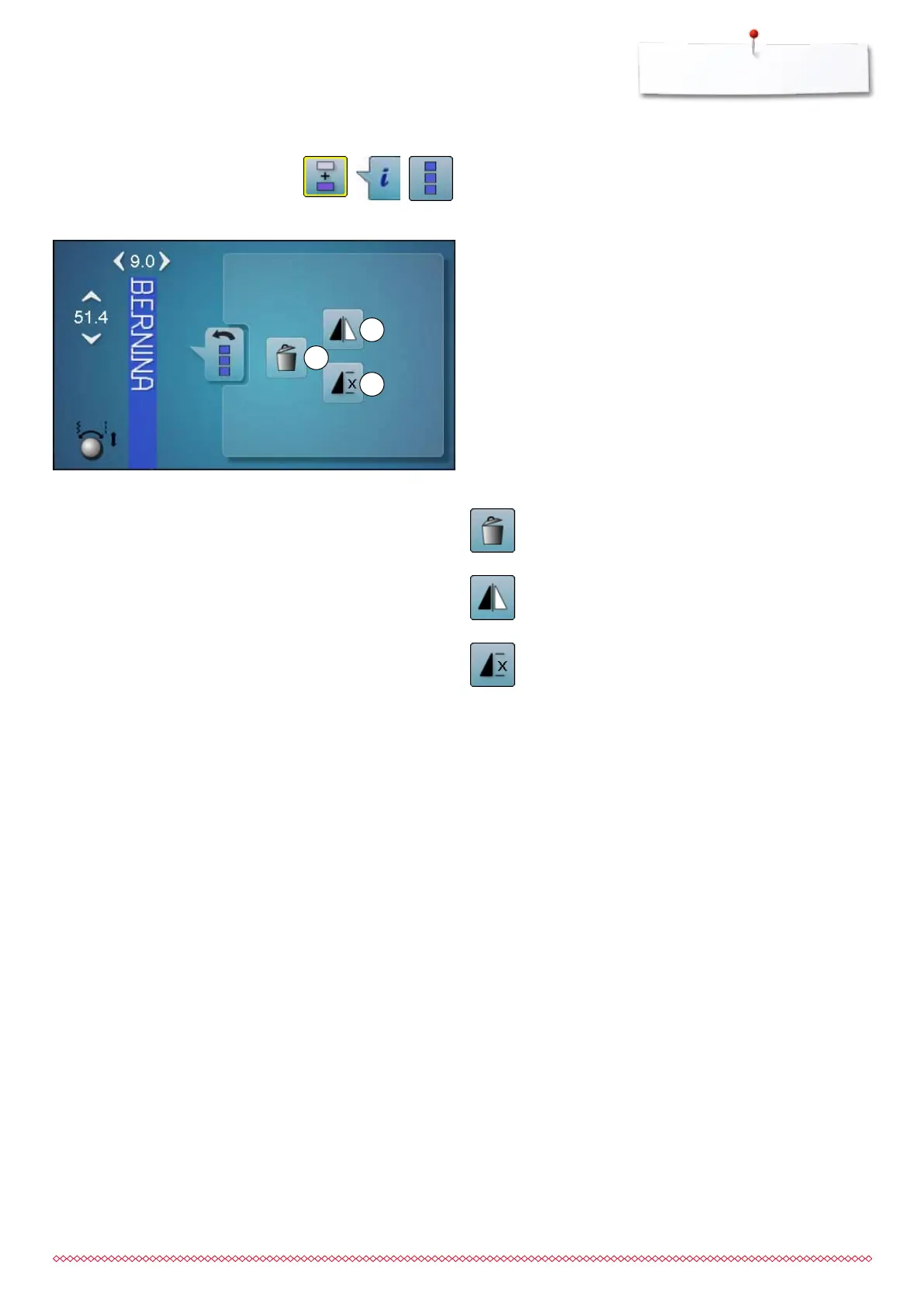
Functions
1 Deleting
2 Mirror Image (Left/Right)
3 Combination repeat
⦁
touch «Combi mode»-icon
⦁
select stitch pattern
⦁
touch «i»-icon
⦁
touch «Edit whole combination»-icon
Deleting
Deletes the whole combination.
Mirror image (Left/Right)
The sewing computer sews the whole combination
mirrored, left/right referring to the sewing direction.
Combination repeat
⦁
touch icon 1x
►
number 1 appears: the sewing computer stops at
the end of a pattern combination
⦁
touch icon 2-9x
►
numbers 2-9 appear: the sewing computer stops at
the end of a stitch combination after the selected
number of repeats
033805.51.04_2014-02_Manual_B710_EN



 To Next Page