Buttonholes
112
> Step5 appears by tapping «Scroll down».
– The machine sews the second bead.
> Stop the machine at the level of the last stitch of the first bead.
> Step6 appears by tapping «Scroll down».
– The machine sews the lower bartack and stops automatically.
> Step7 appears by tapping «Scroll down».
– The machine secures and stops automatically.
9.13 Sewing the manual 5-step buttonhole
The length of the buttonhole is determined manually when sewing. The bartack, eye and securing stitches
are preprogrammed. The individual steps can also be selected by scrolling using the arrow icons or by
pressing the button «Quick Reverse».
Prerequisite:
• The Buttonhole Foot#3 is fitted.
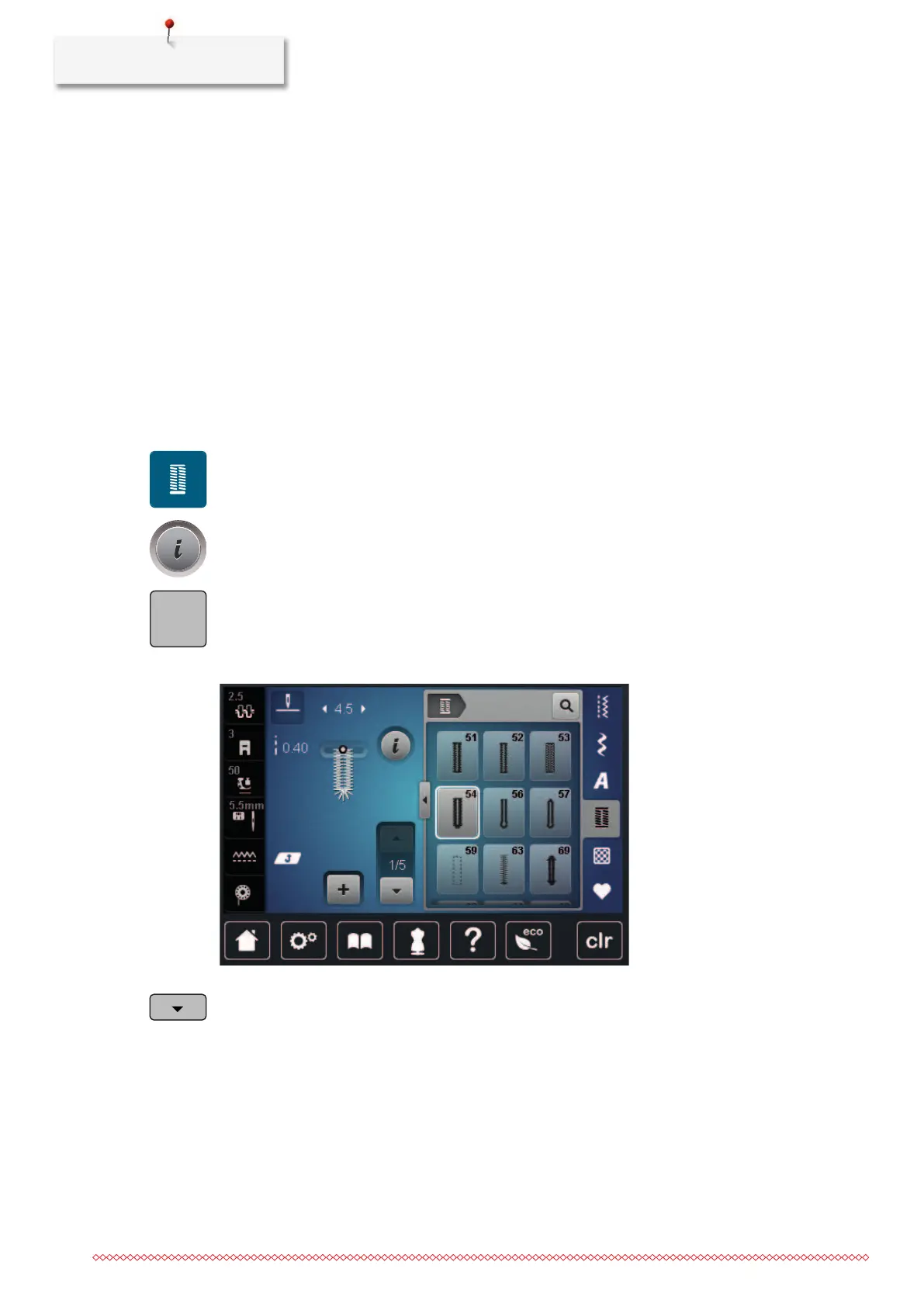
> Tap «Buttonholes».
> Select Round buttonhole with normal bartackNo.54.
> Tap «i-Dialog».
> Tap «Manual Length Adjustment».
– Step 1 is activated in the display for the start of the buttonhole.
> Sew the required length of the buttonhole.
– Step 2 is activated.
> Stop when the required length of the bead or length marking is reached.
> Step3 appears by tapping «Scroll down».
> The machine sews the curve or the eye and stops automatically.
> Step 4 appears by tapping «Scroll down».
– The machine sews the second bead in reverse.
> Stop the machine at the level of the first stitch at the beginning of the buttonhole.
> Step5 appears by tapping «Scroll down».
– The machine sews the upper bartack and secures automatically.



 To Next Page